

EV Charging

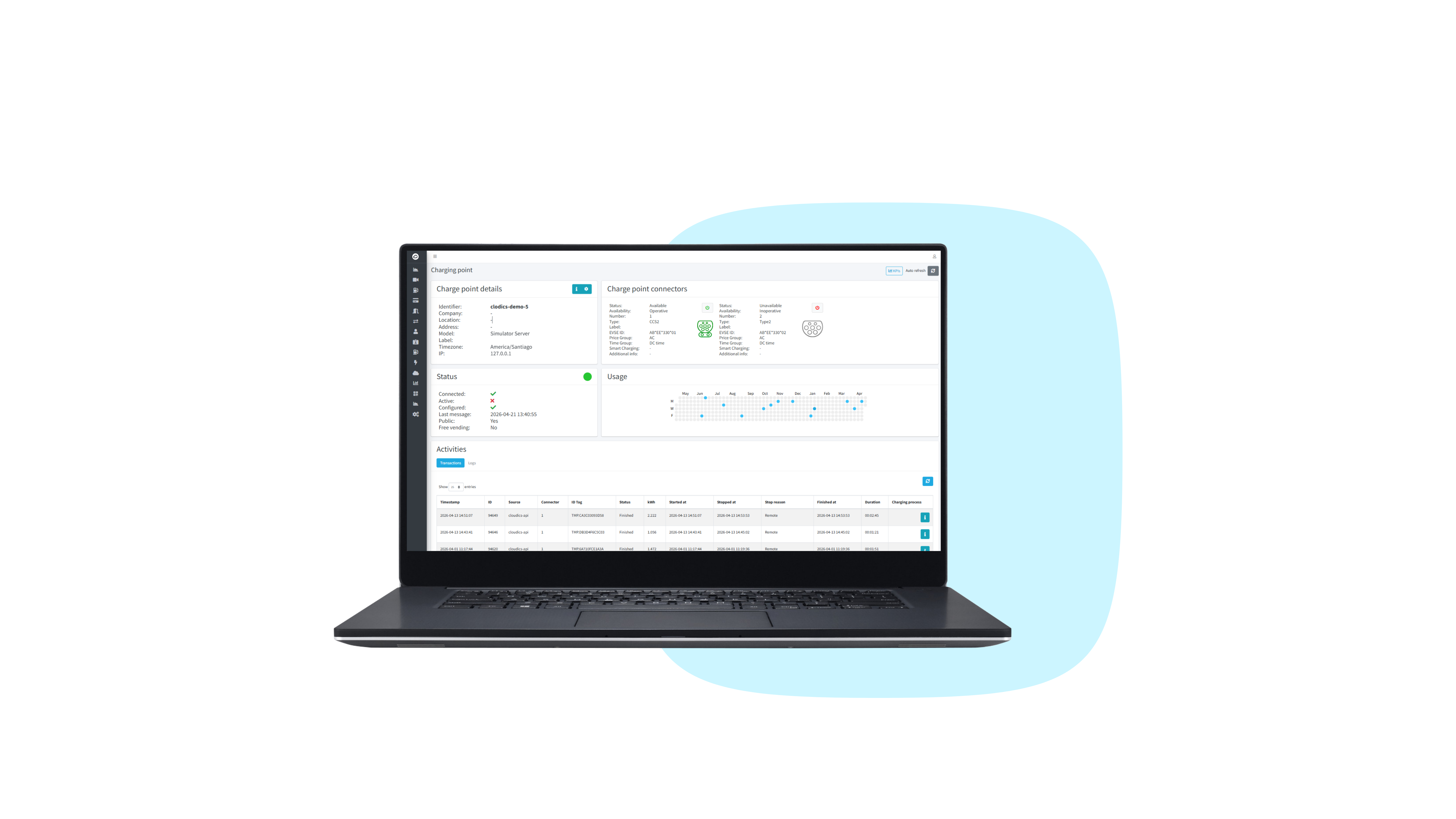
  • 1. Charge Point Details 

    View and analyse detailed OCPP level logs
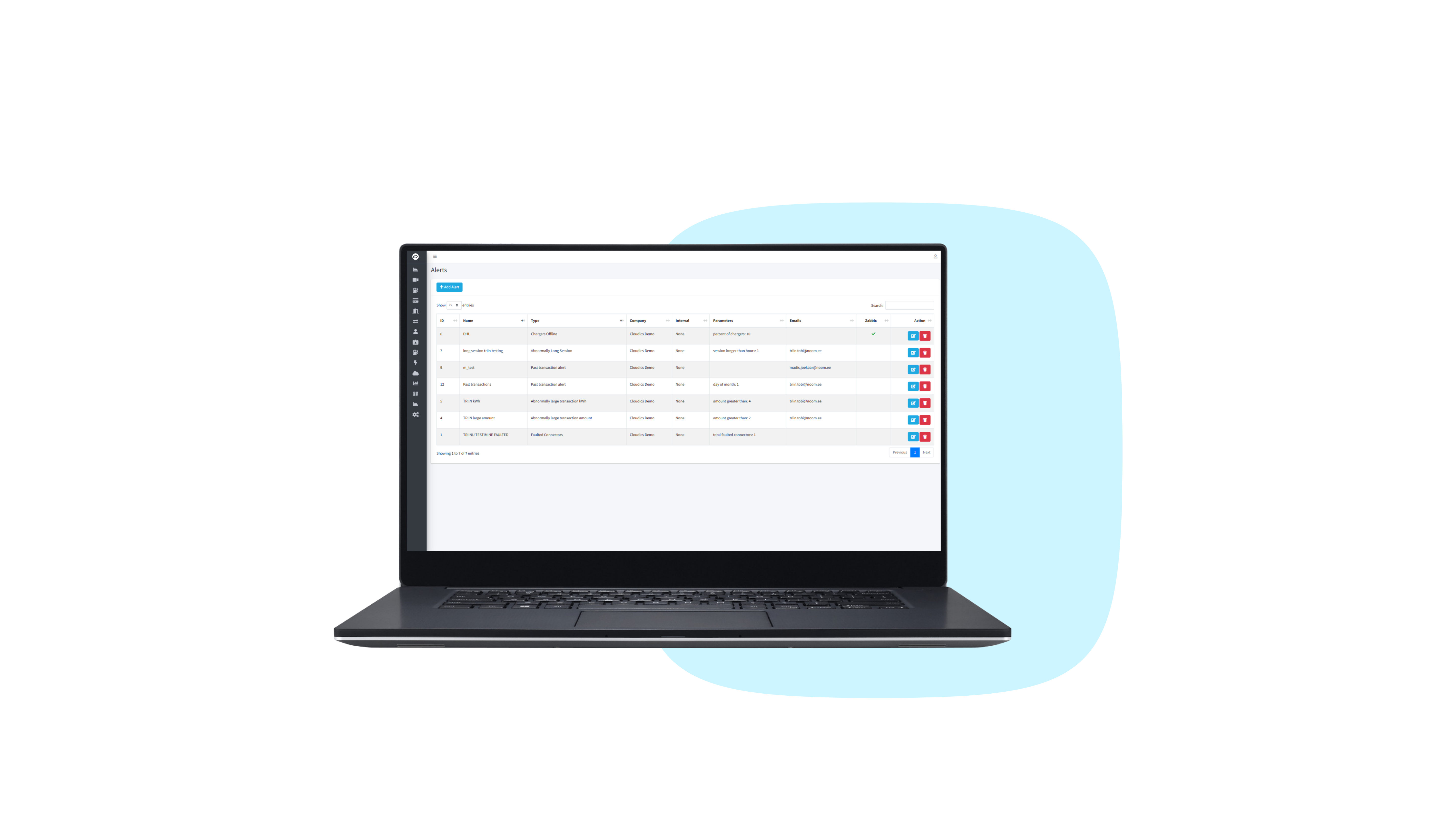
  • 2. Alerting Module  

    Real-time alerts for quick issue response

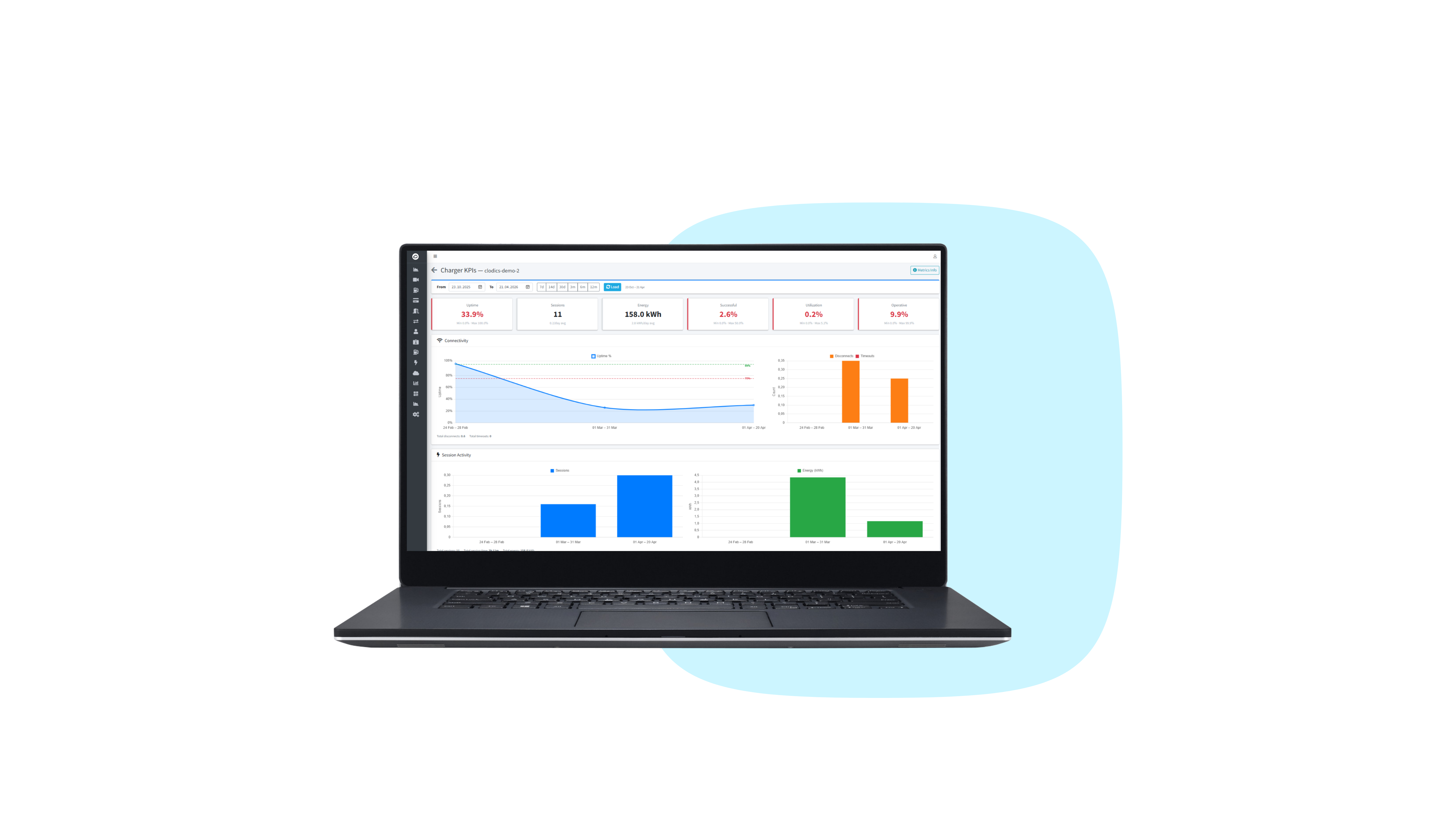
  • 3. KPI Reports

    Track reliability with key uptime metrics

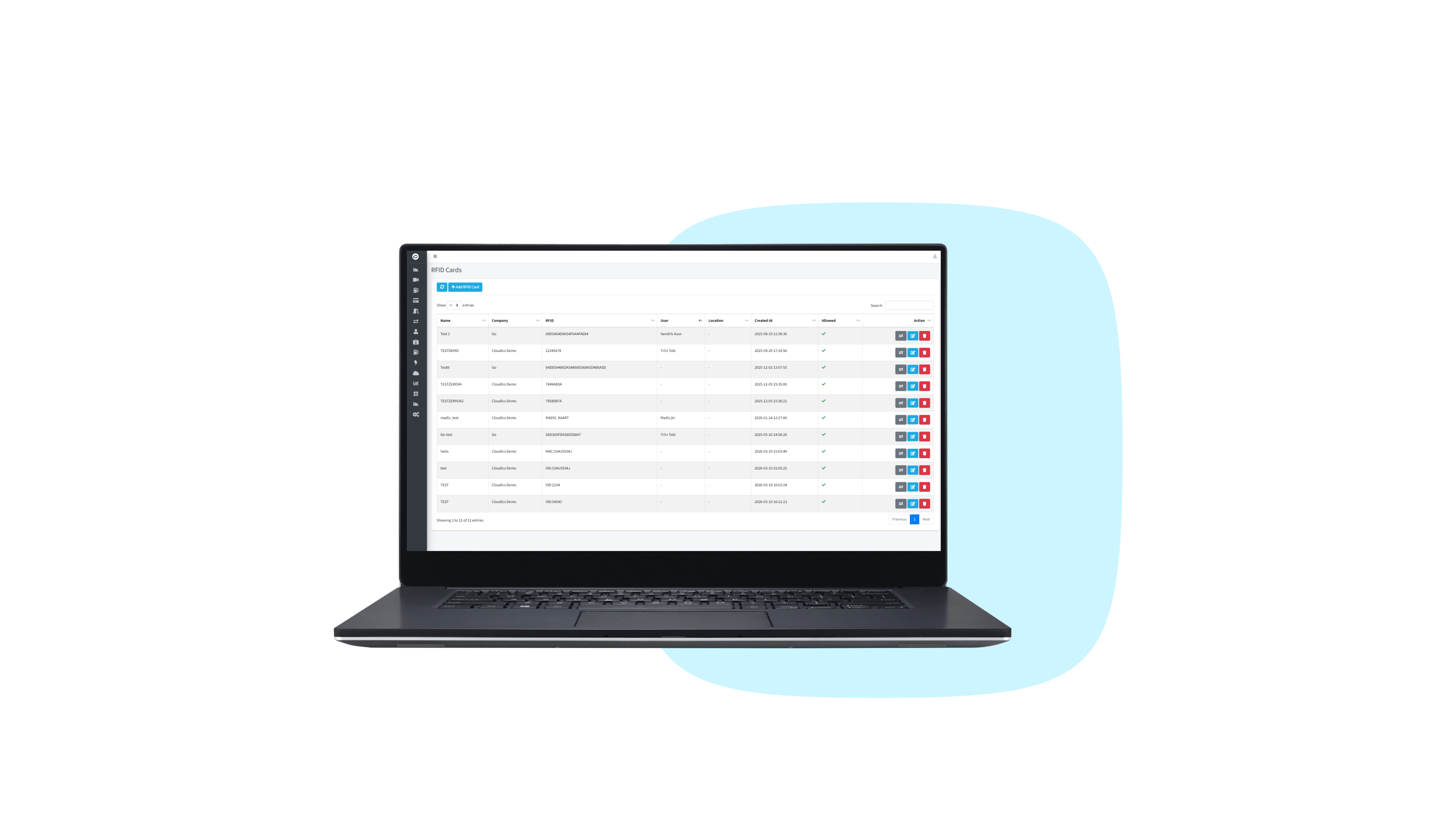
  • 4. RFID Management

    Easily manage and link RFID tokens to app users

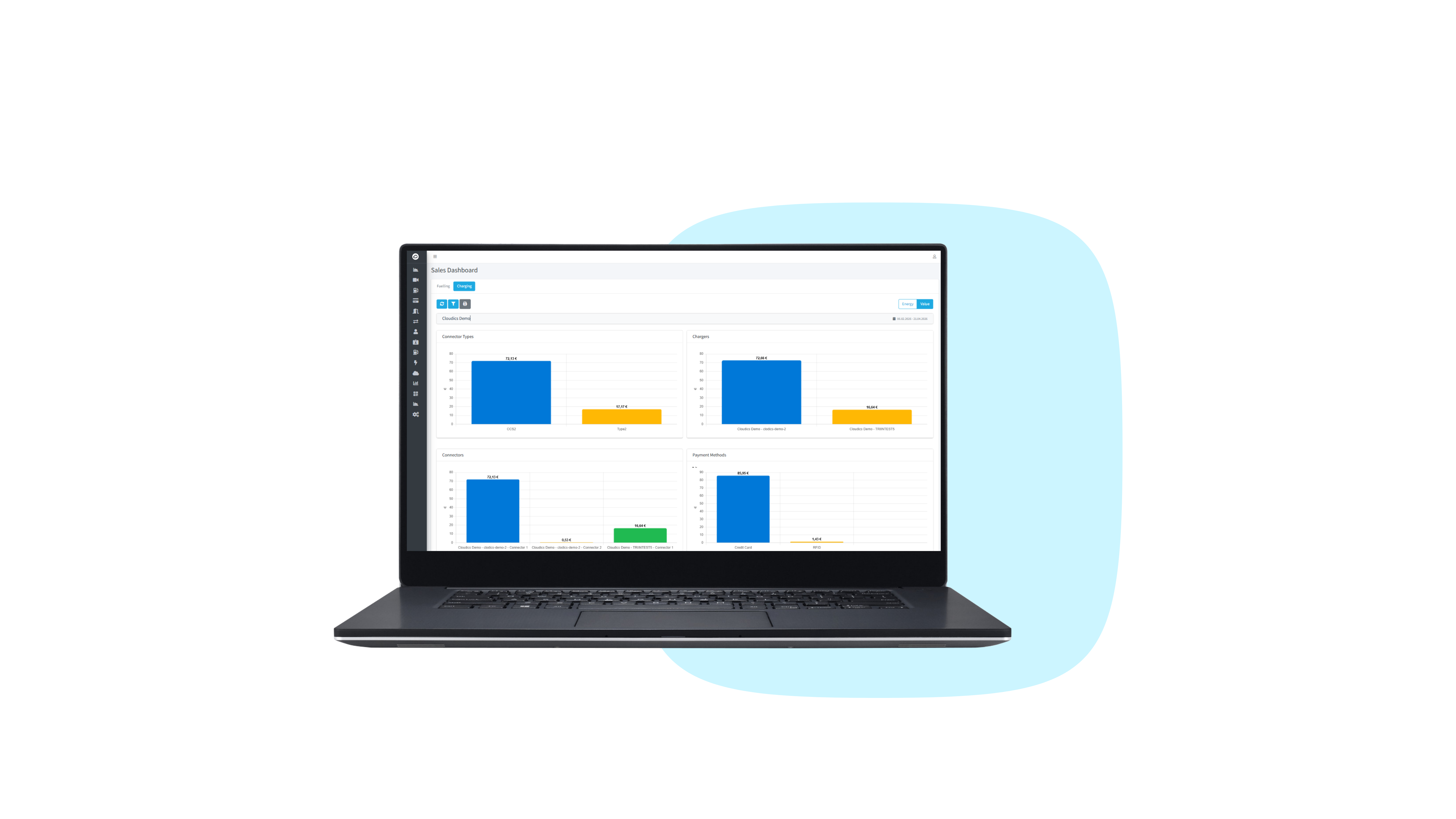
  • 5. Sales Dashboard

    Management‑ready, exportable sales dashboards 

Parking

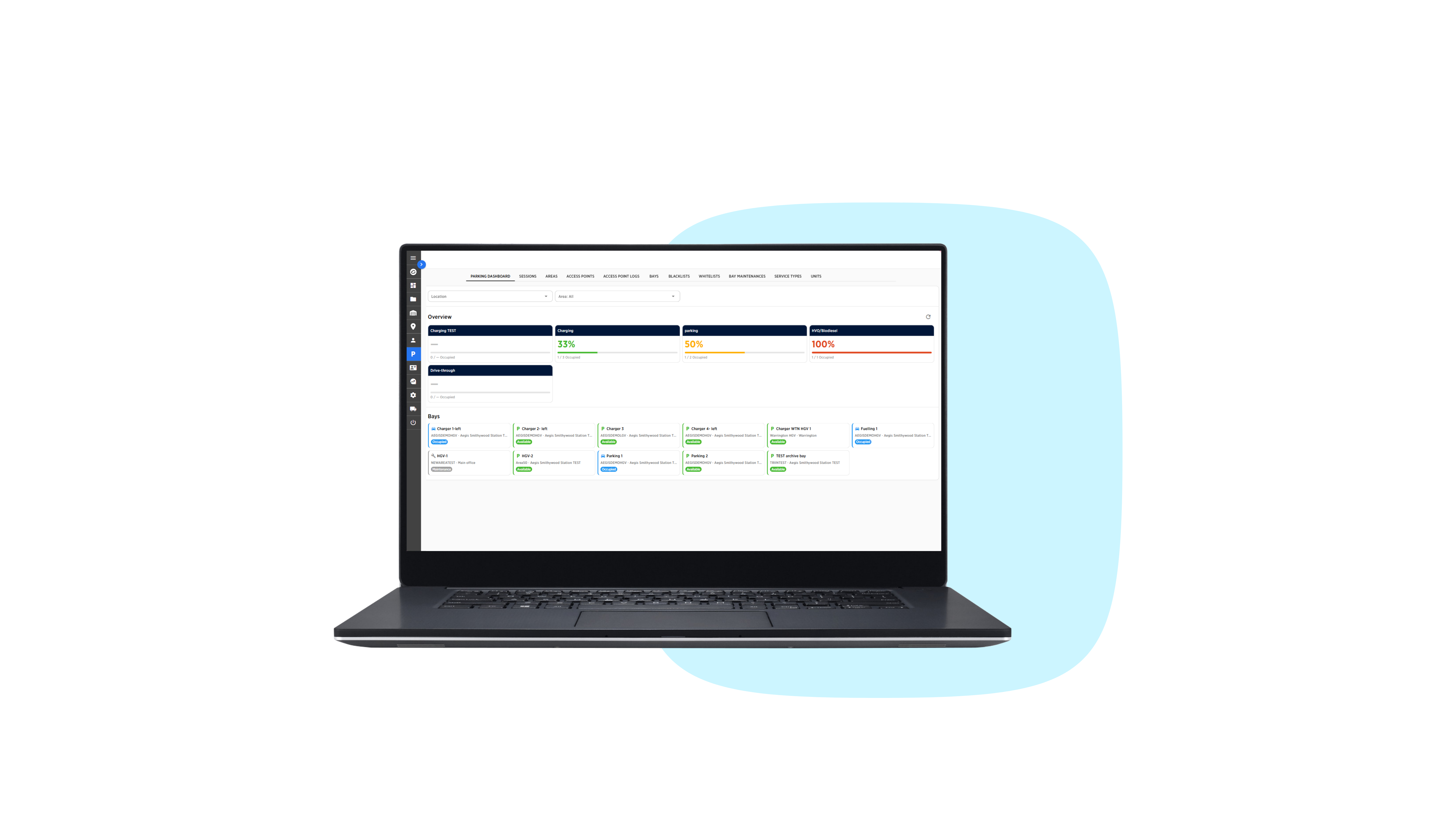
  • 1. Parking Dashboard  

    Real-time dashboard showing parking bay availability
  • 2. Smart Bay Allocation  

    Automatic bay assignment by availability and status

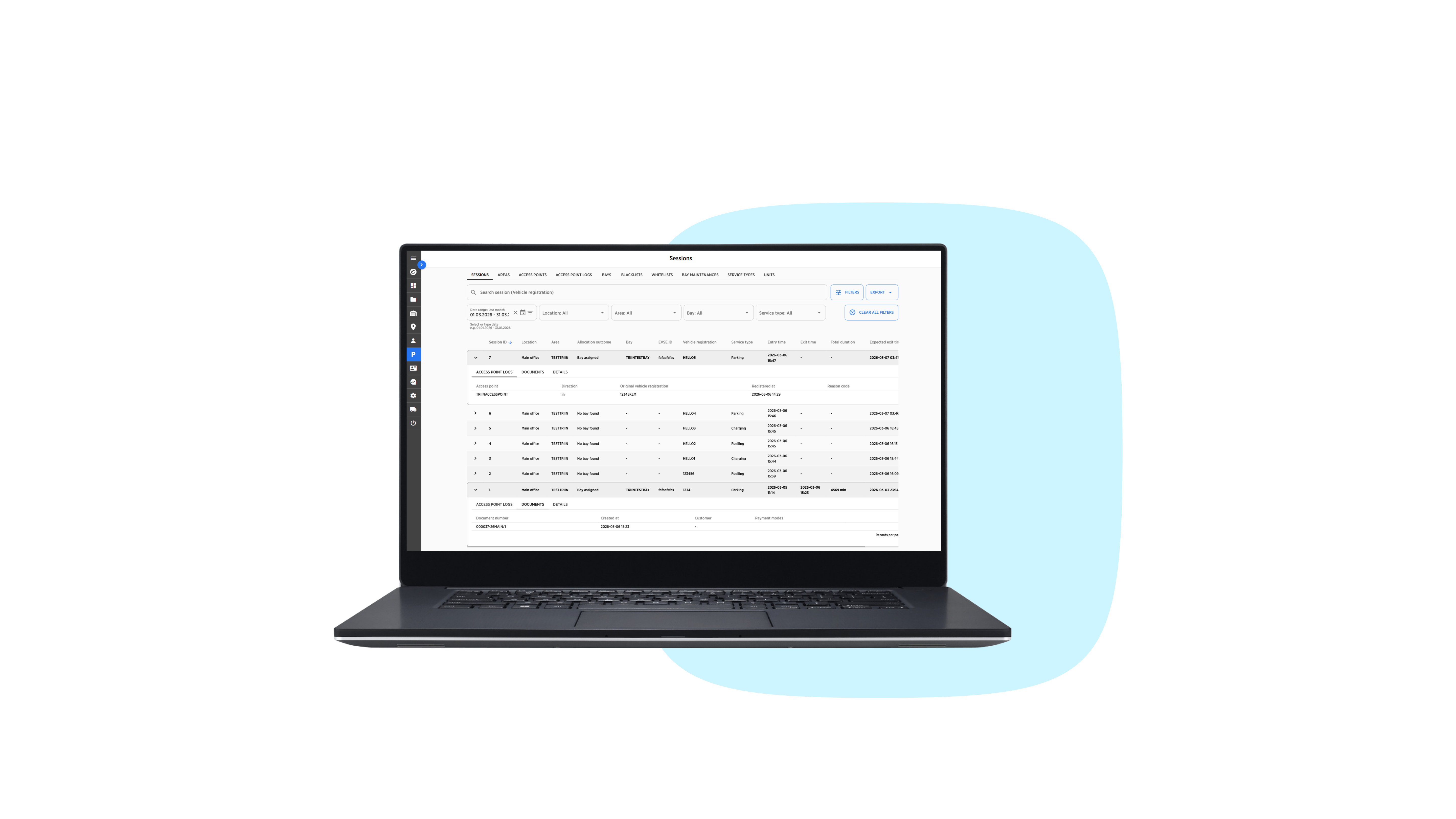
  • 3. Detailed Session Information 

    View and export essential session data

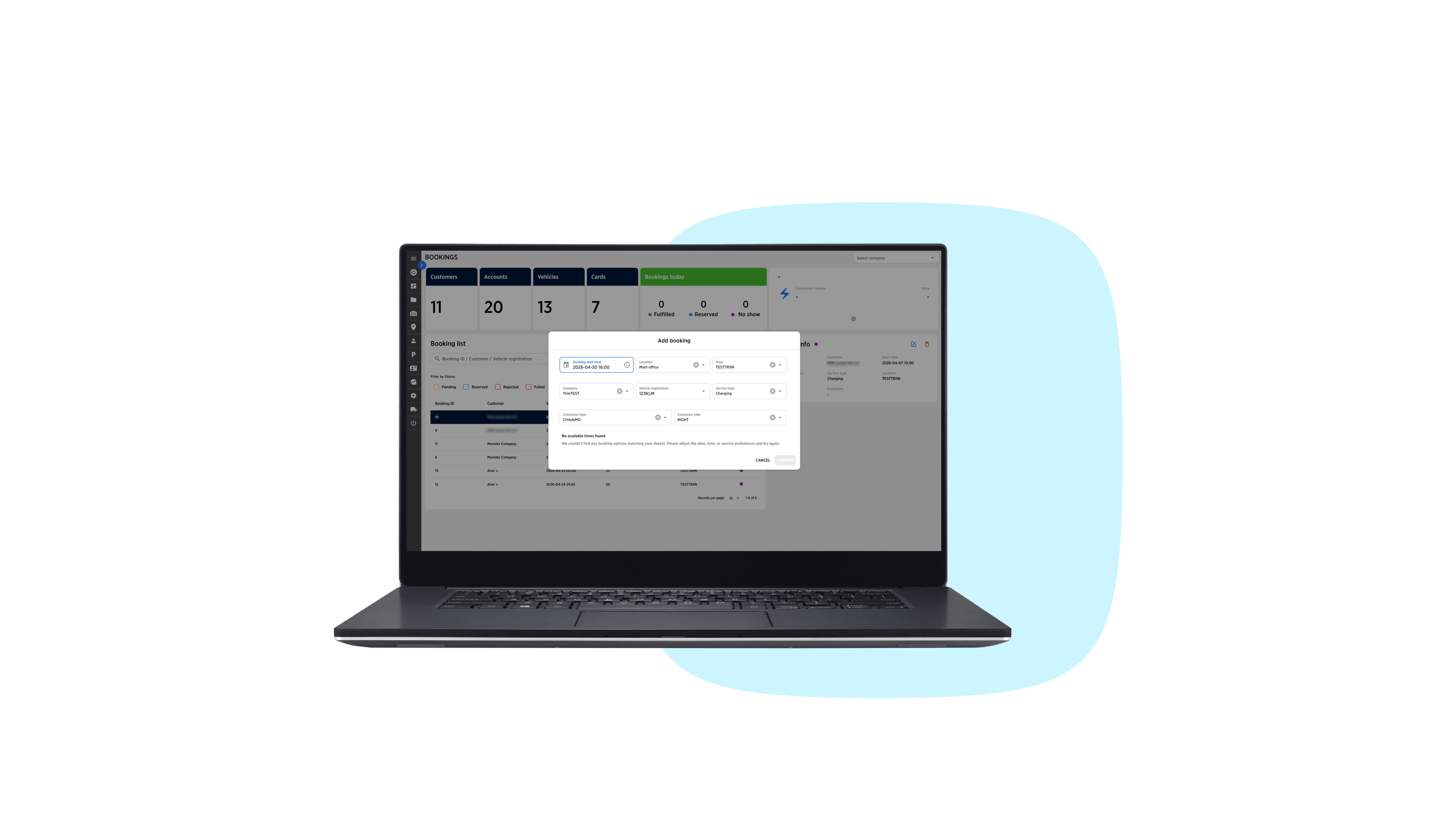
  • 4. Advanced Booking 

    Reserve bays in advance to guarantee availability

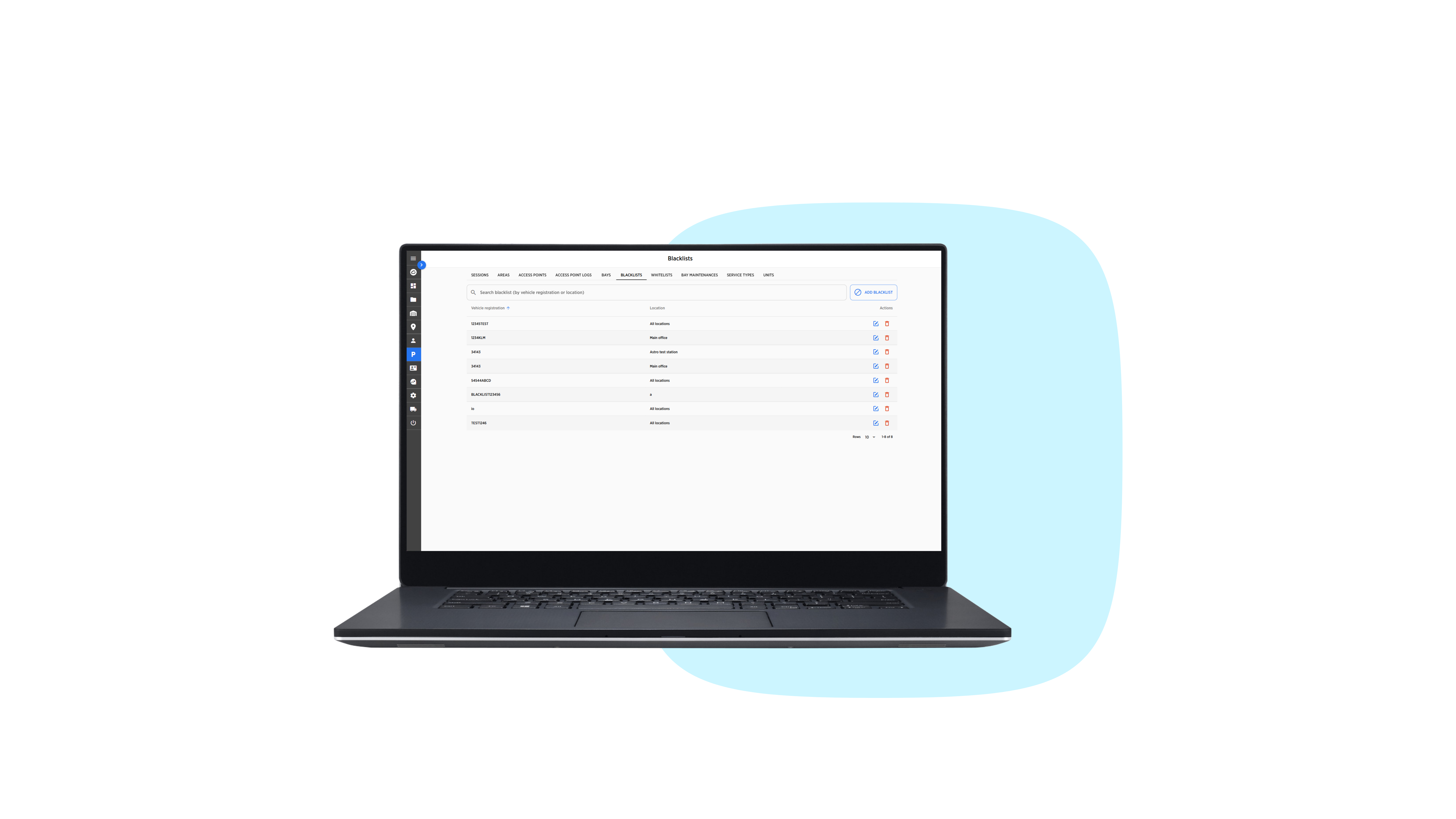
  • 5. Blacklists & Whitelists 

    Manage access through customisable blacklists and whitelists

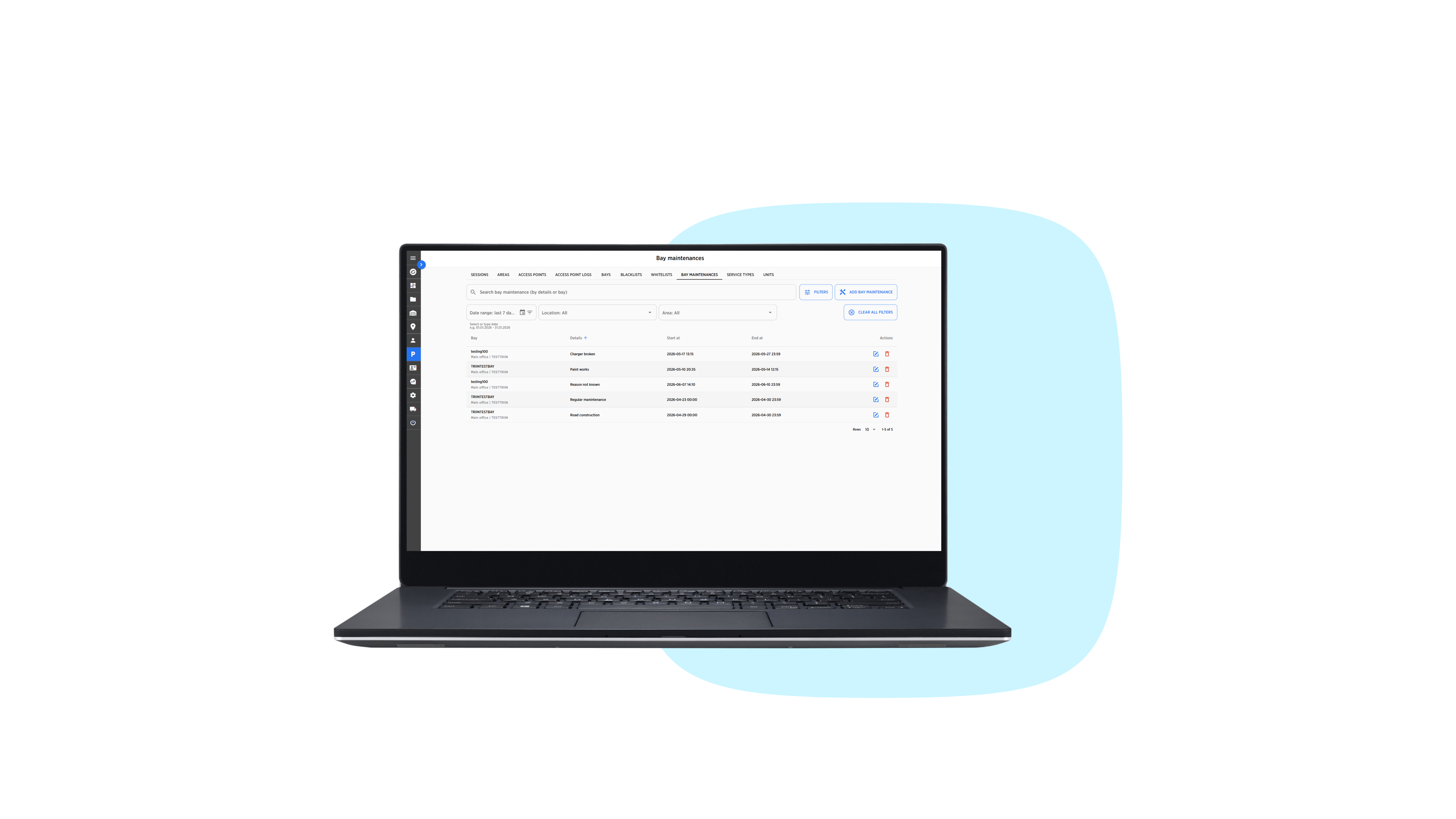
  • 6. Bay Maintenance Management

    Remove bays from active use during maintenance

Fleet Manager

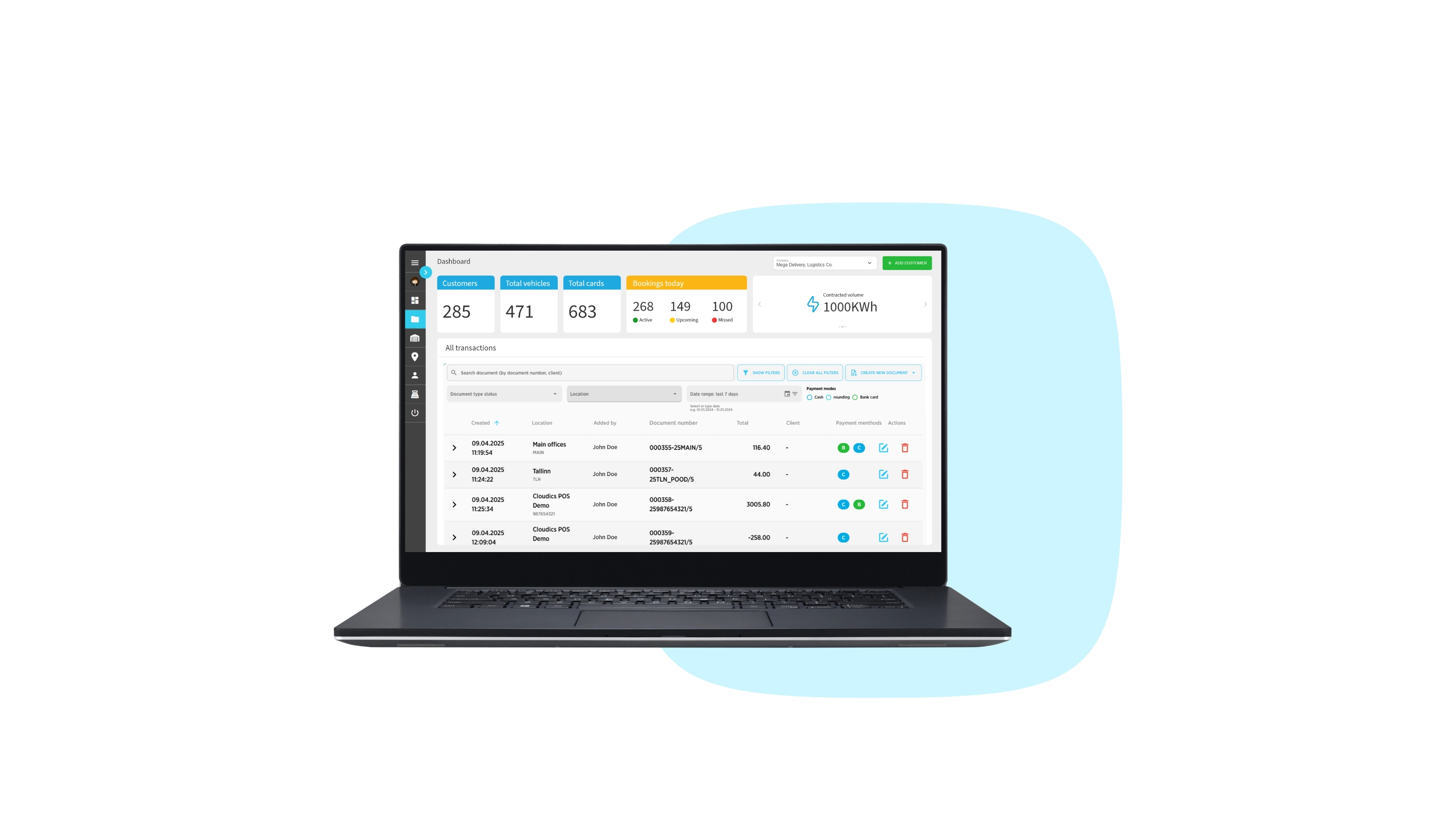
  • 1. Dashboard

    Visualised real-time data of your commercial fleet

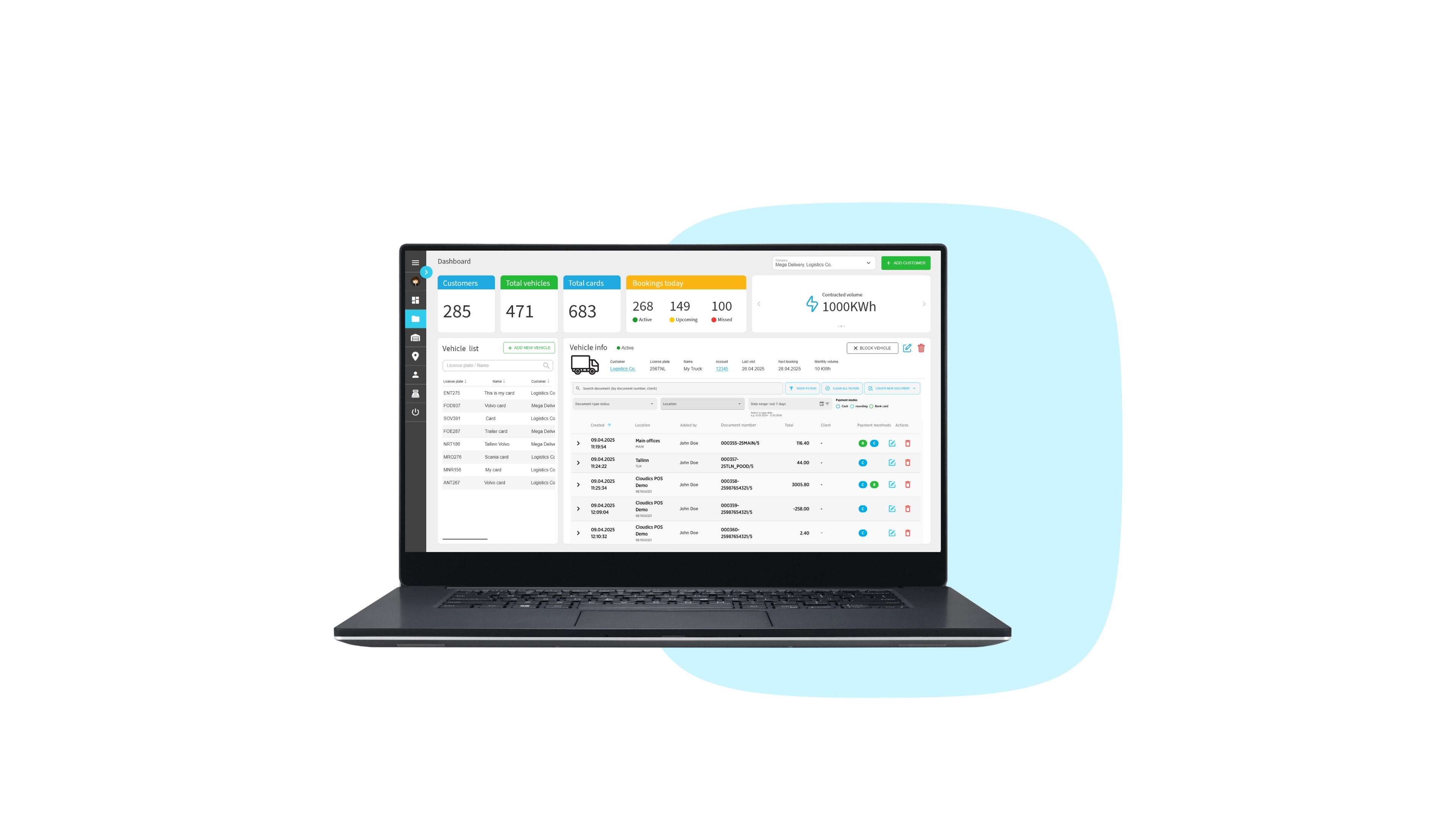
  • 2. Vehicle List

    Comprehensive overview of your vehicles

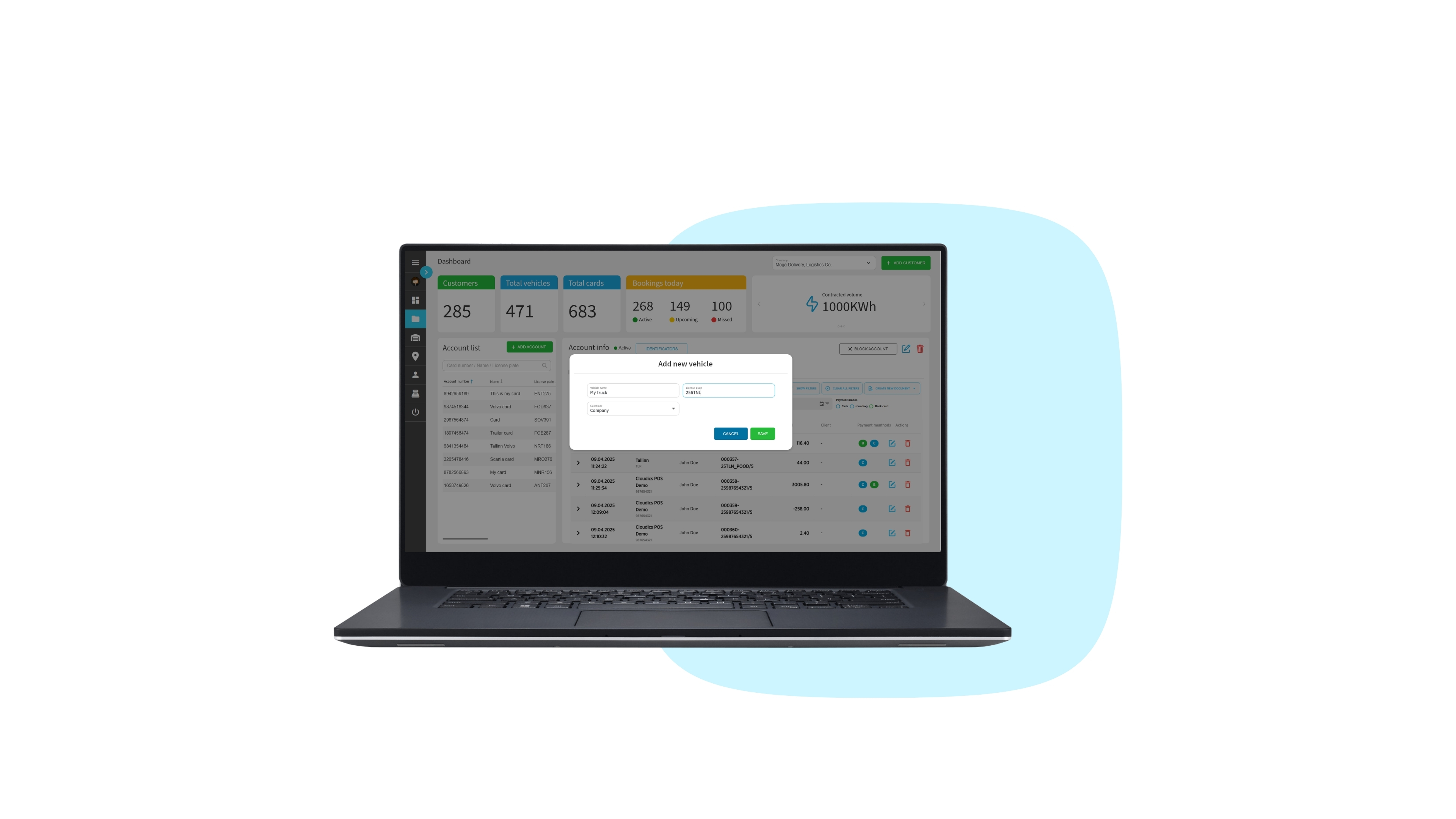
  • 3. Add New Vehicle

    Adding vehicles to your list made simple

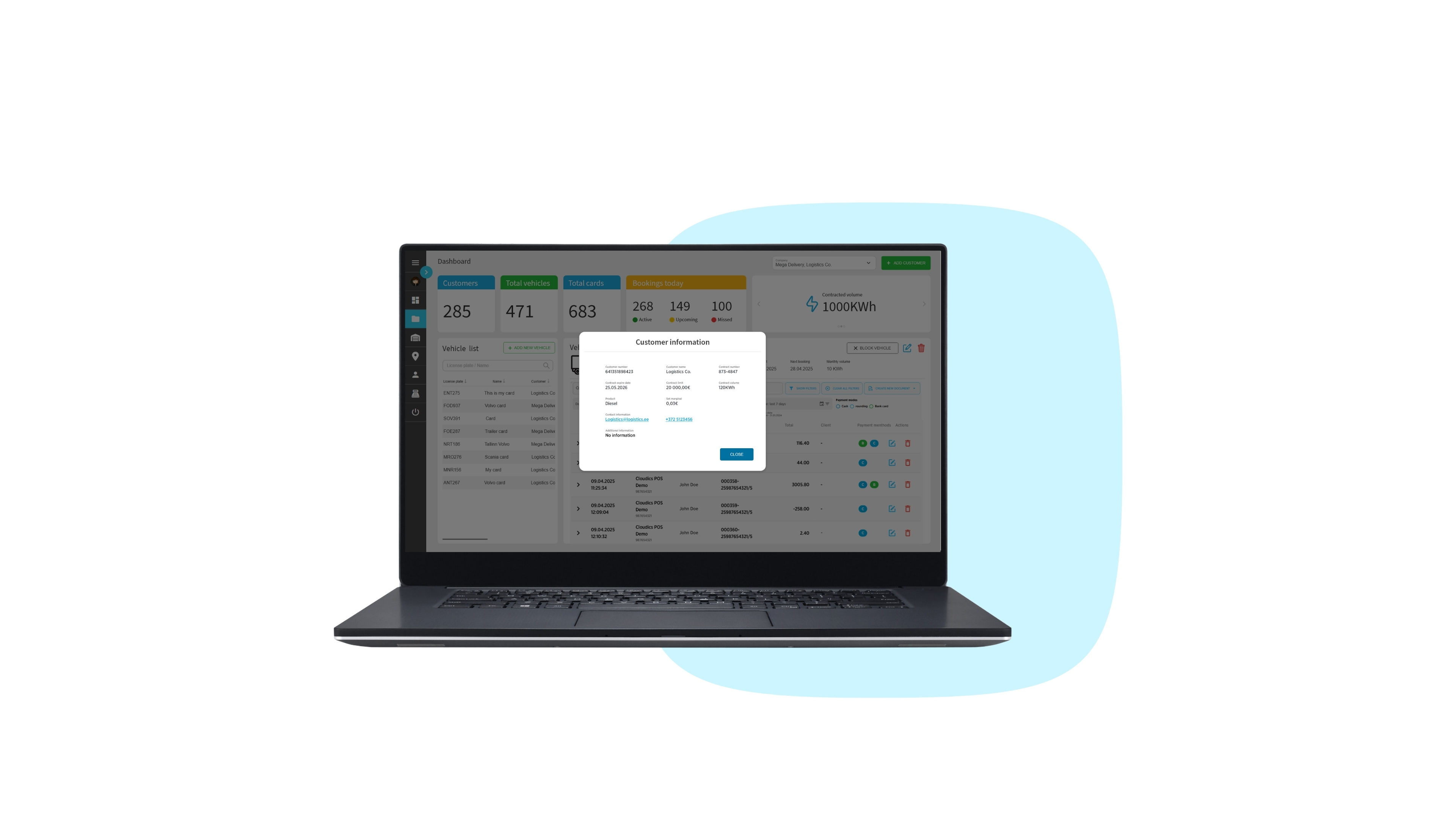
  • 4. Customer Info

    Detailed customer information for easier account management

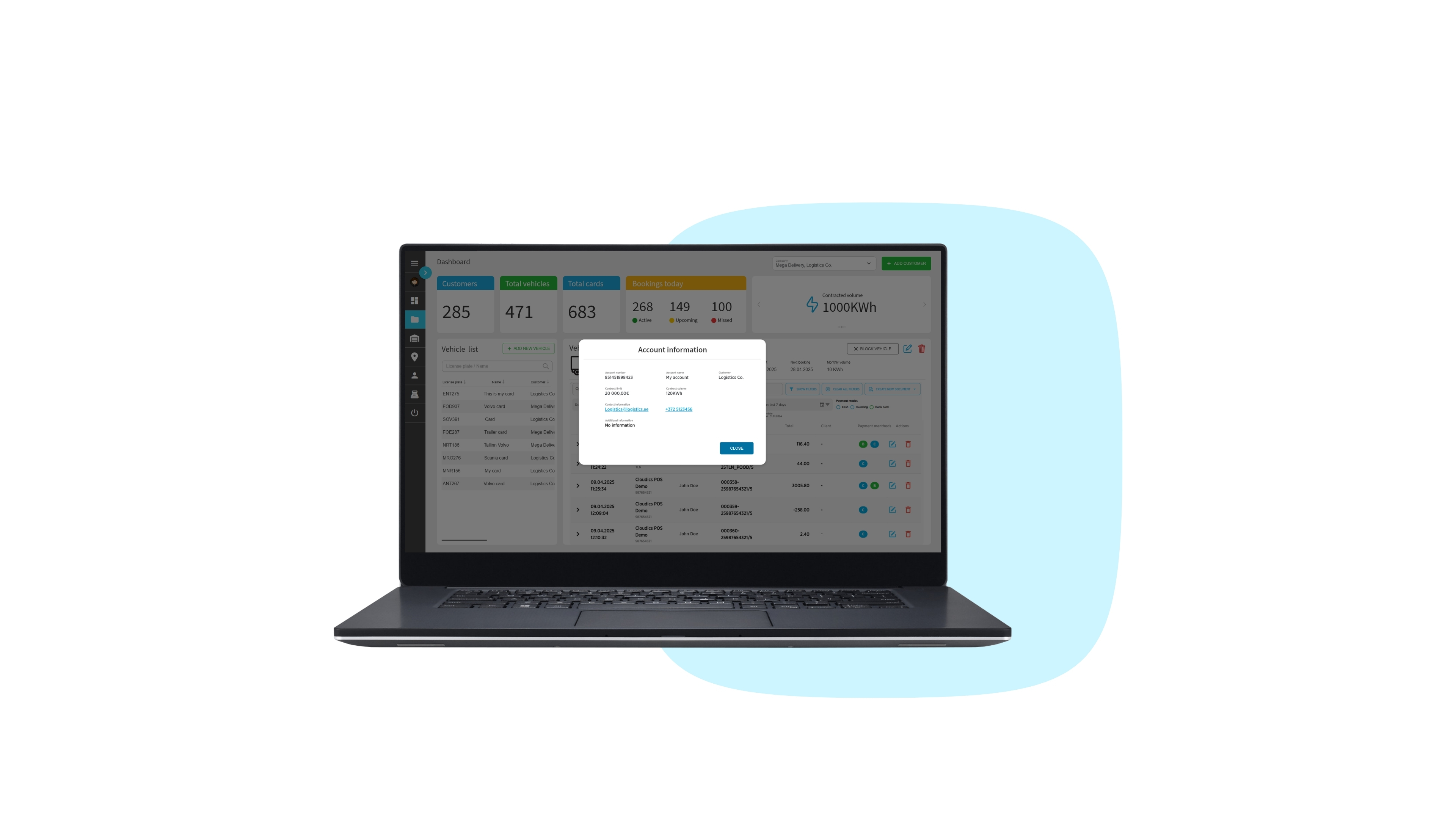
  • 5. Account Info

    Detailed contract overview with customer info and limits

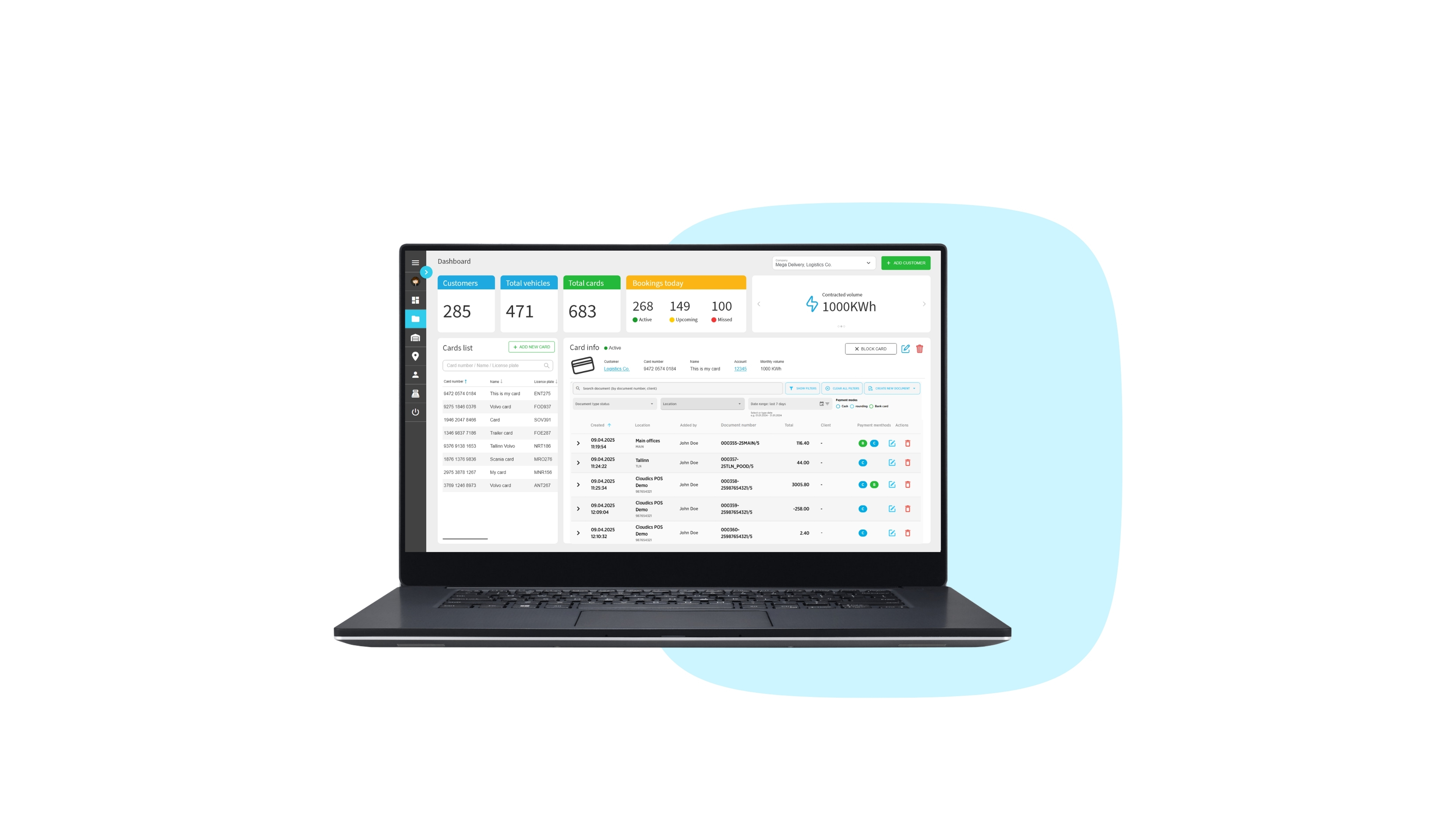
  • 6. Cards

    Fleet card usage stats, bookings, and card details

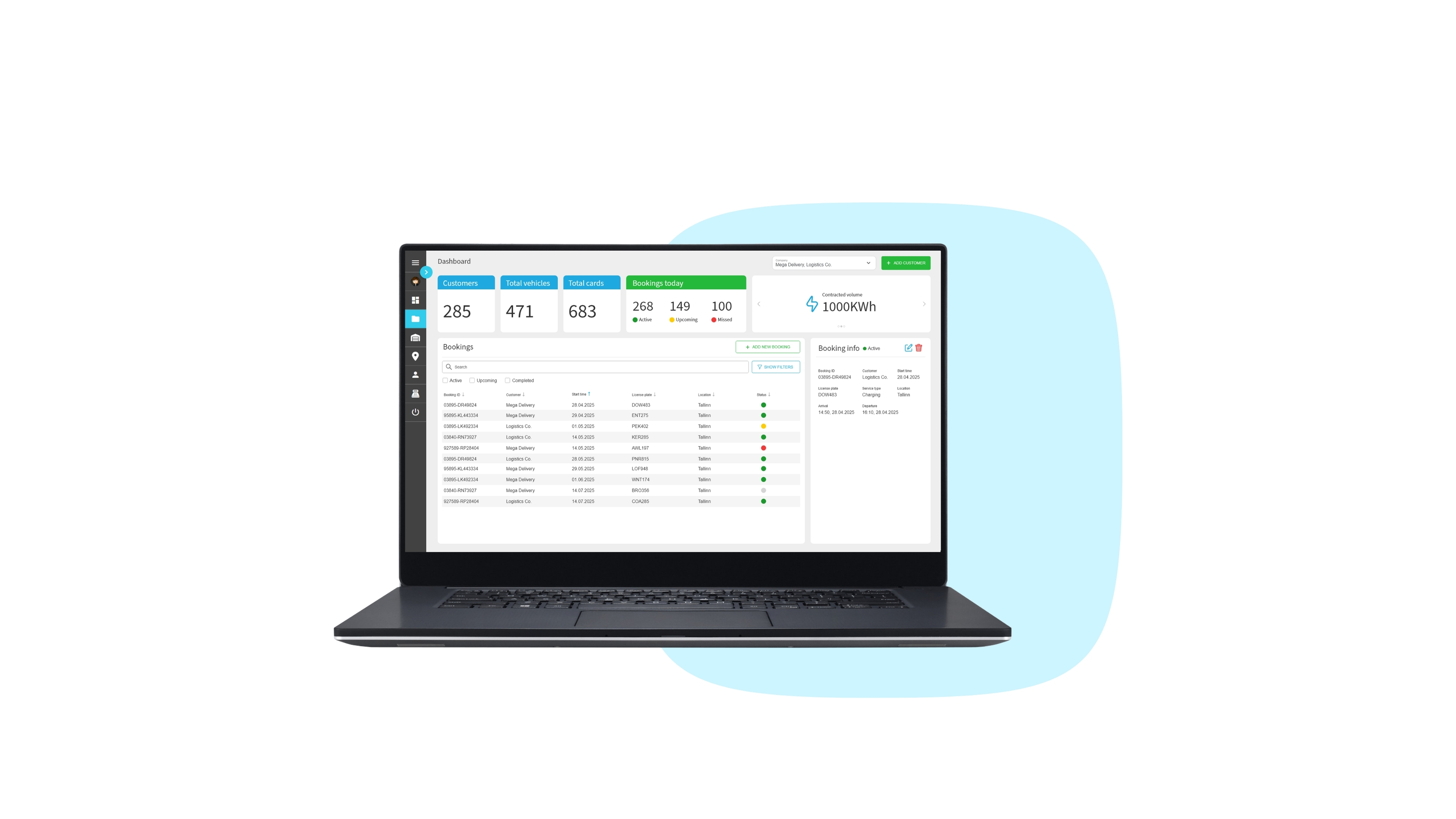
  • 7. Bookings

    Comprehensive bookings overview with real-time statuses

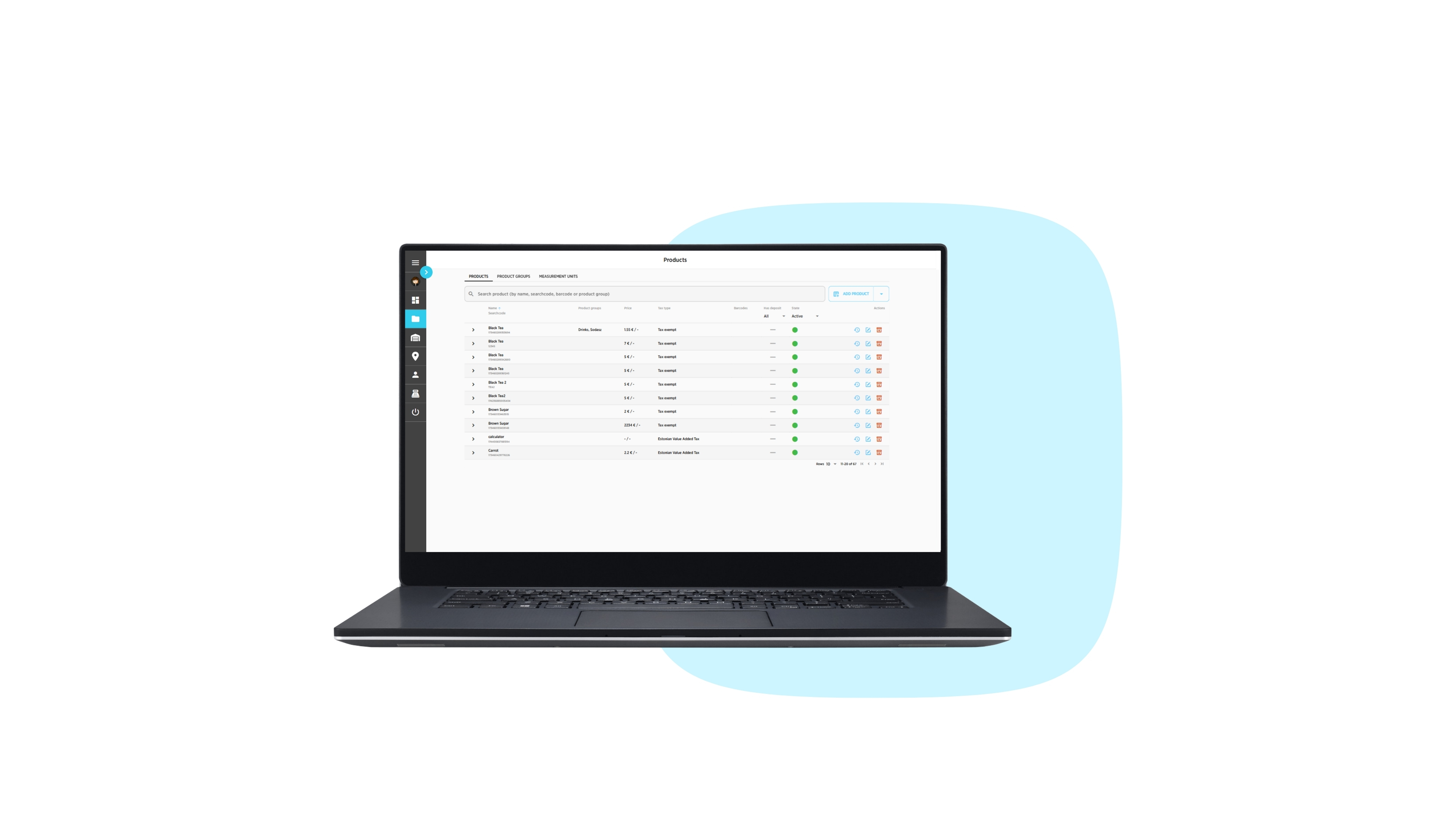
  • 8. Products

    Your product list for easy pricing and overview

BO Fuelling

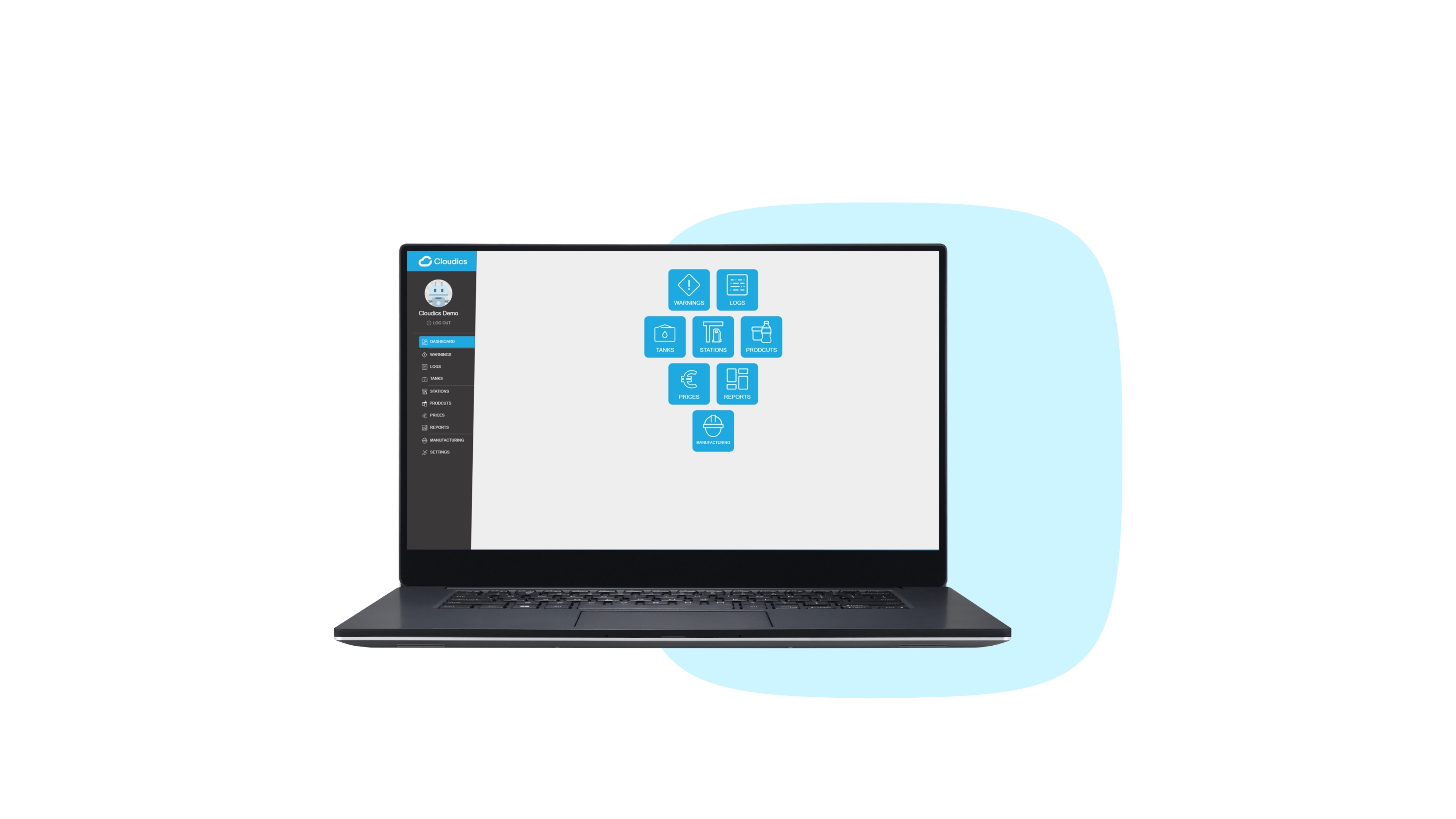
  • 1. Dashboard

    Access the modules quickly from the dashboard
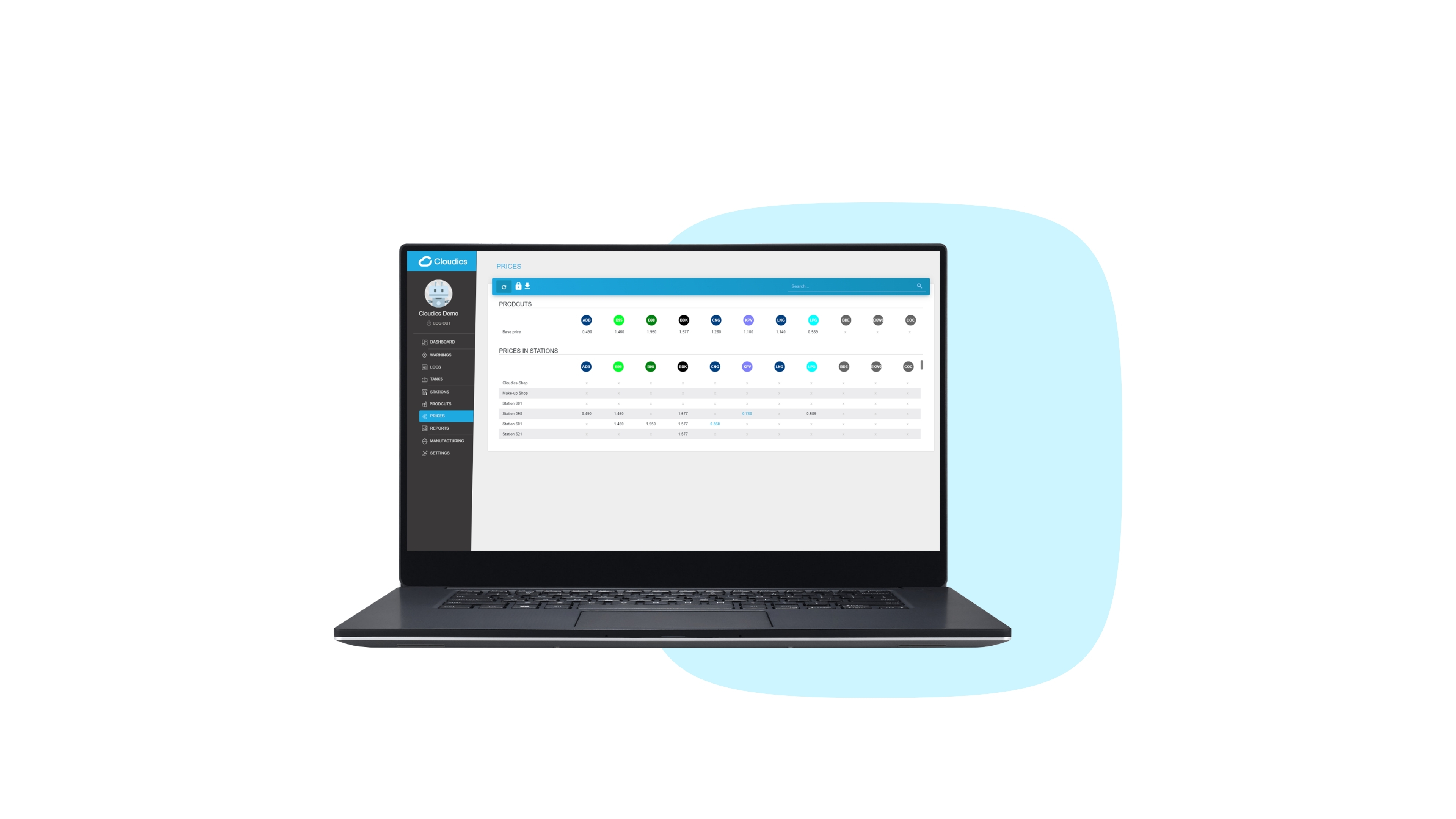
  • 2. Prices

    Change the prices in any or all of your stations
  • 3. Logs

    View logs of the transactions in each station

  • 4. Warnings

    Real-time monitoring and alerts

  • 5. Reports

    Create and view customisable reports

  • 6. Wetstock

    Detailed overview of fuel levels in real time

POSFuel POSSCOBO Shopping

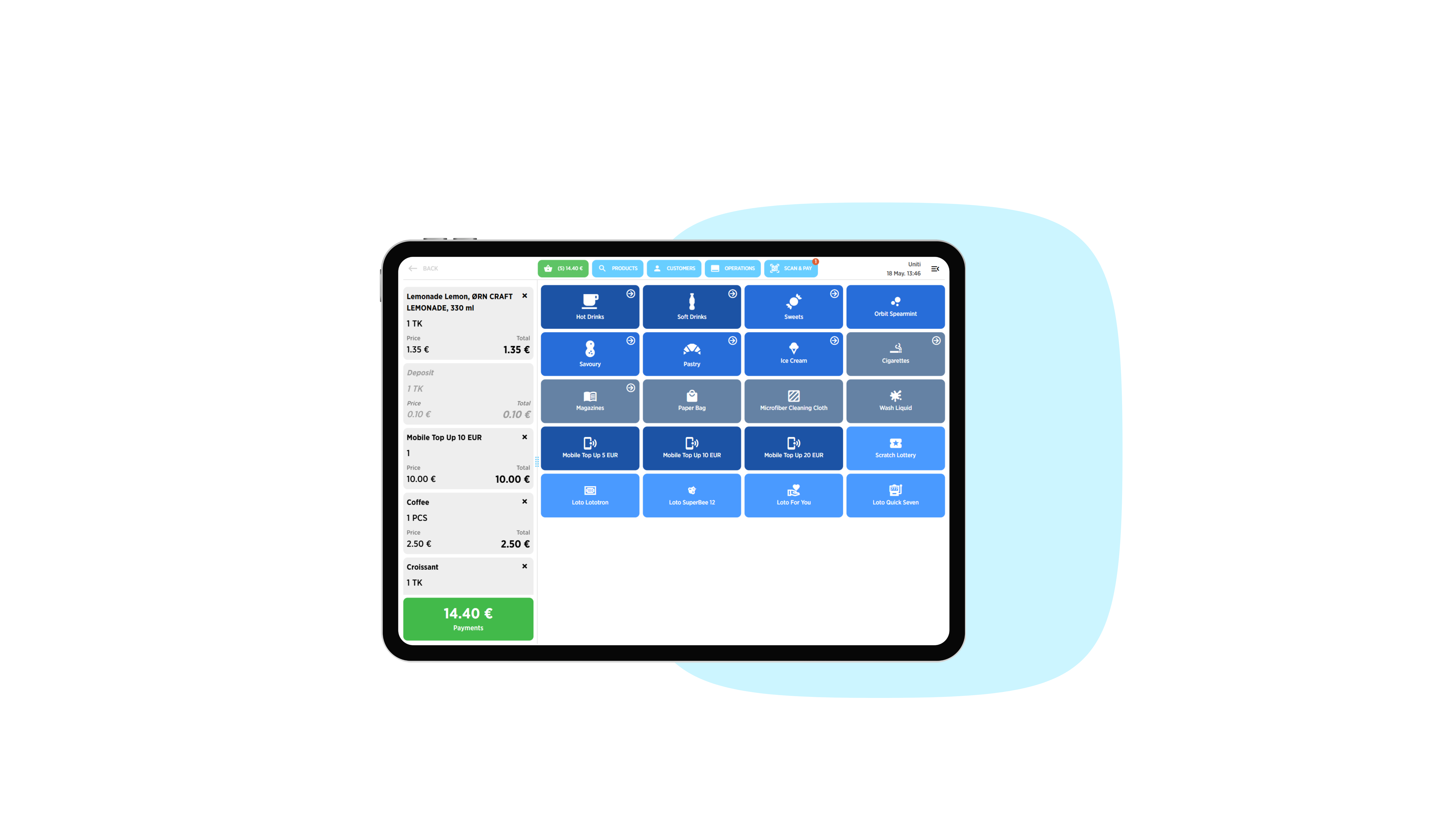
  • 1. Main POS Interface

    A clean and intuitive view that enables users to work faster
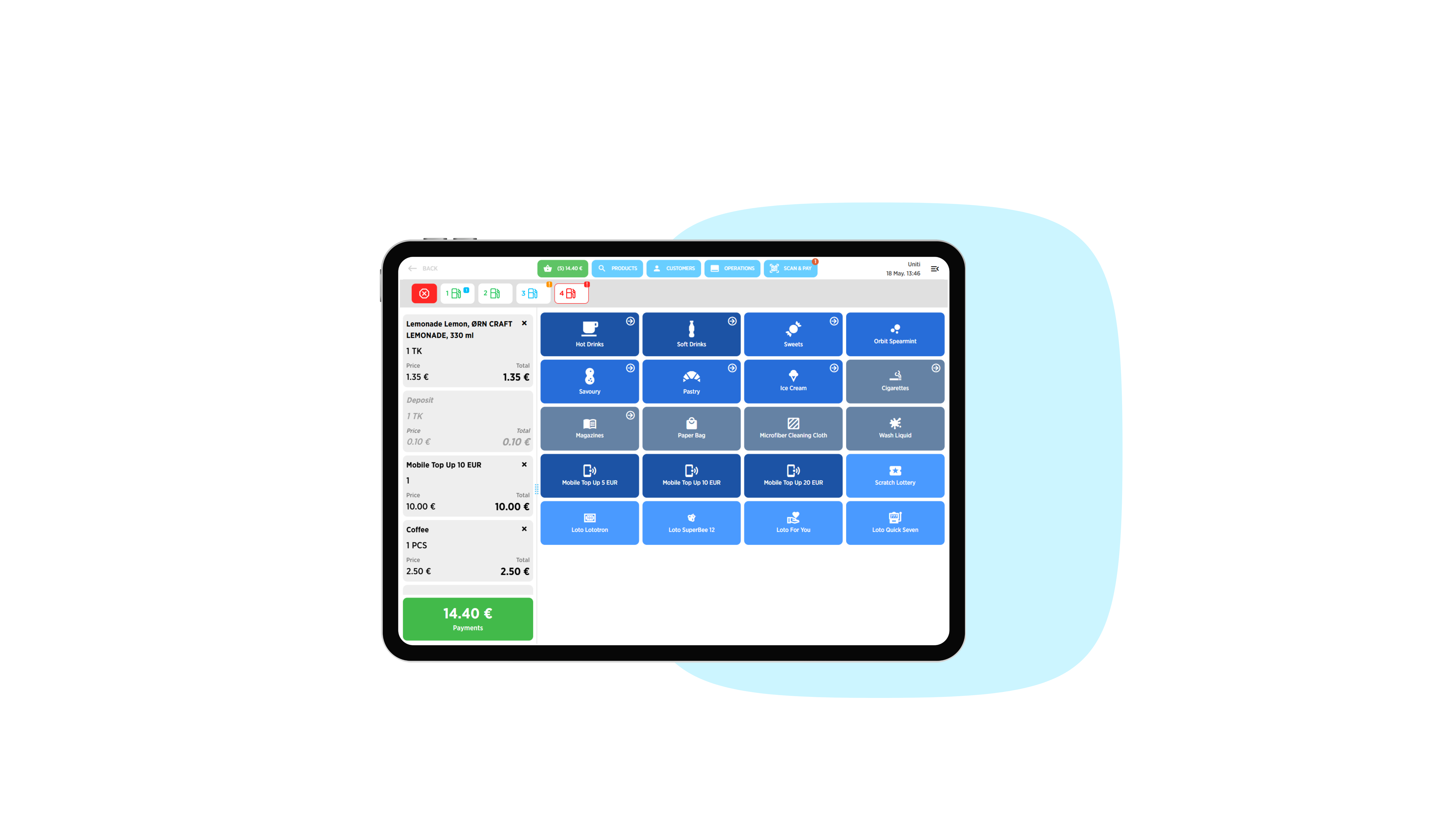
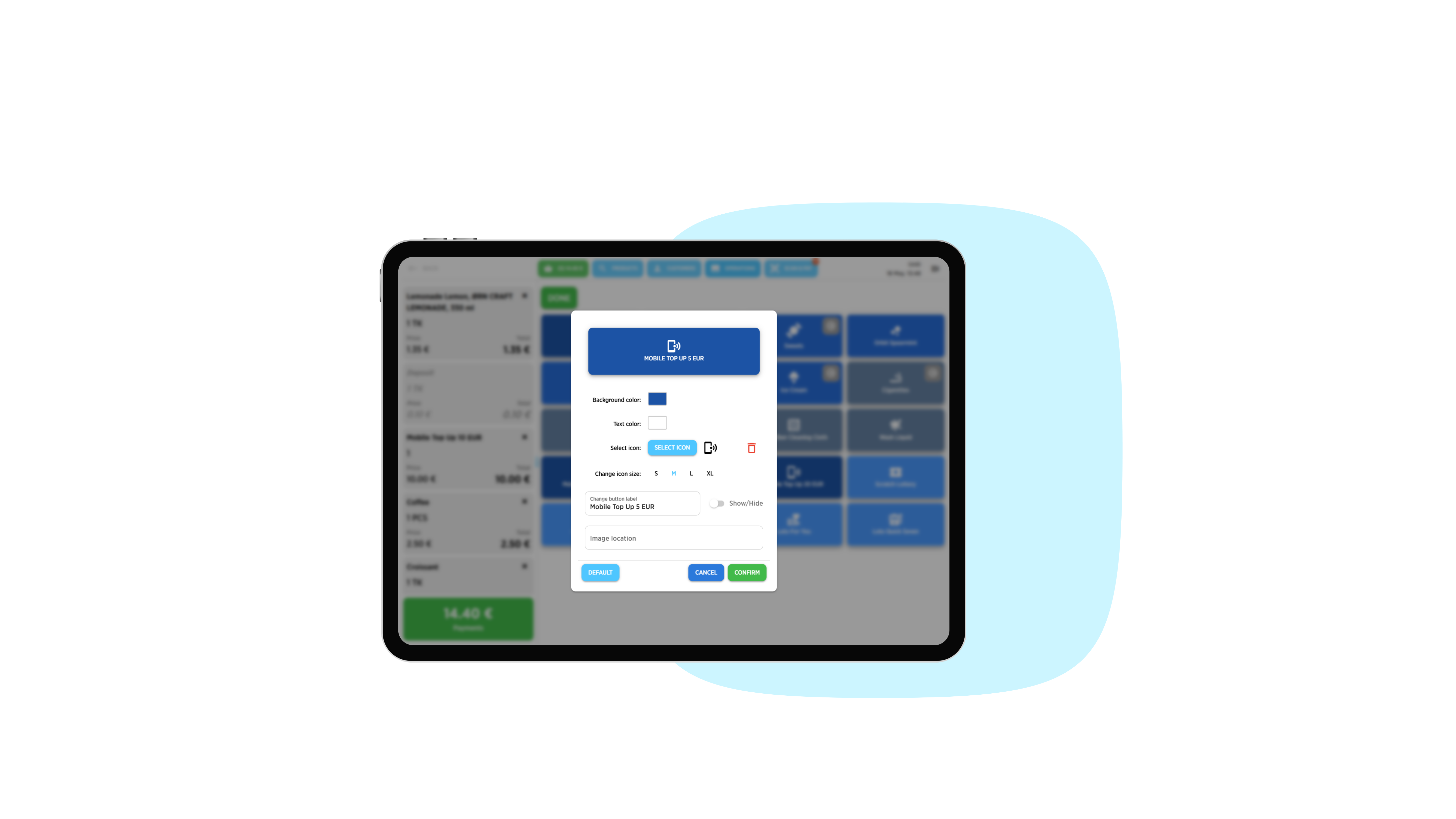
  • 2. Button Panel Customisation

    Reorganise buttons, apply visual styles, and add icons

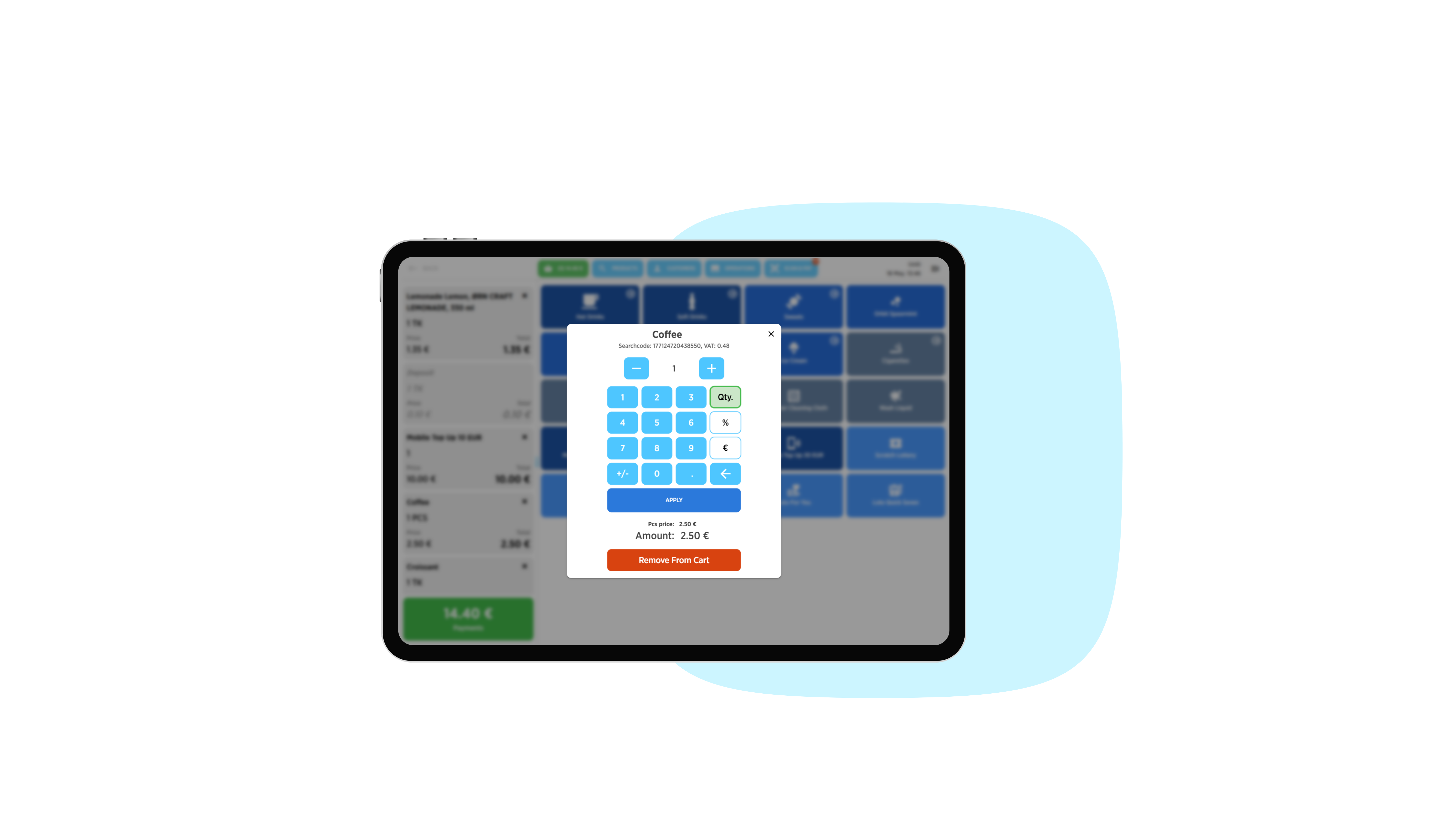
  • 3. Row Quick Edits

    Edit quantities and add discounts instantly

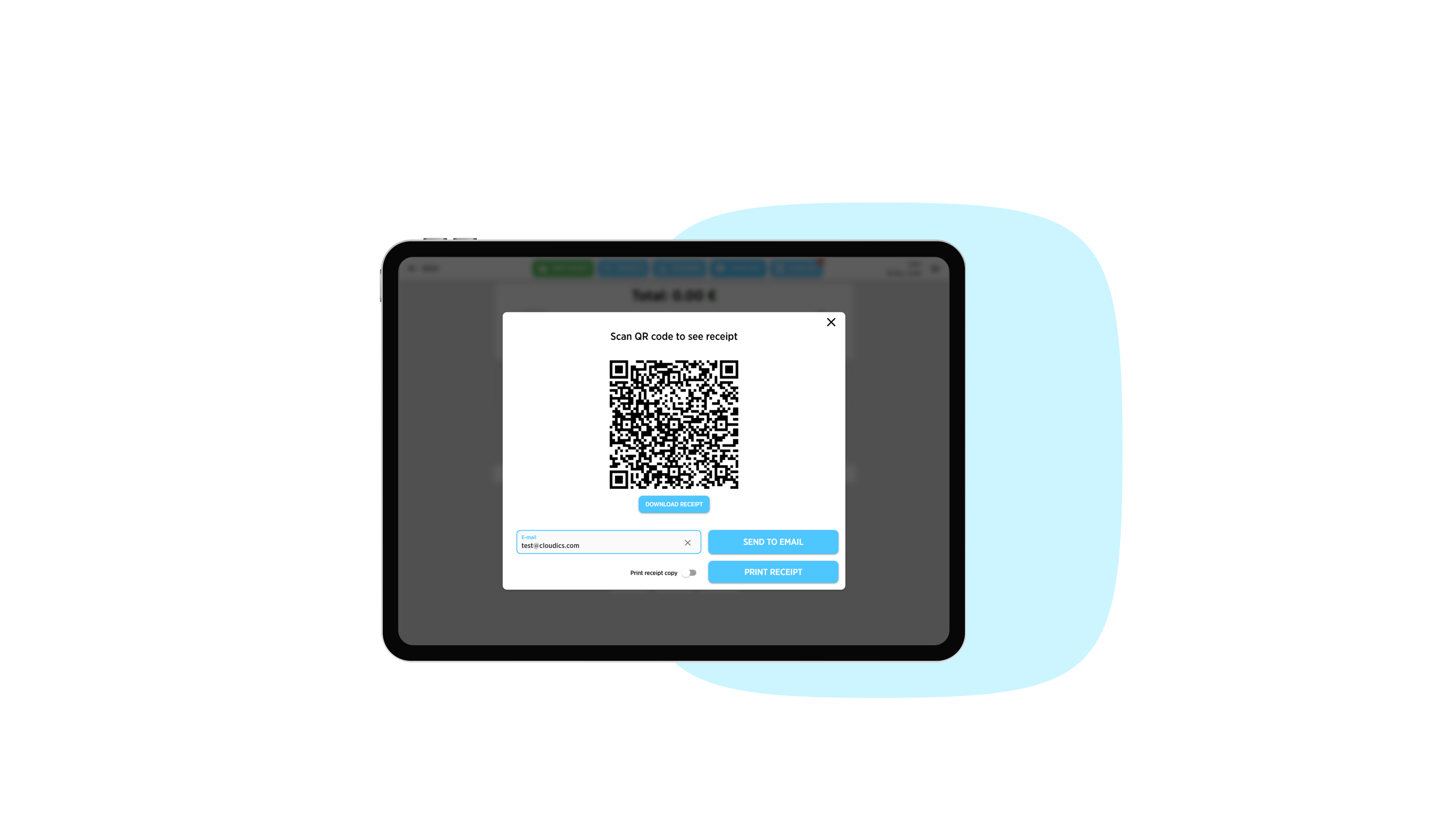
  • 4. QR Receipt

    Share receipts digitally or in print

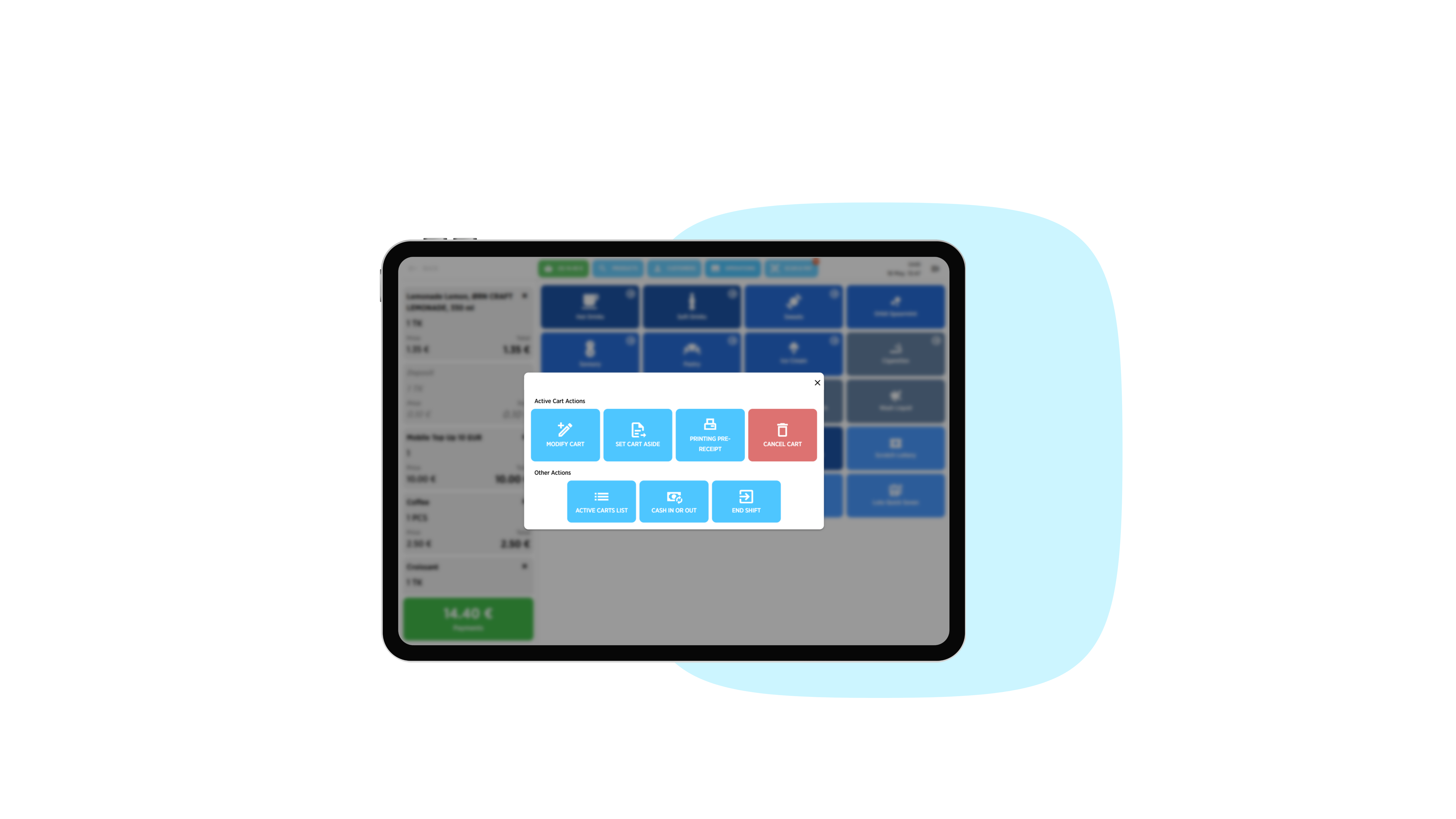
  • 5. Other Operations

    Access additional operations through a clear and intuitive view

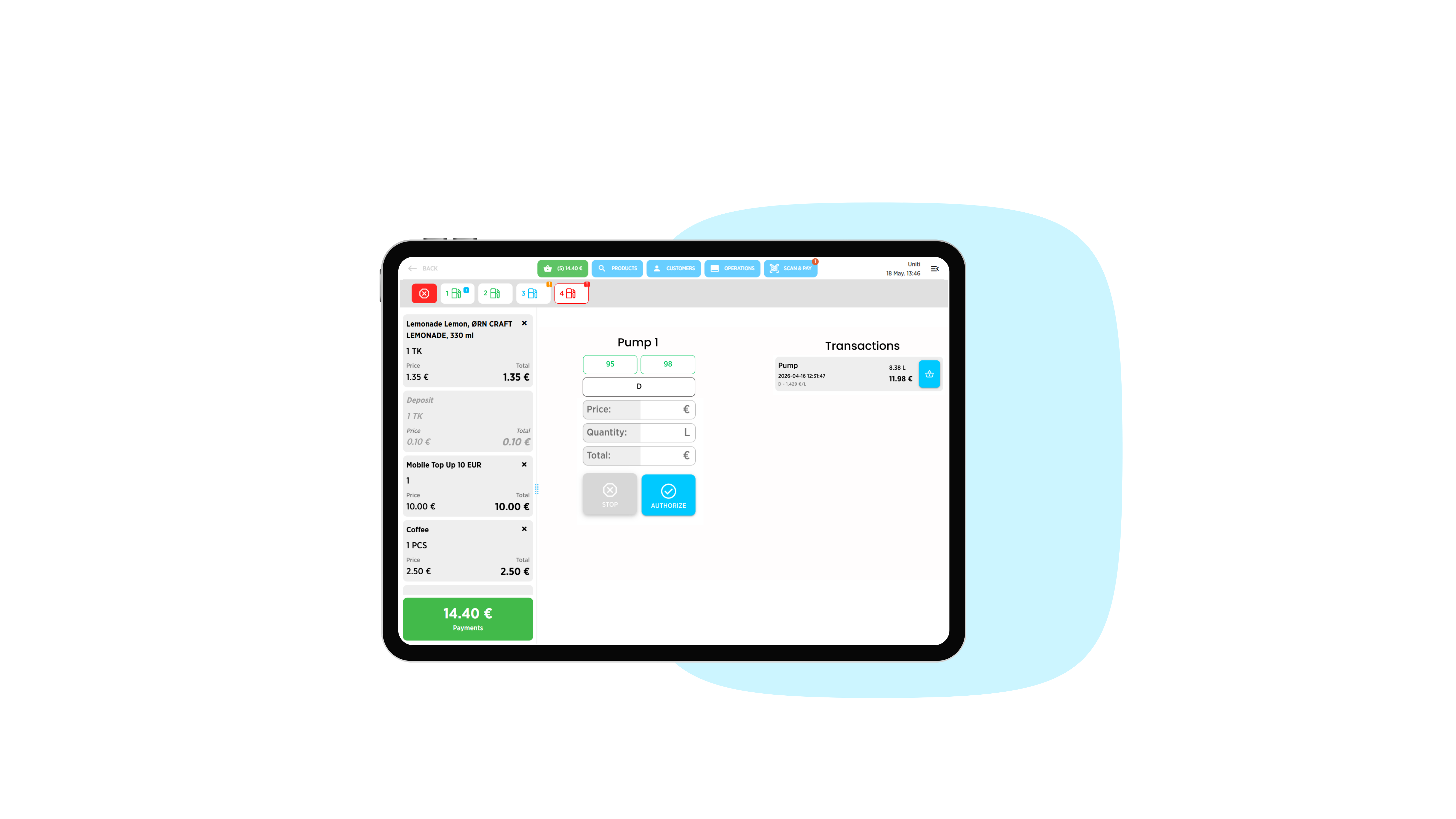
  • 1. Fuel Panel

    Real-time overview of fuel pump statuses
  • 2. Fuel Transactions

    Start a fuel transaction or add an existing transaction to the cart

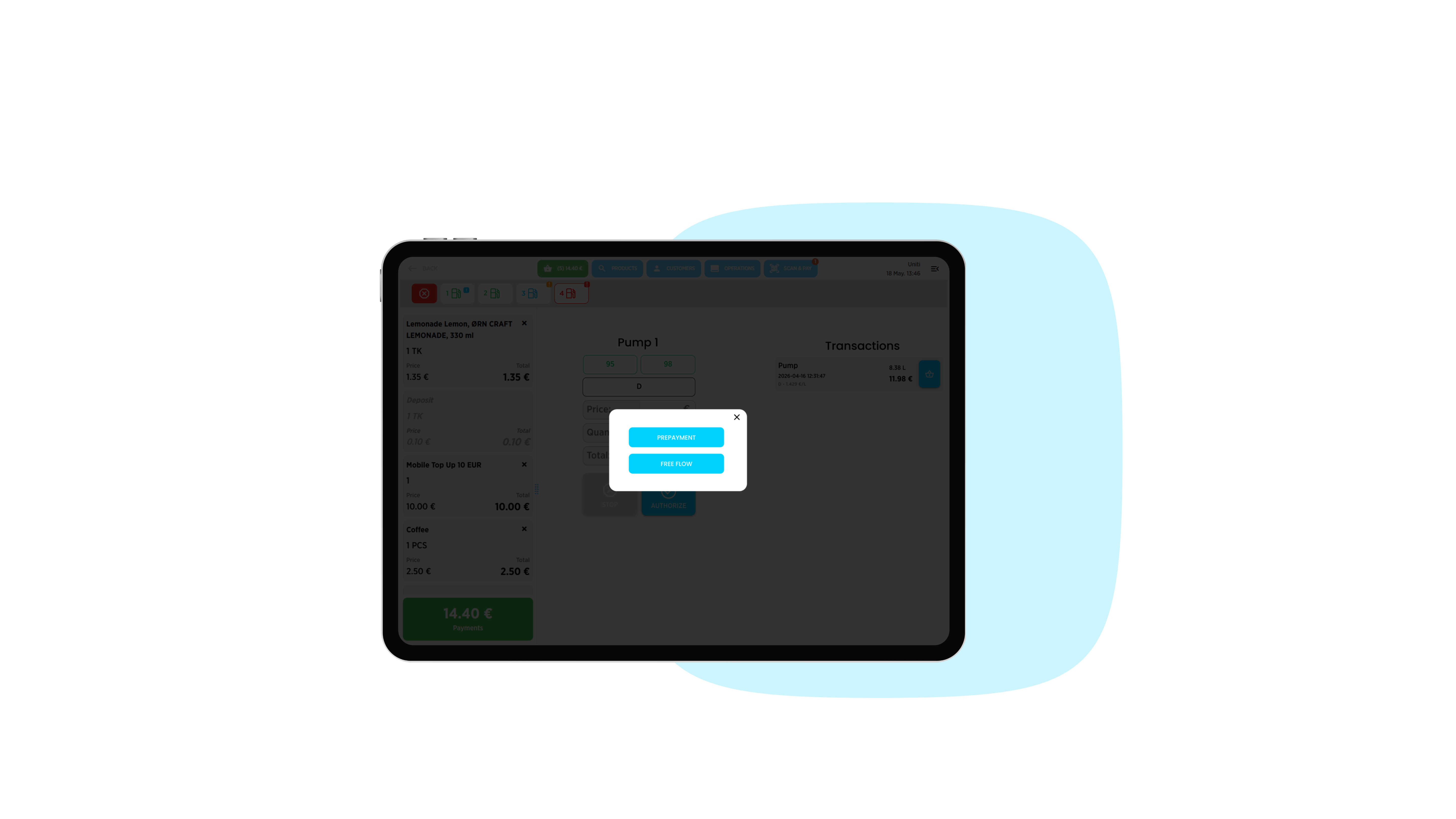
  • 3. Prepayment or Free Flow

    Capable of supporting both prepayment and free flow option 

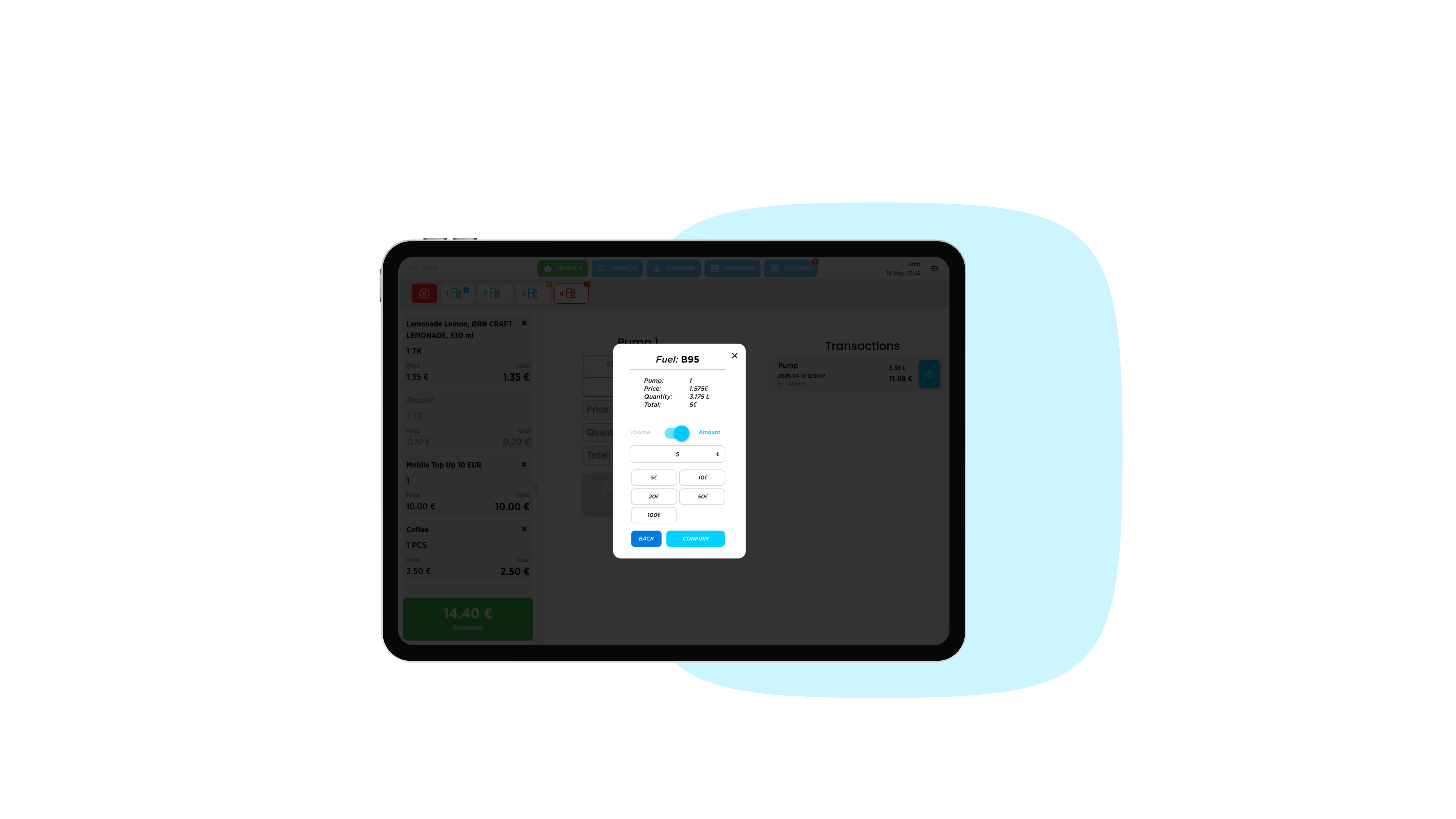
  • 4. Volume or Amount

    Possibility to toggle between volume and amount-based transactions

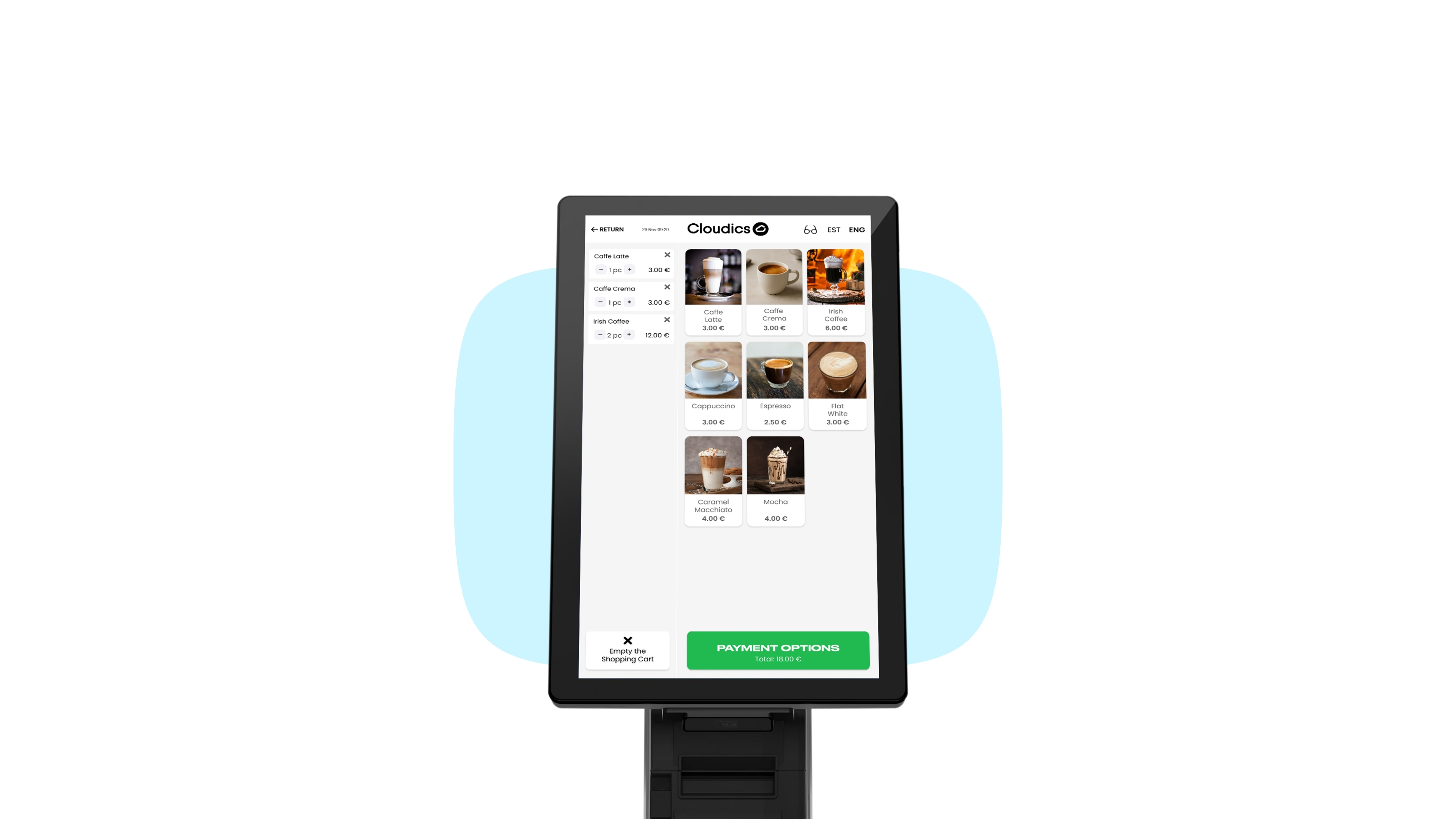
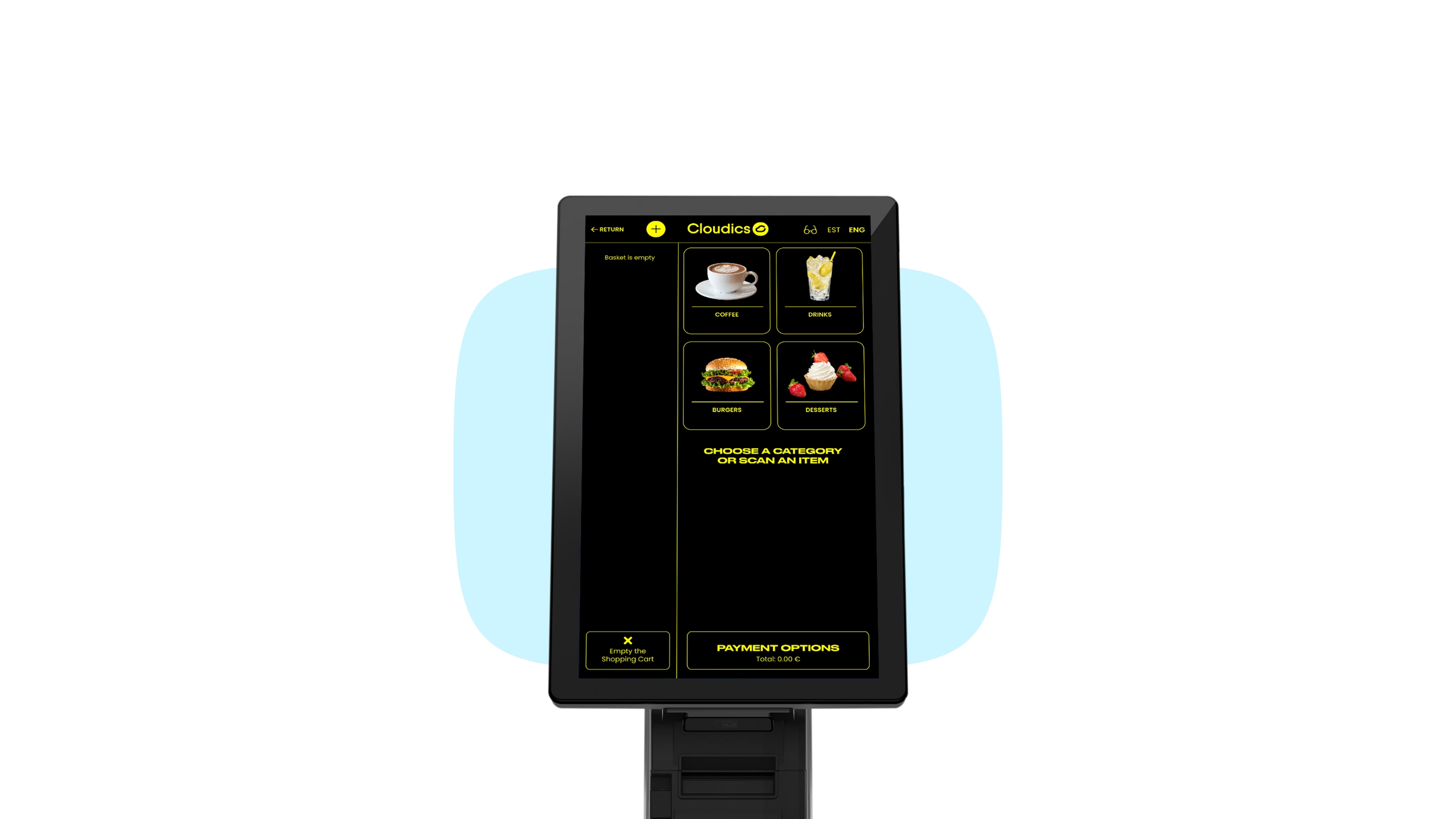
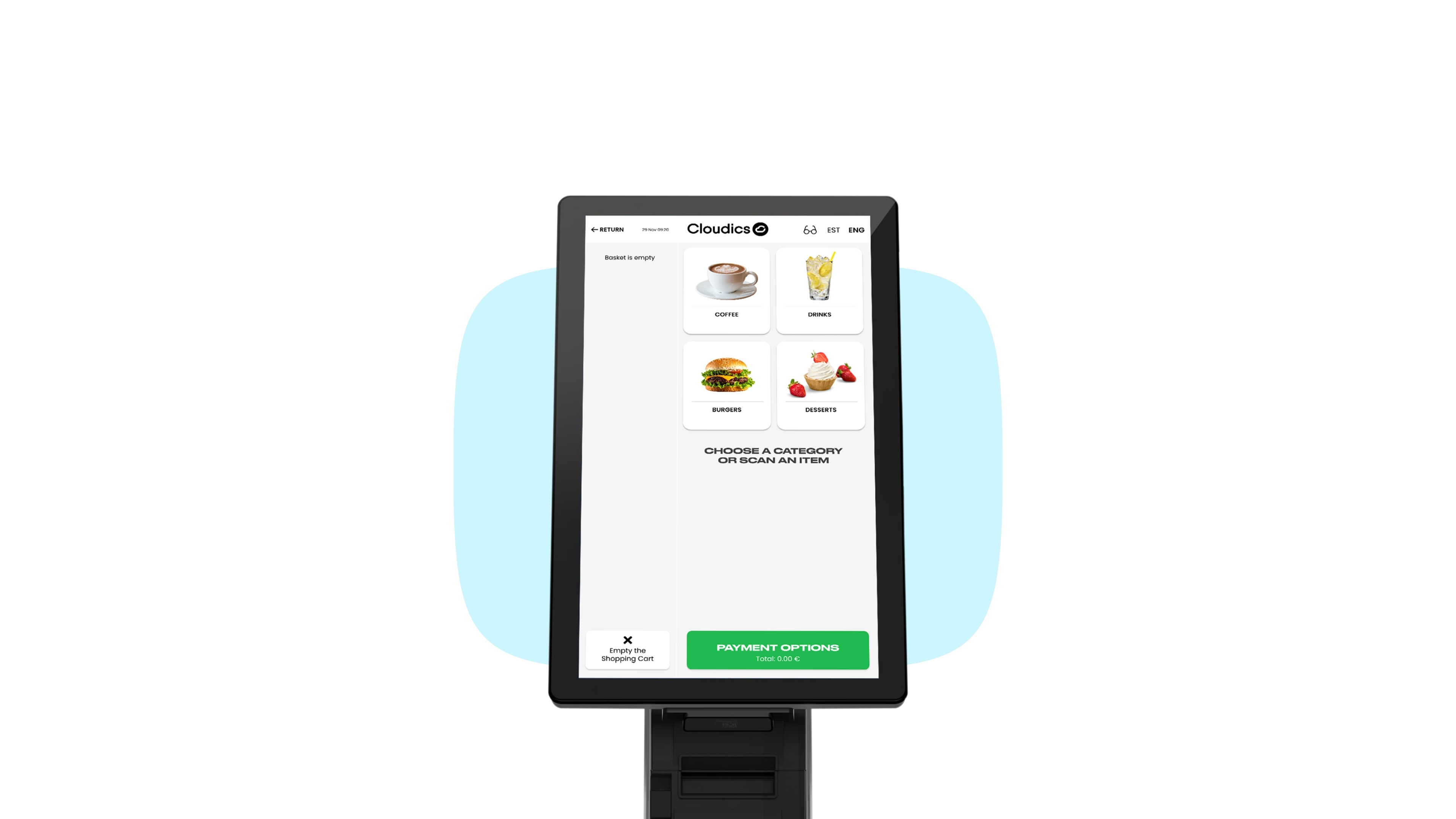
  • 1. Dashboard

    Choose a product category or scan an item
  • 2. Products

    Add products to the cart

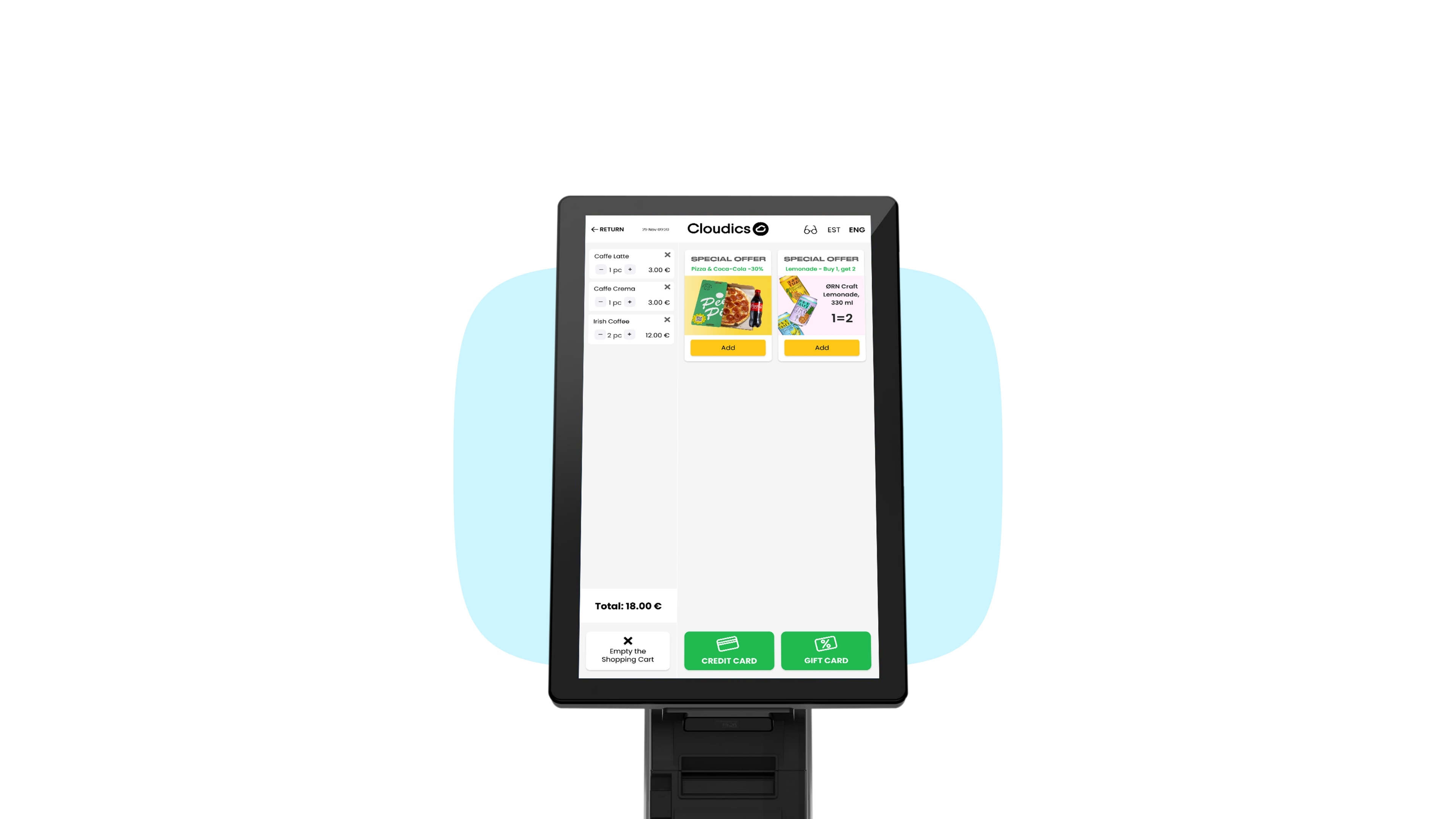
  • 3. Special Offers

    Add special deals to your cart

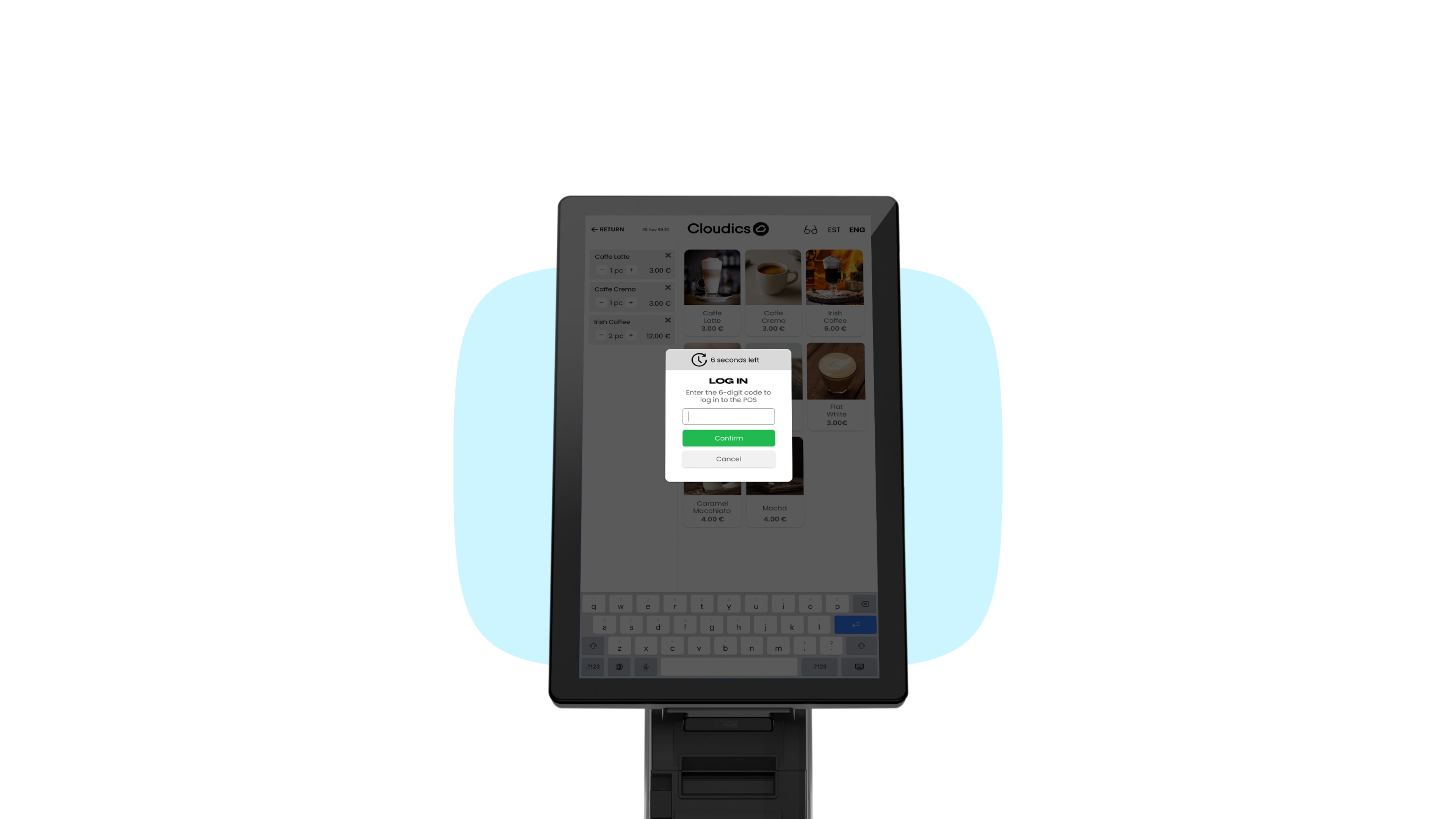
  • 4. POS Mode

    Cashier can assist and take over the checkout

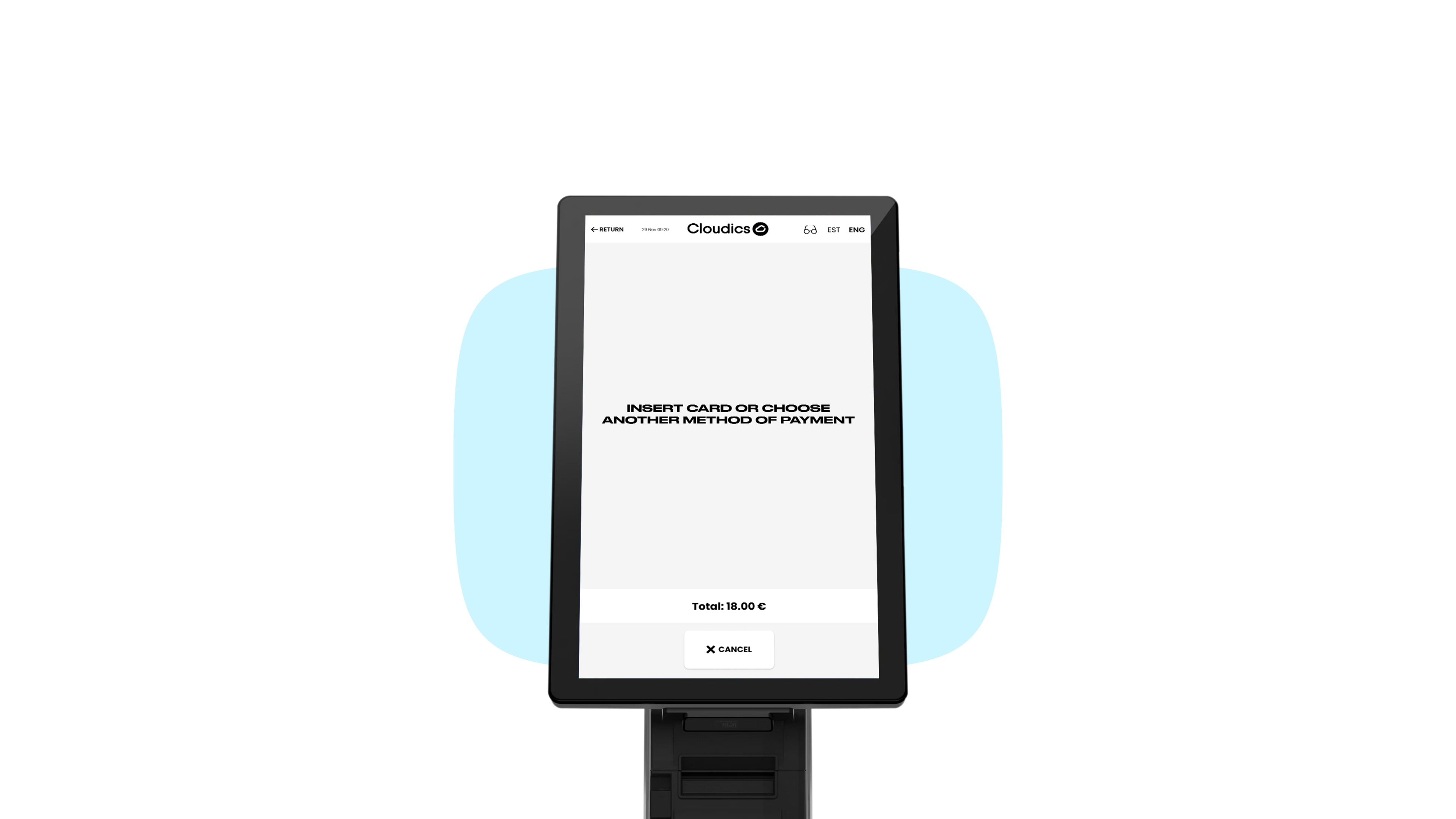
  • 5. Payment

    Pay by card or select another payment method

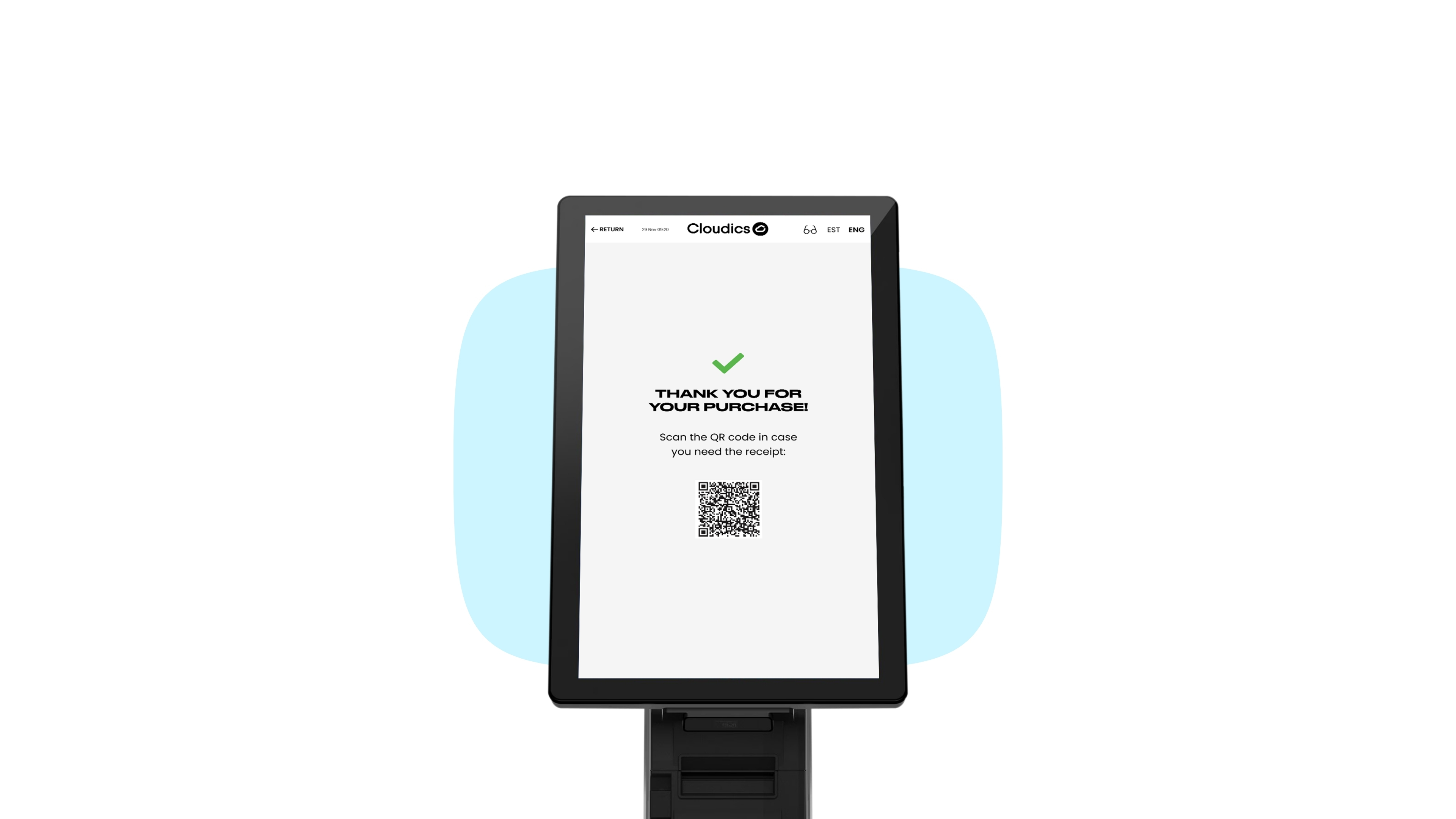
  • 6. Receipt

    Scan the QR for a virtual receipt

  • 7. Accessibility

    High contrast mode for people with low vision

  • shopping-dashboard

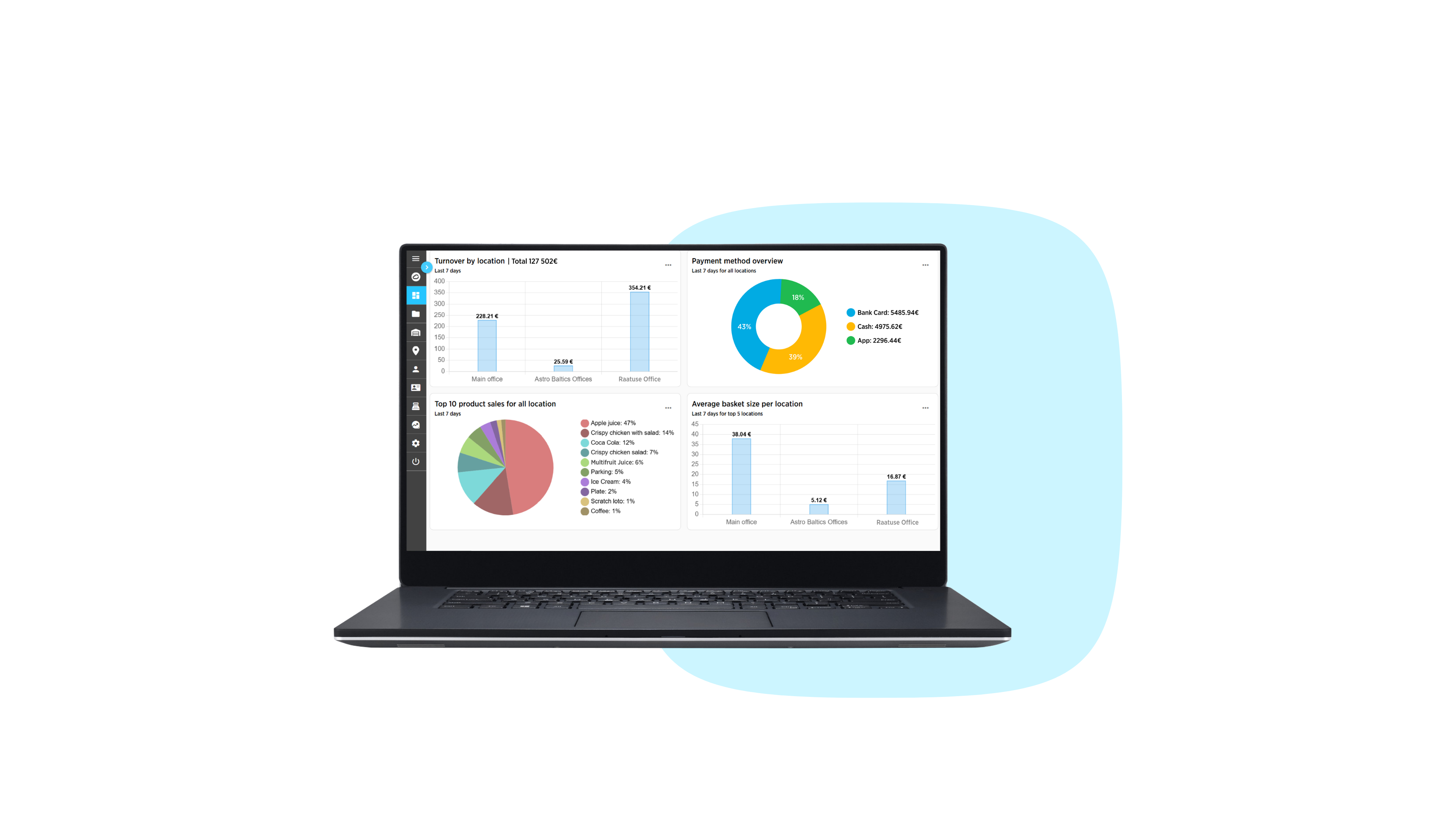
    1. Dashboard

    See real-time performance across locations, products, and customers
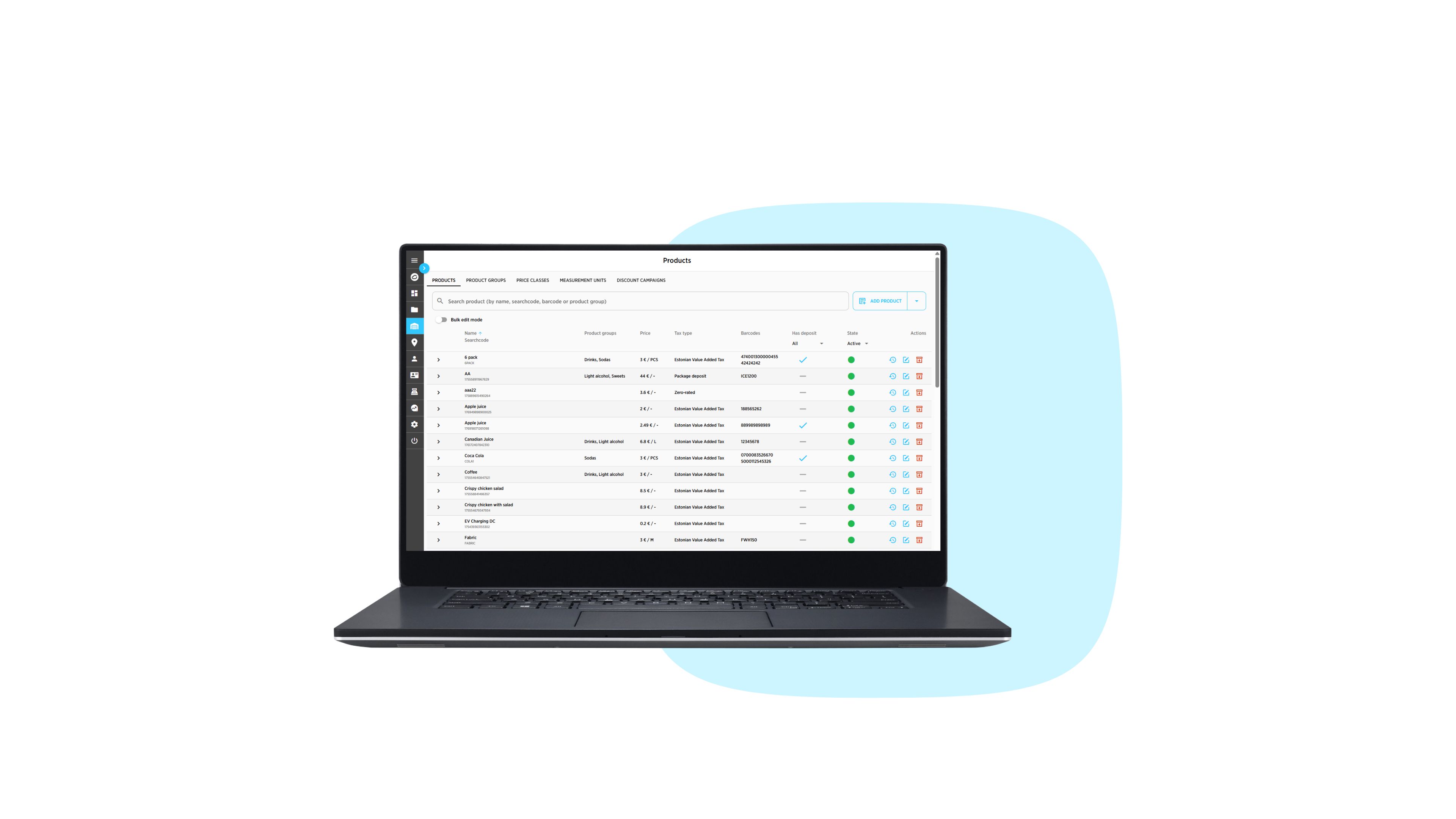
  • shopping product management

    2. Product Management

    Prices can be updated instantly across all the locations

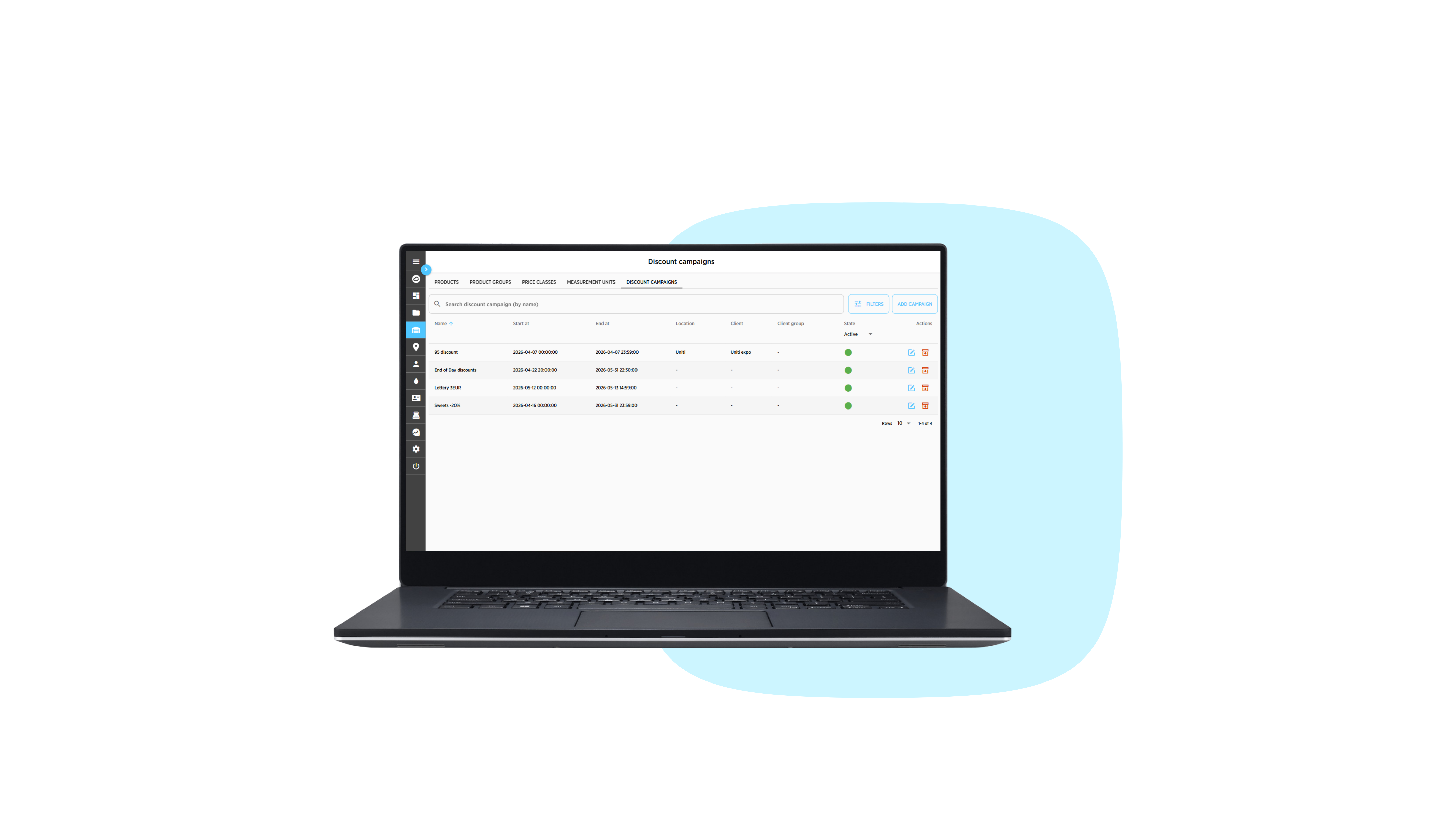
  • 3. Discount Campaigns

    Set up discount campaigns to increase sales volume

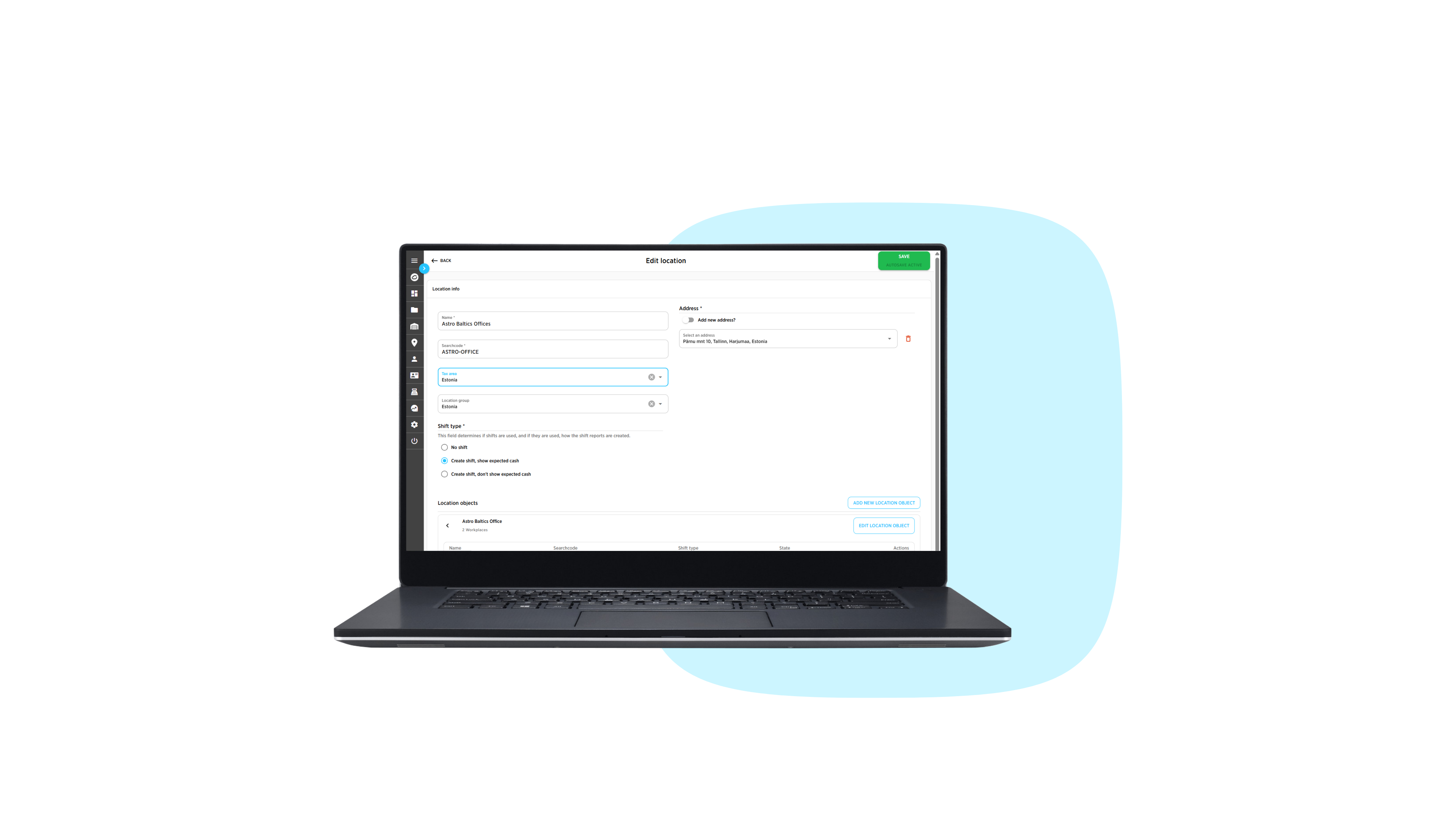
  • shopping location setup

    4. Location Setup

    Expand your business and set up locations quickly

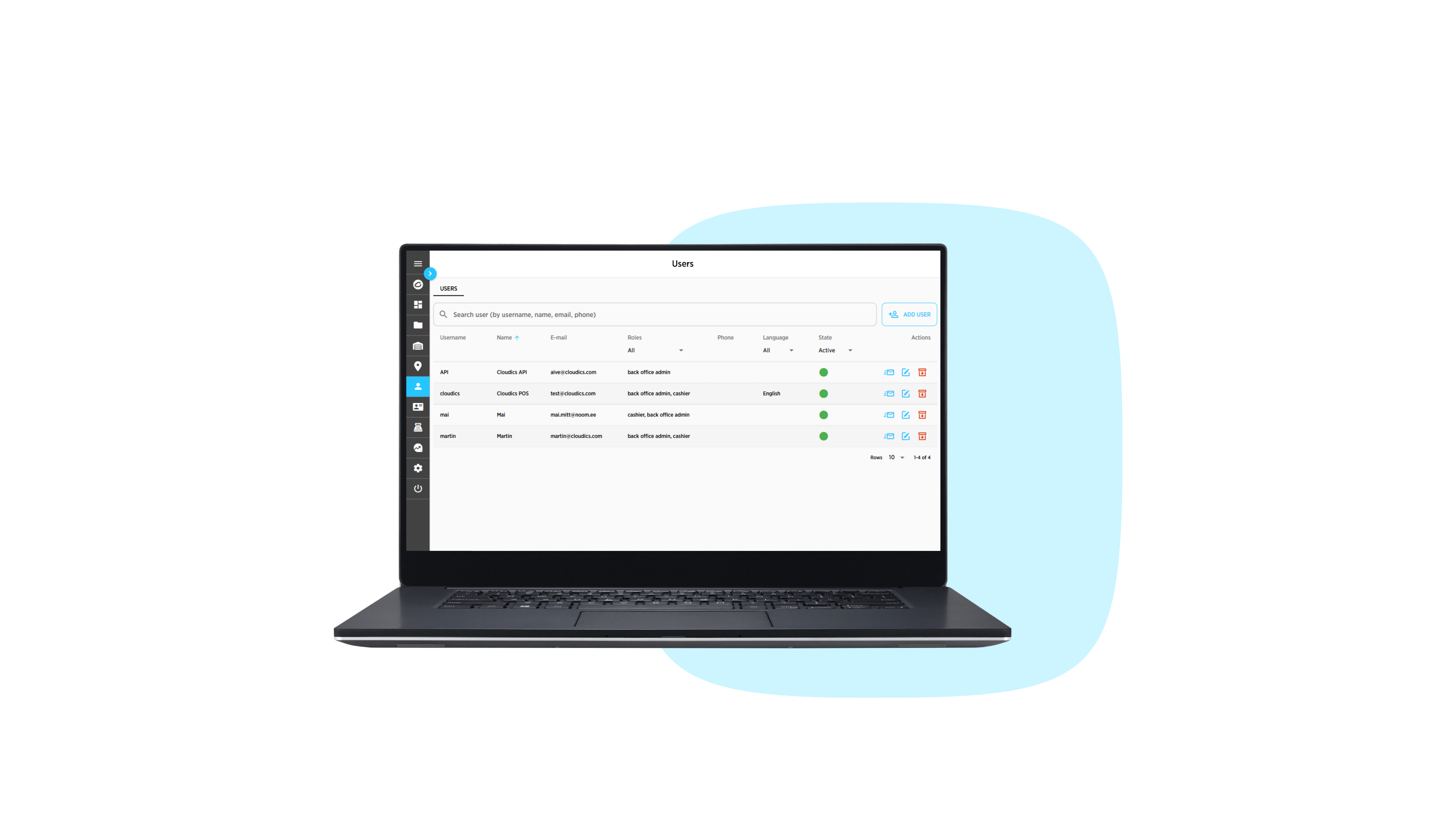
  • shopping user management

    5. User Management

    Add users and assign their roles

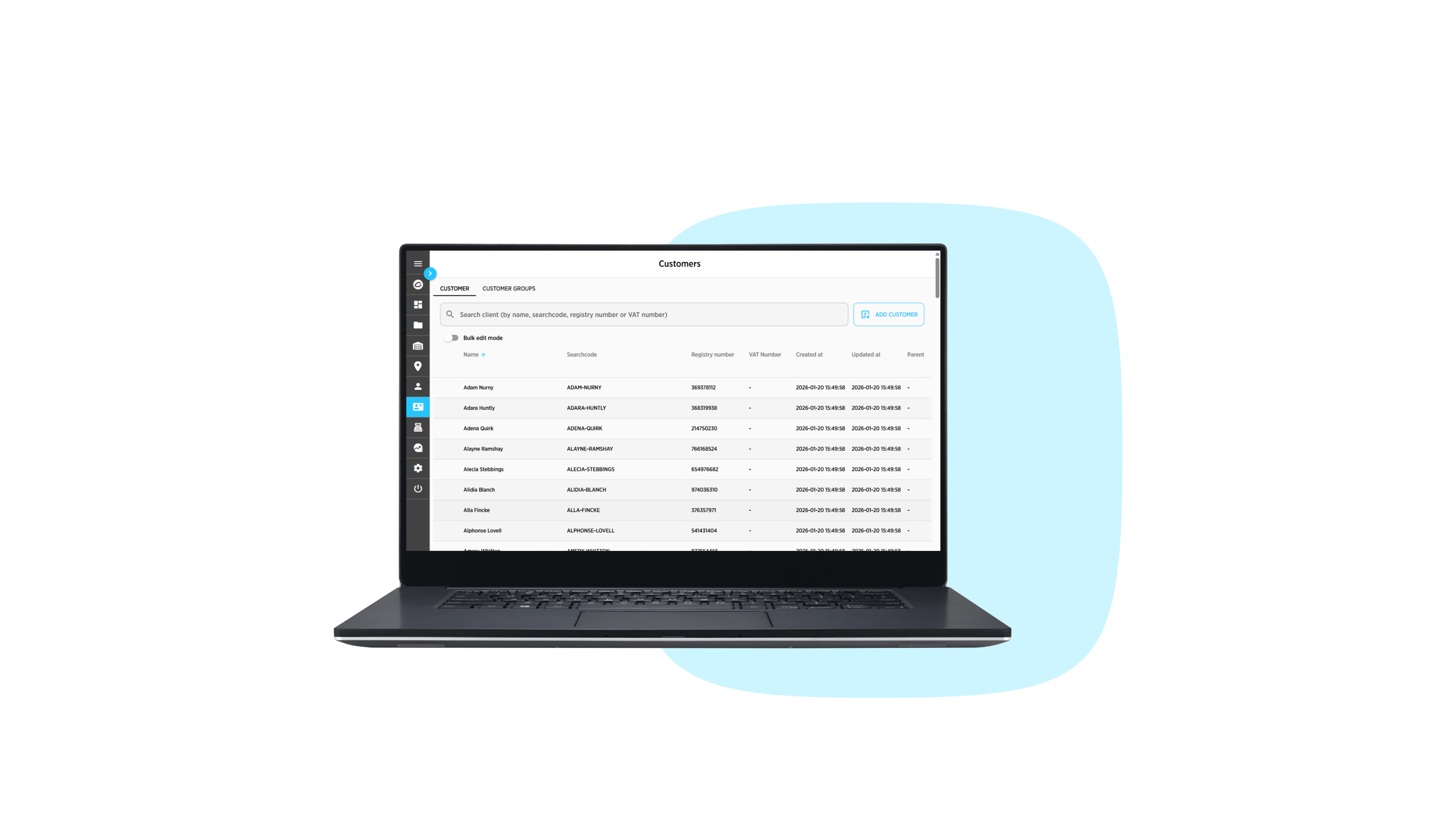
  • shopping customer management

    6. Customer Management

    Manage existing customers and assign customer groups

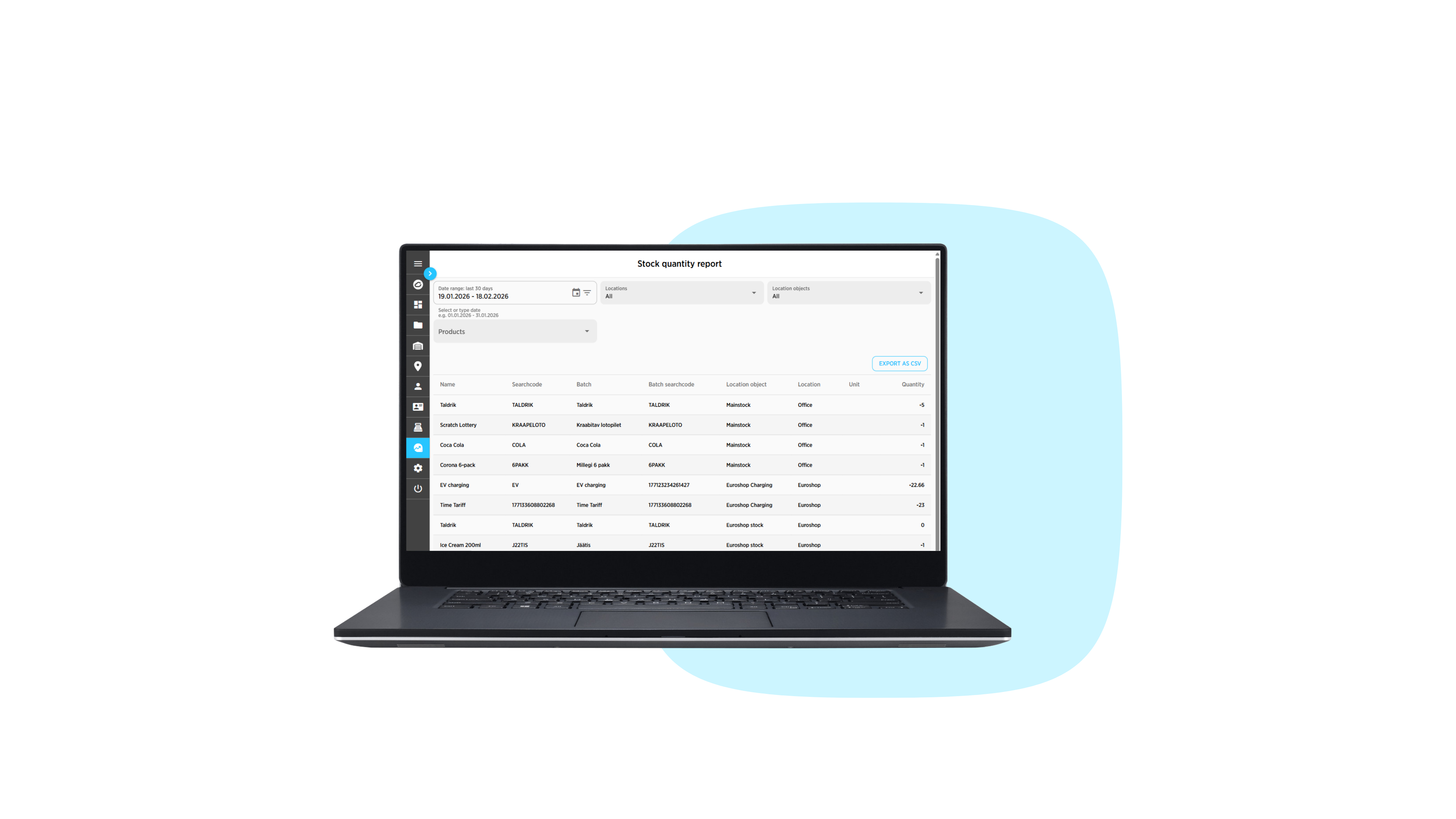
  • shopping stock quantity

    7. Reports

    Exportable reports of your inventory

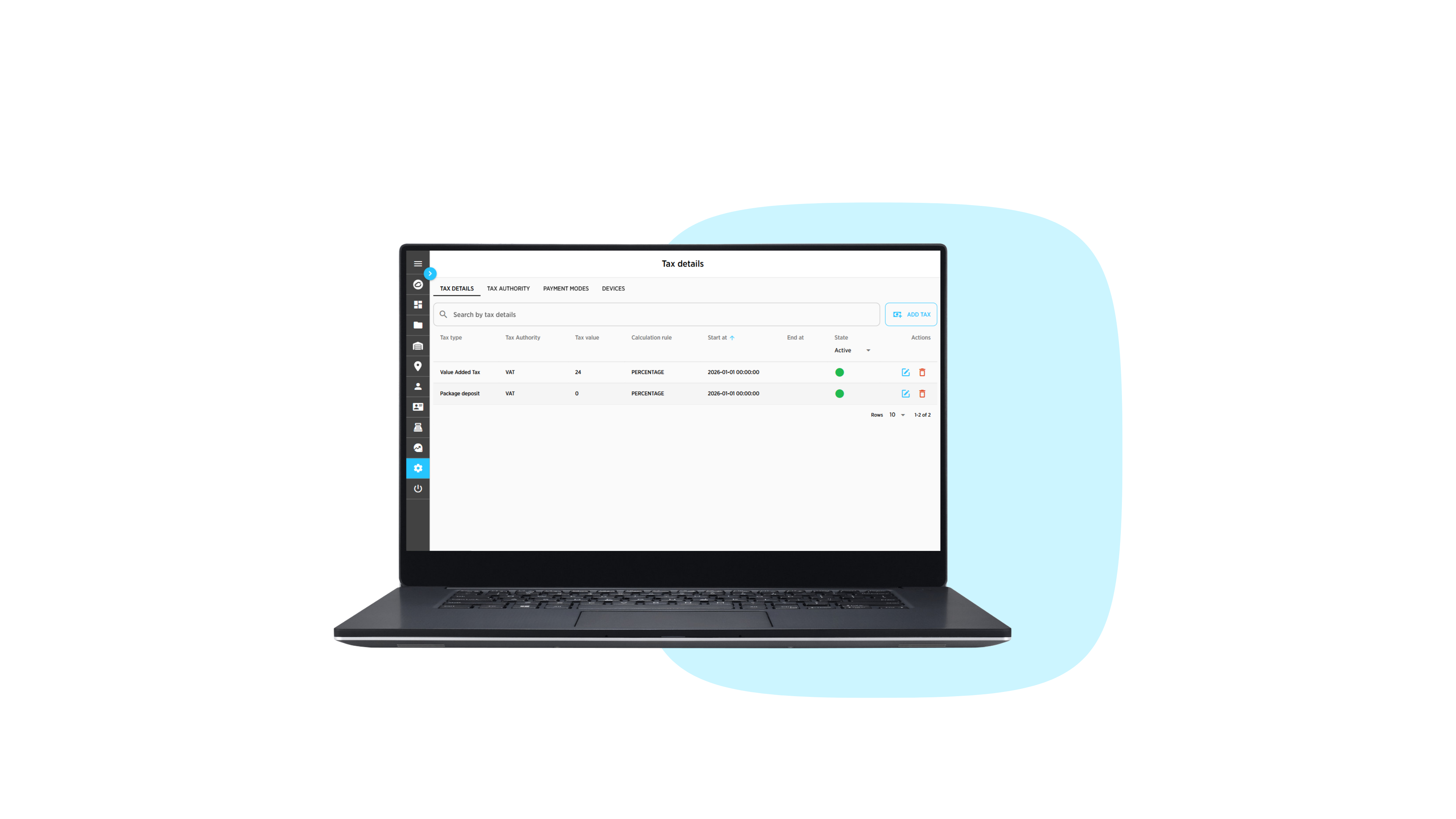
  • shopping tax details

    8. Settings

    Easily modify your POS in one place

FuellingChargingScan & PayPre-orderEntrance

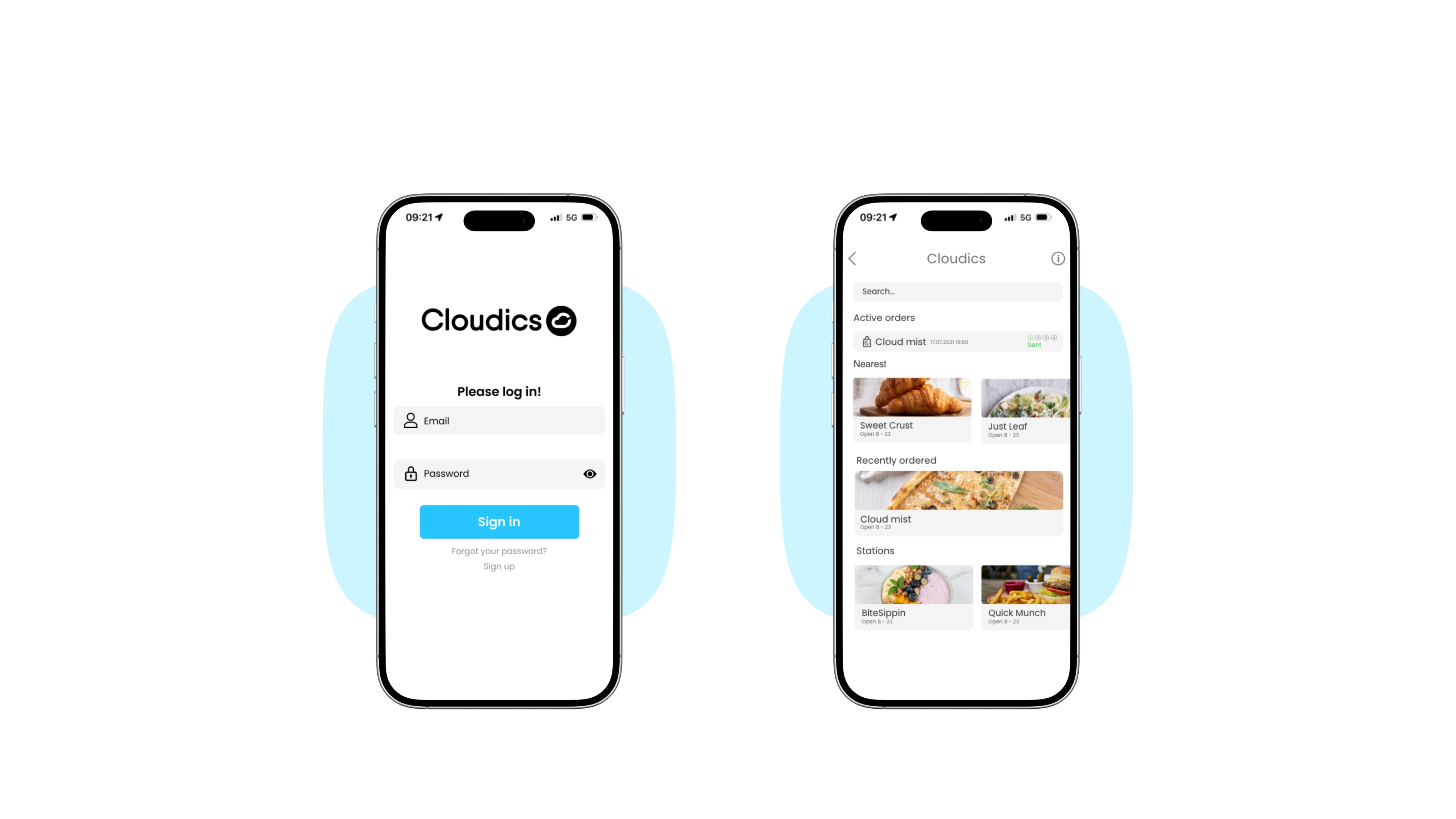
  • Cloudics mobile fuelling

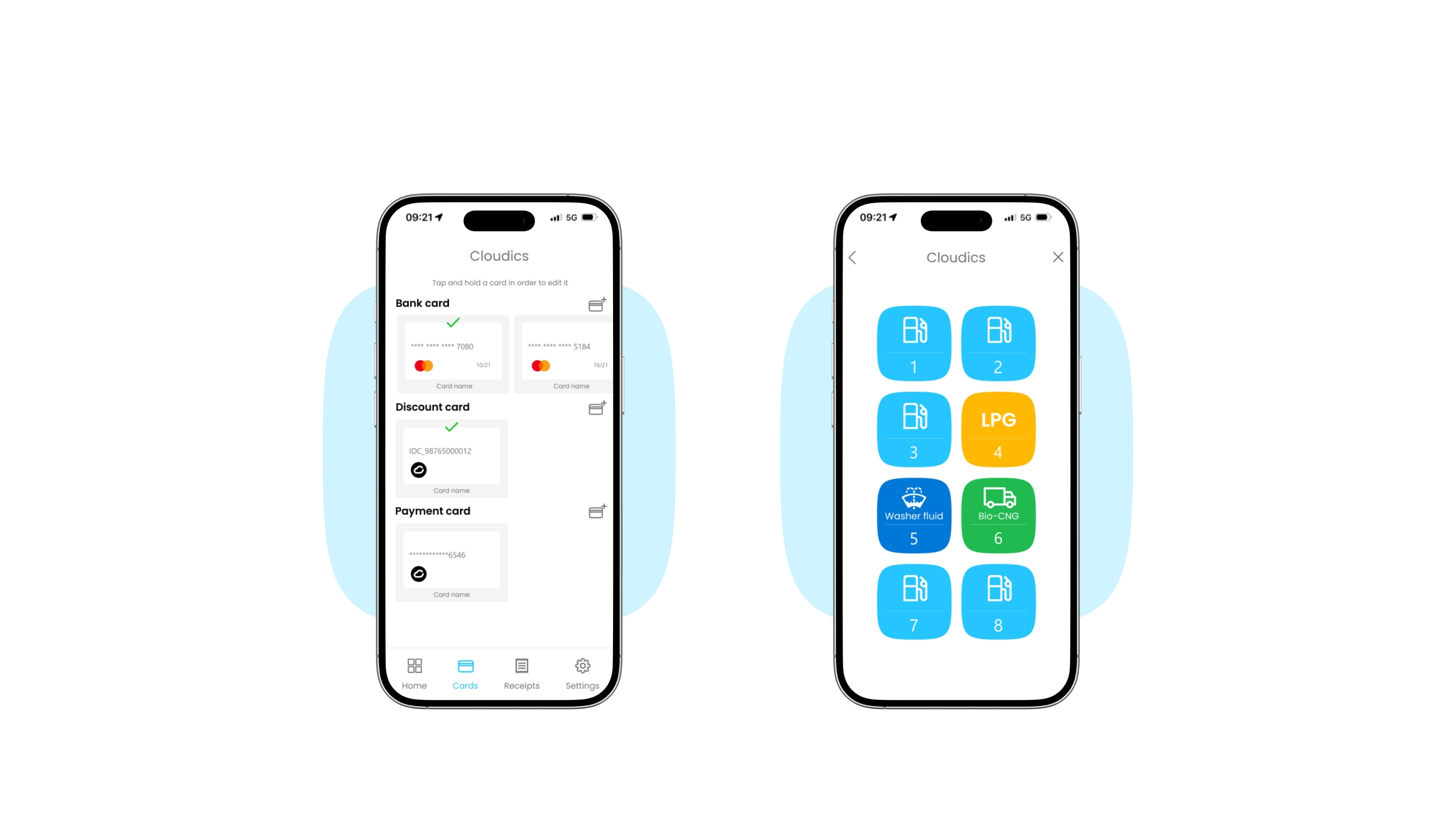
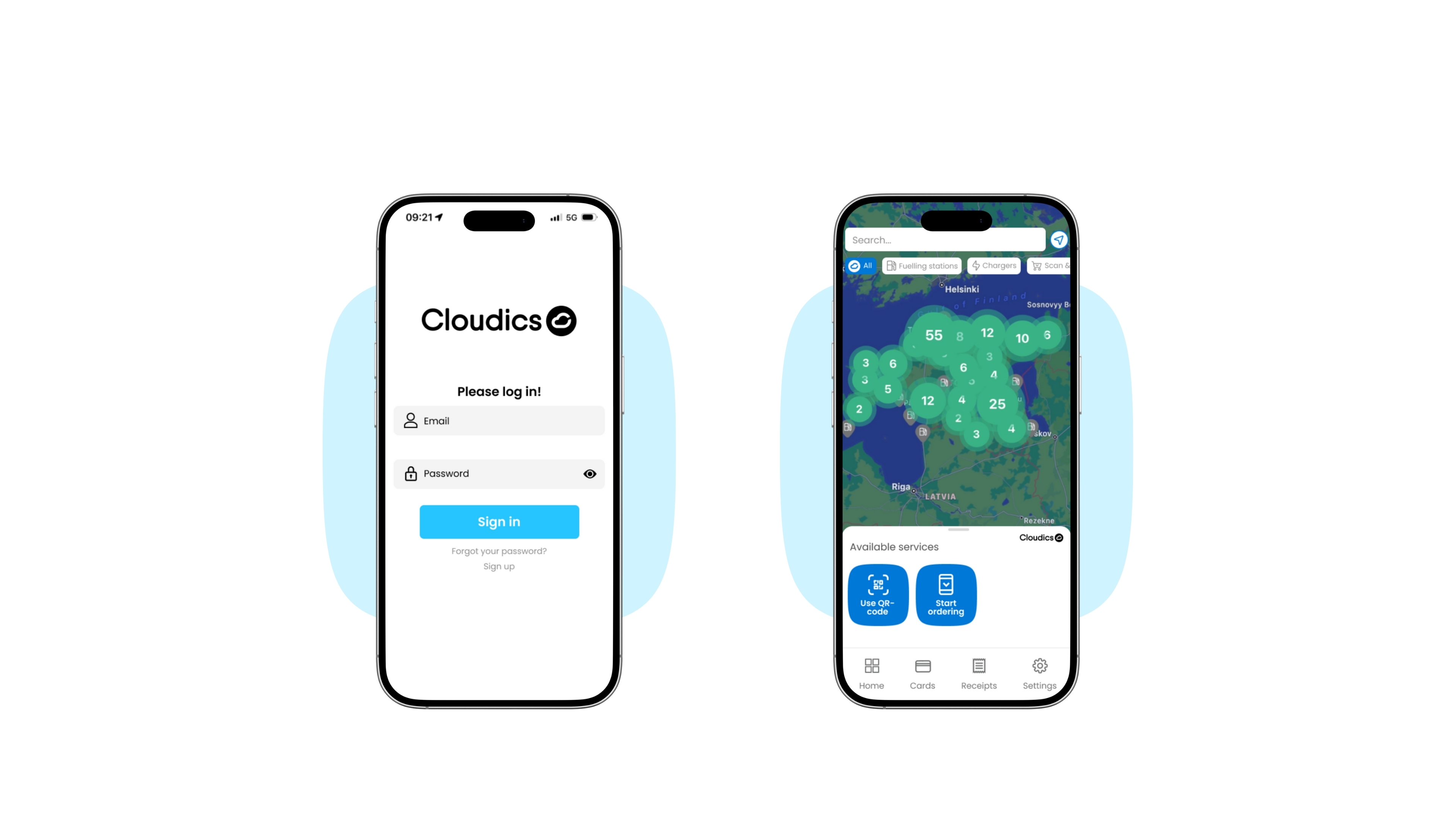
    1. Open

    Open Cloudics App

    2. Location

    Use license plate vertification, GPS or Scan a QR code

     
  • 3. Payment

    Choose a payment method (various cards can be added)

    4. Dispenser

    Choose dispenser (pump number)

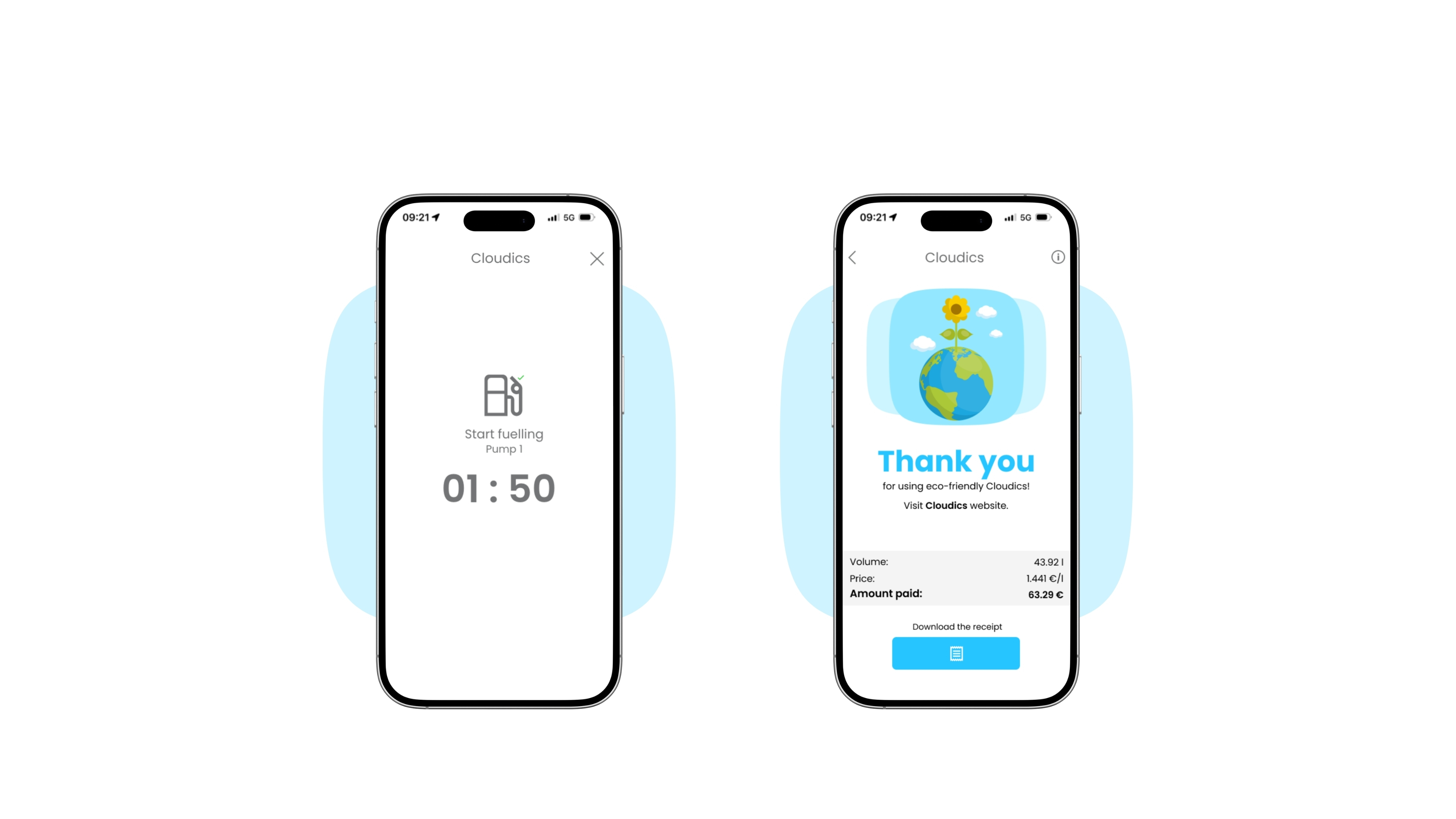
  • 5. Start

    The timer will start, and you have 3 minutes to begin refuelling

    6. Recipts

    View, download or share your receipt

  • Cloudics mobile fuelling

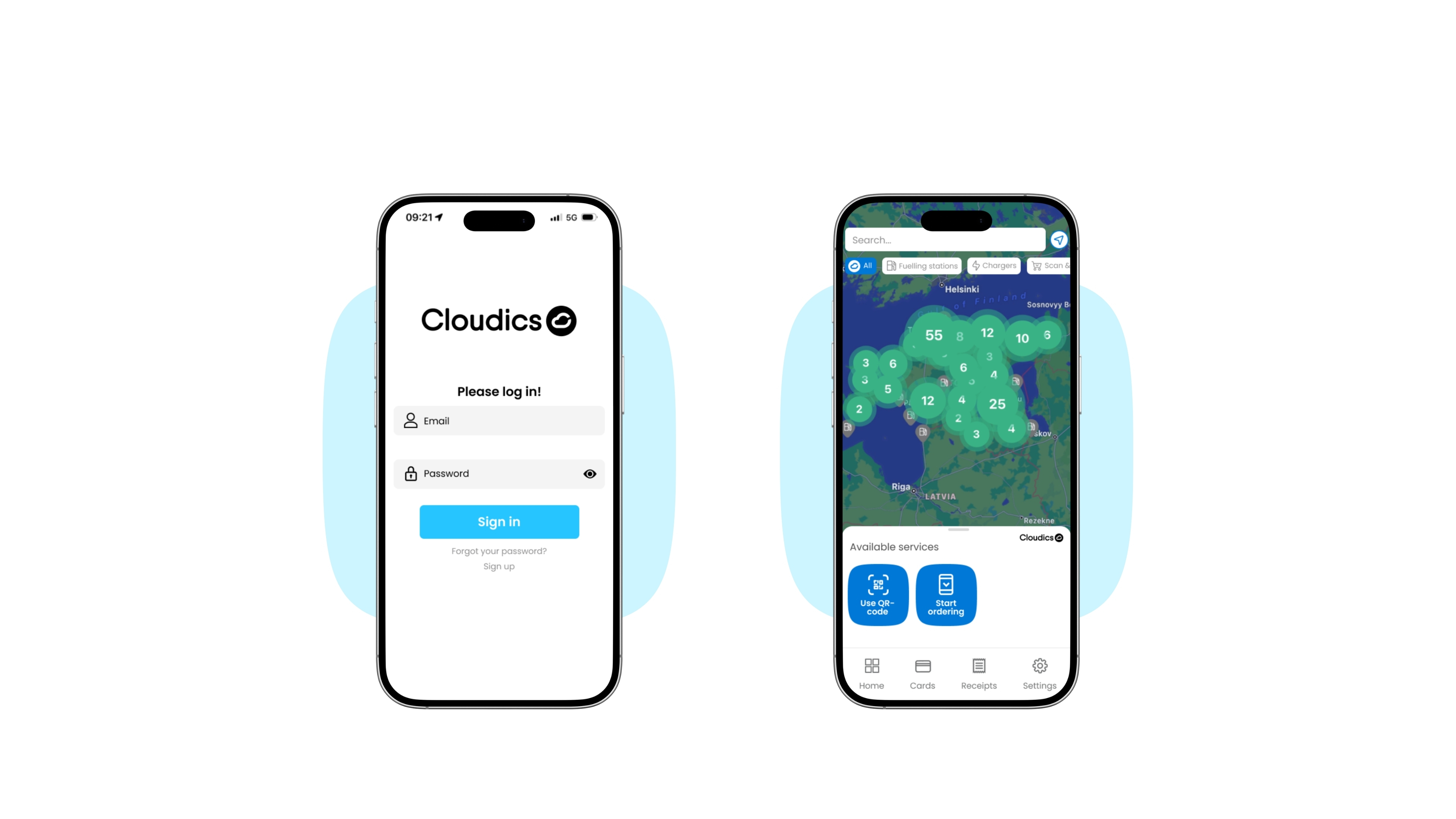
    1. Open

    Open Cloudics App

    2. Location

    Use license plate verification, GPS or scan a QR code
     
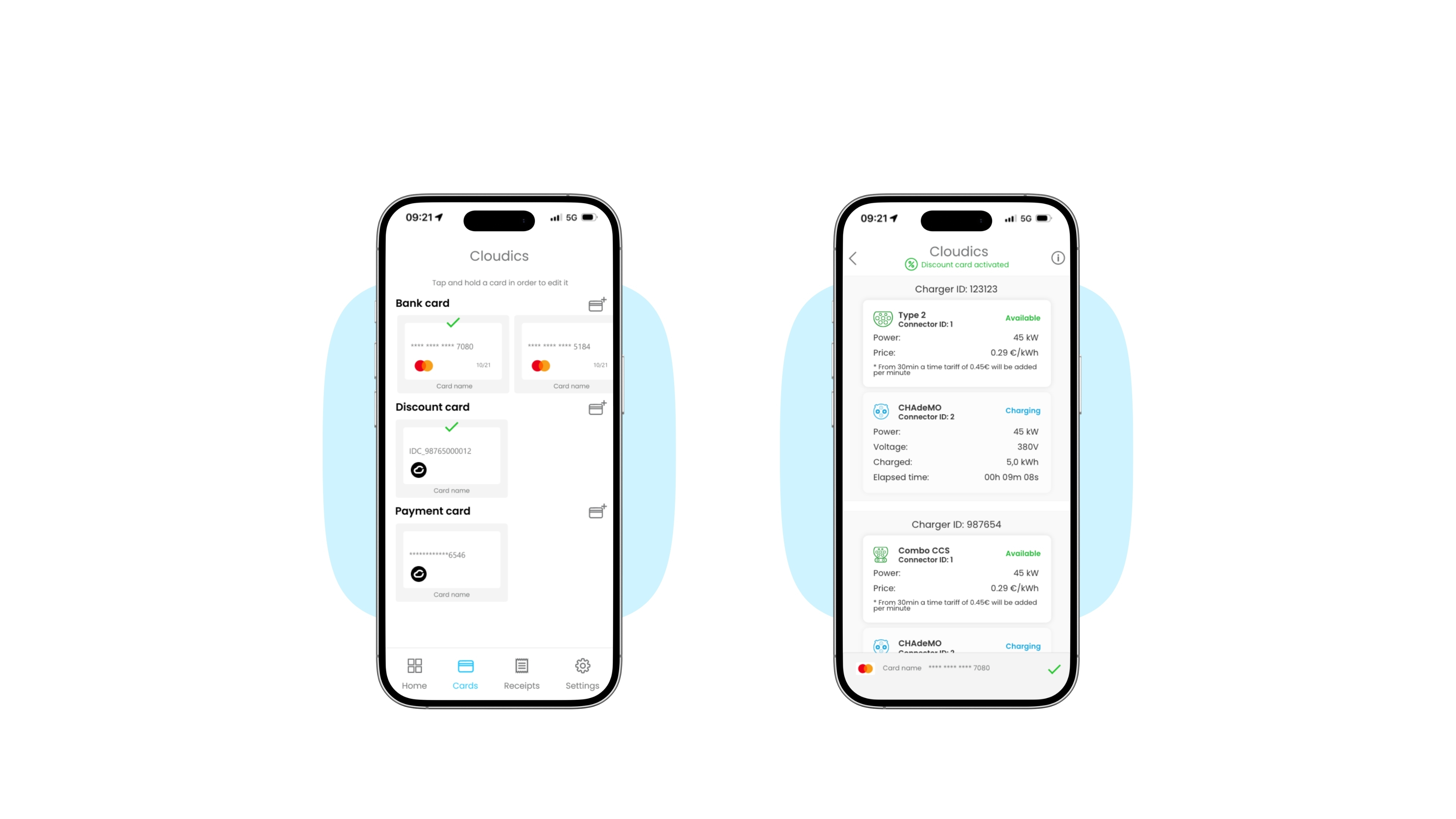
  • 3. Payment

    Choose a payment method (various cards can be added)

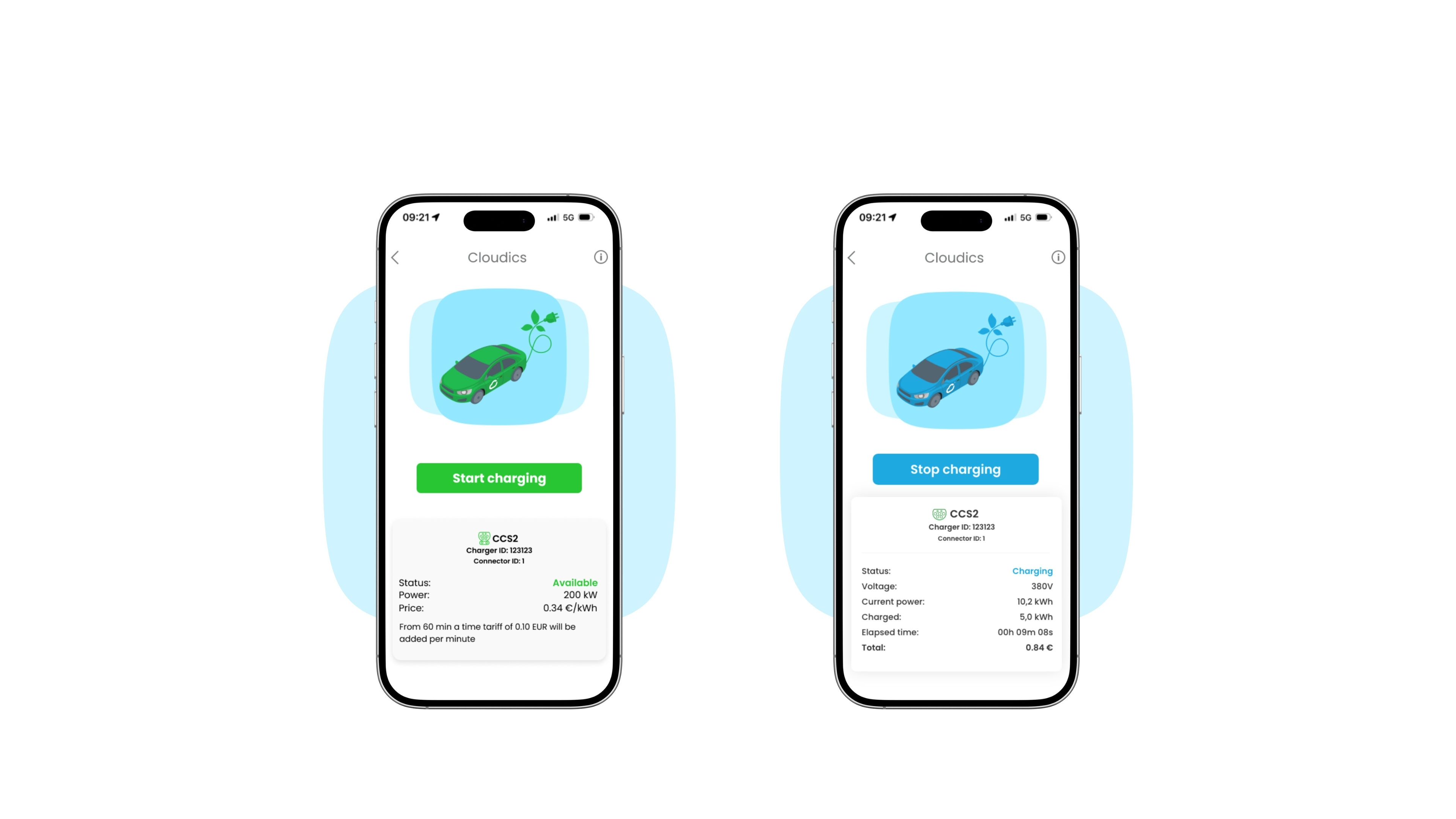
    4. Choose charger

    Select the correct plug type

  • 5. Start

    Plug in the connector and start charging

    6. Stop

    Once finished, press 'Stop charging' to release the connector

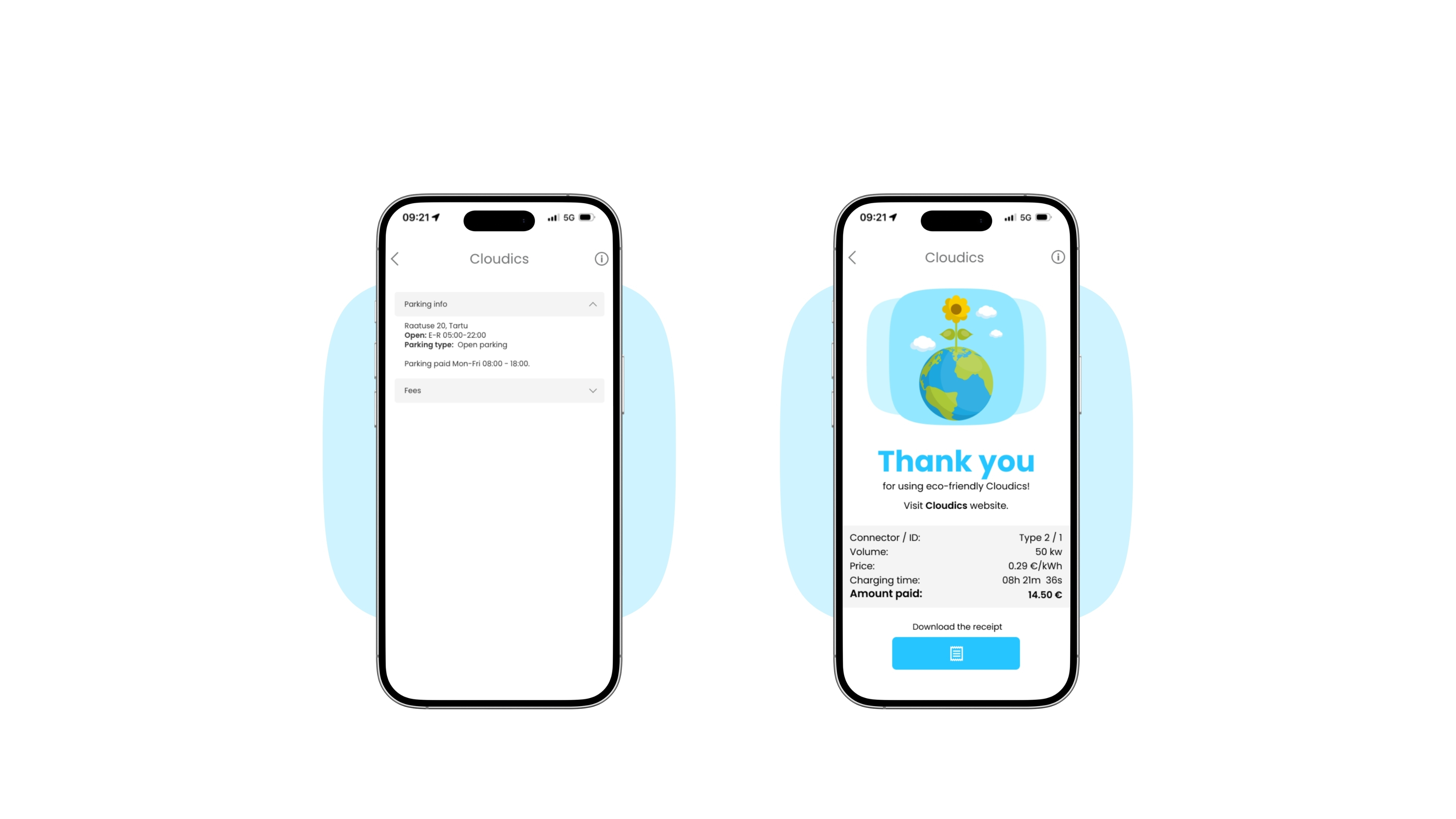
  • 7. Parking

    See parking information in the charging area

    8. Receipts

    View, download or share your receipt

  • 1. Open

    Open Cloudics App

    2. Location

    Use GPS or scan a QR code
     
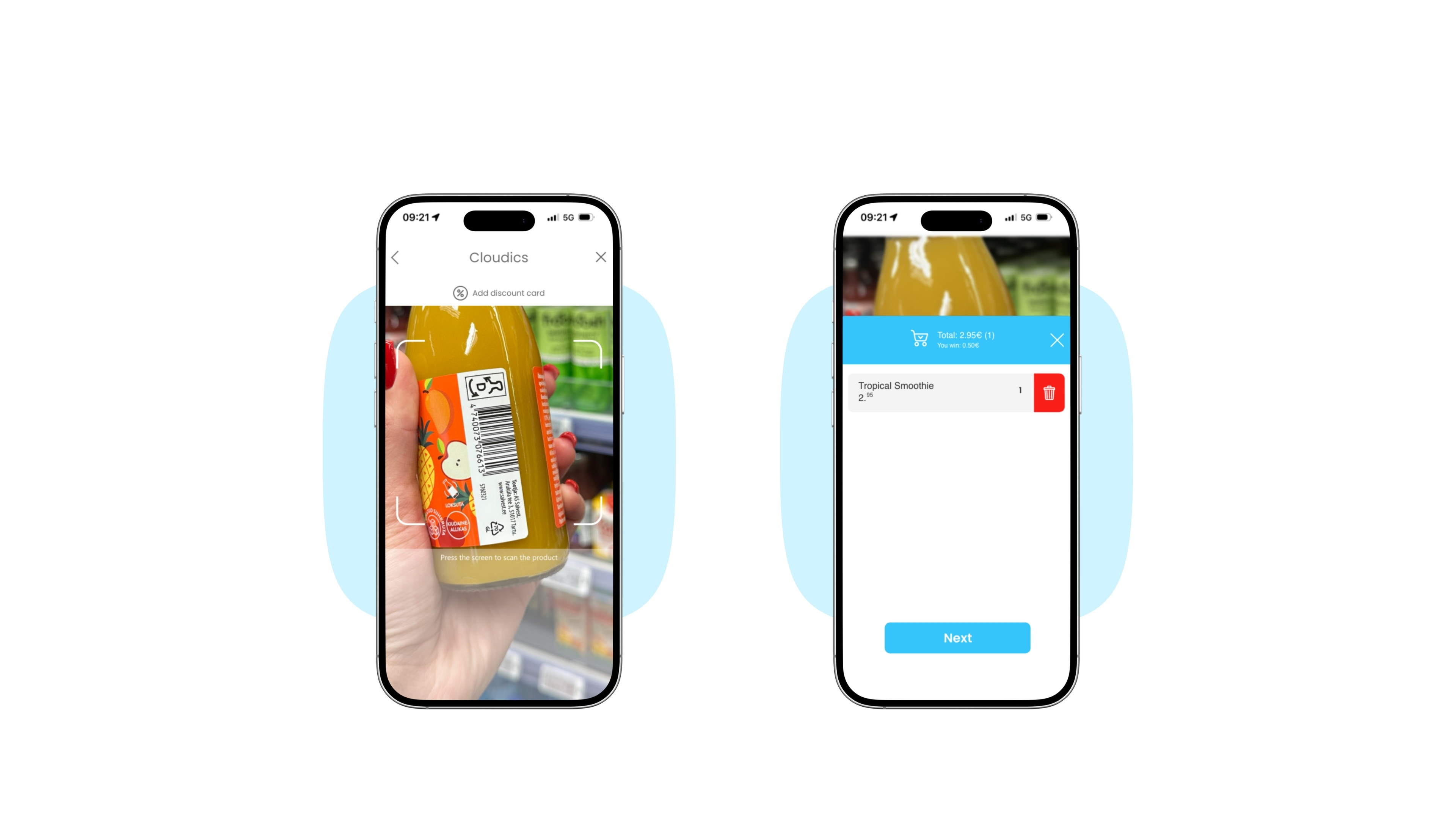
  • 3. Scan products

    Scan the barcode to add the product to your cart

    4. Confirm cart

    Control and confirm your cart

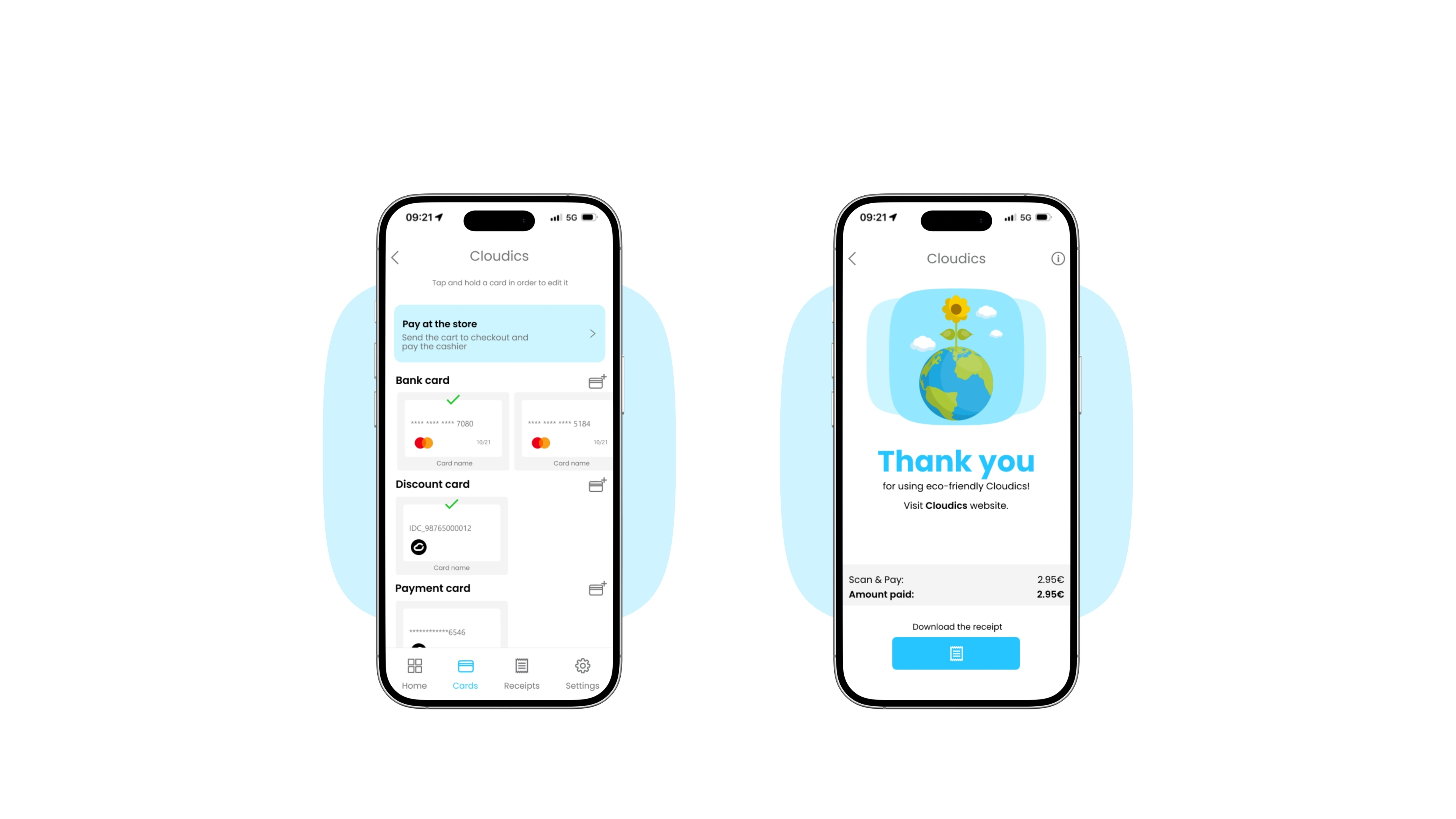
  • 5. Payment

    Choose a payment method (various cards can be added)

    6. Receipts

    View, download or share your receipt

  • 1. Open

    Open Cloudics App

    2. Choose business

    Choose a business from where to pre-order products

     
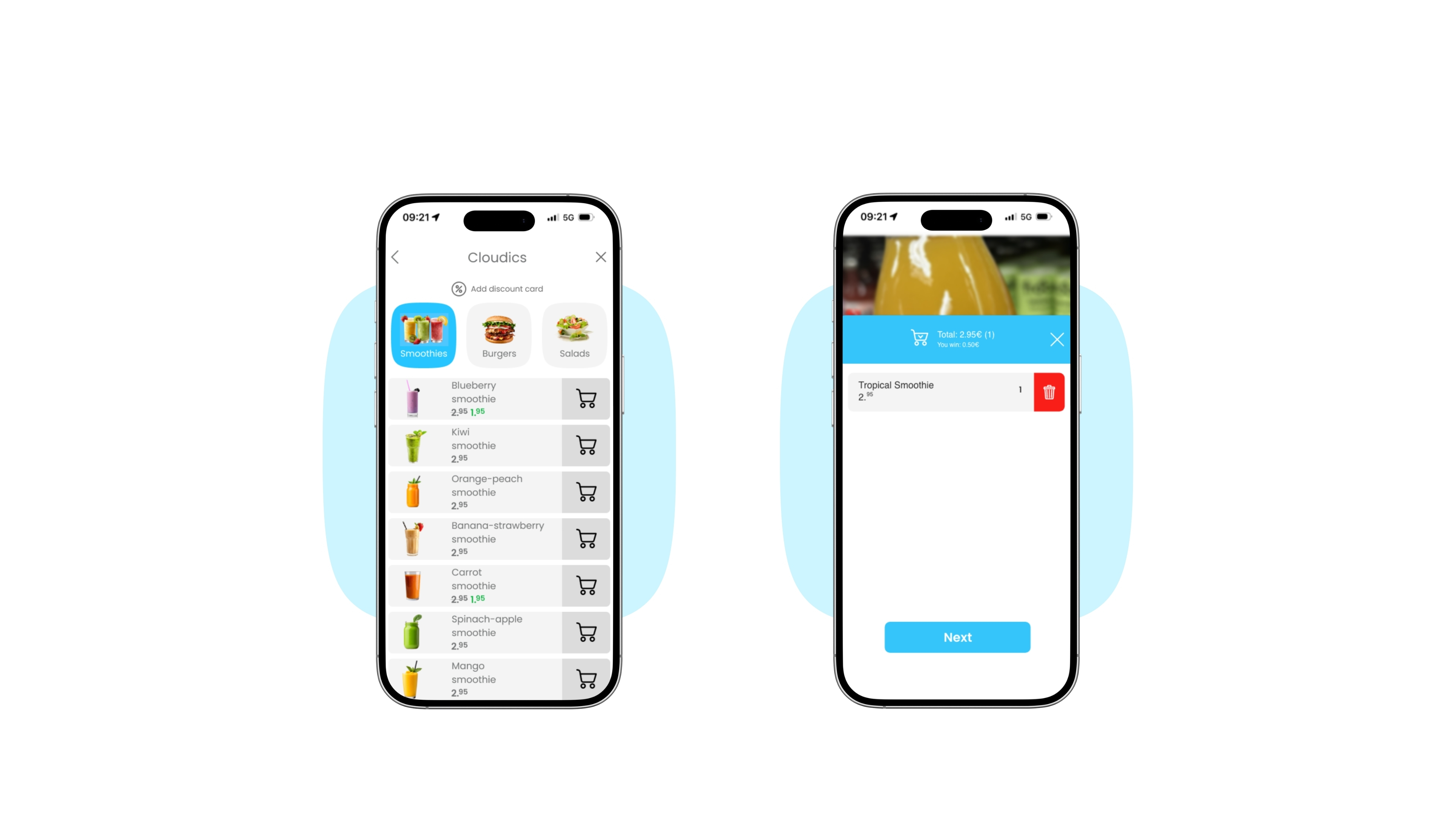
  • 3. Add to cart

    Add desired products to the shopping cart

    4. View cart

    View the products that are in the shopping cart

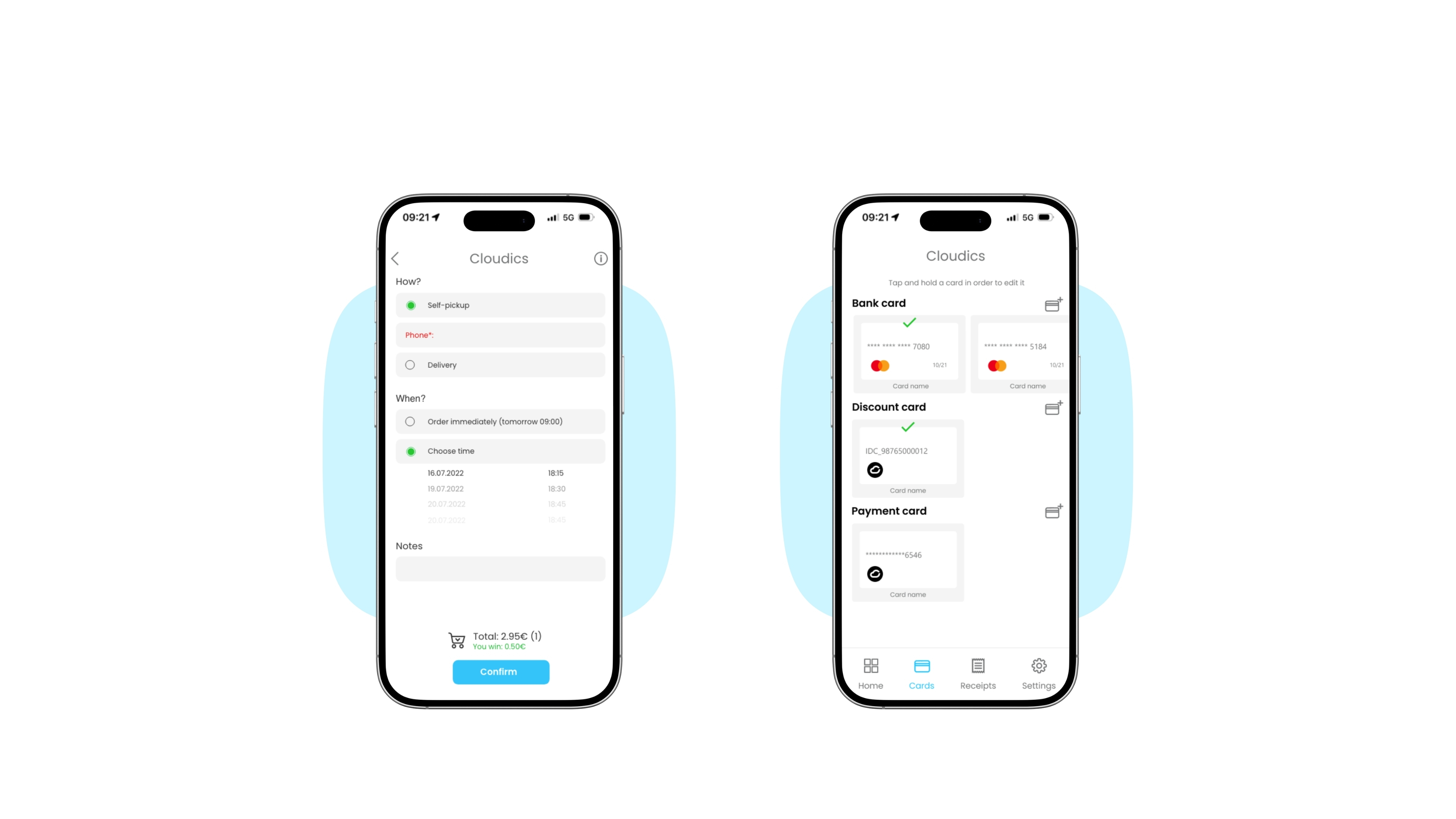
  • 5. Place order

    Check order details and place the order

    6. Payment

    Choose a payment method (various cards can be added)

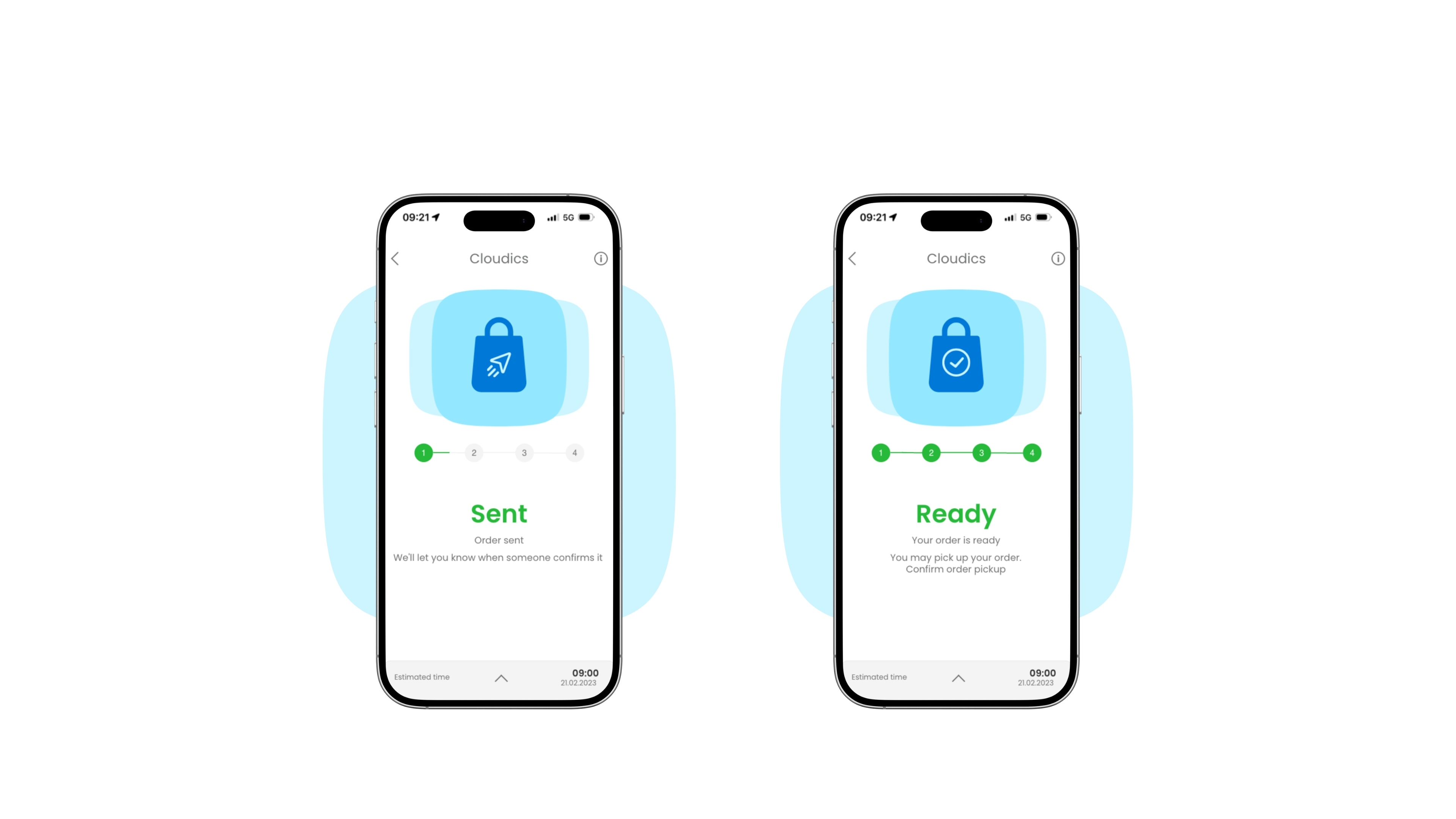
  • 7. Order sent

    The order is placed successfully and is being processed

    8. Order ready

    The order is ready for pick-up

  • 1. Open

    Open Cloudics App

    2. Location

    Use GPS or scan a QR code
     
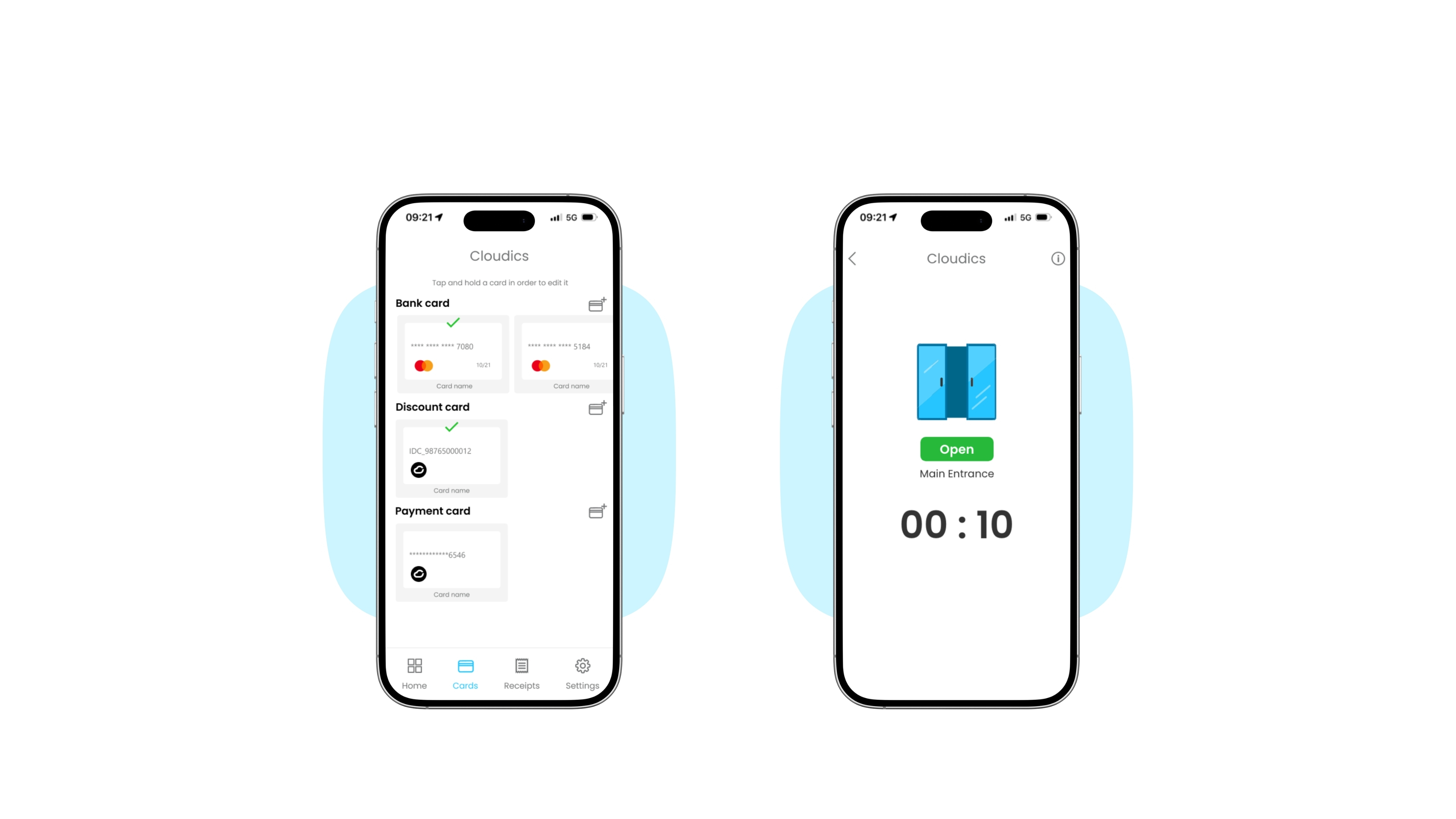
  • 3. Payment

    Choose a payment method (various cards can be added)
    4. Door open

    You have 10 seconds to enter

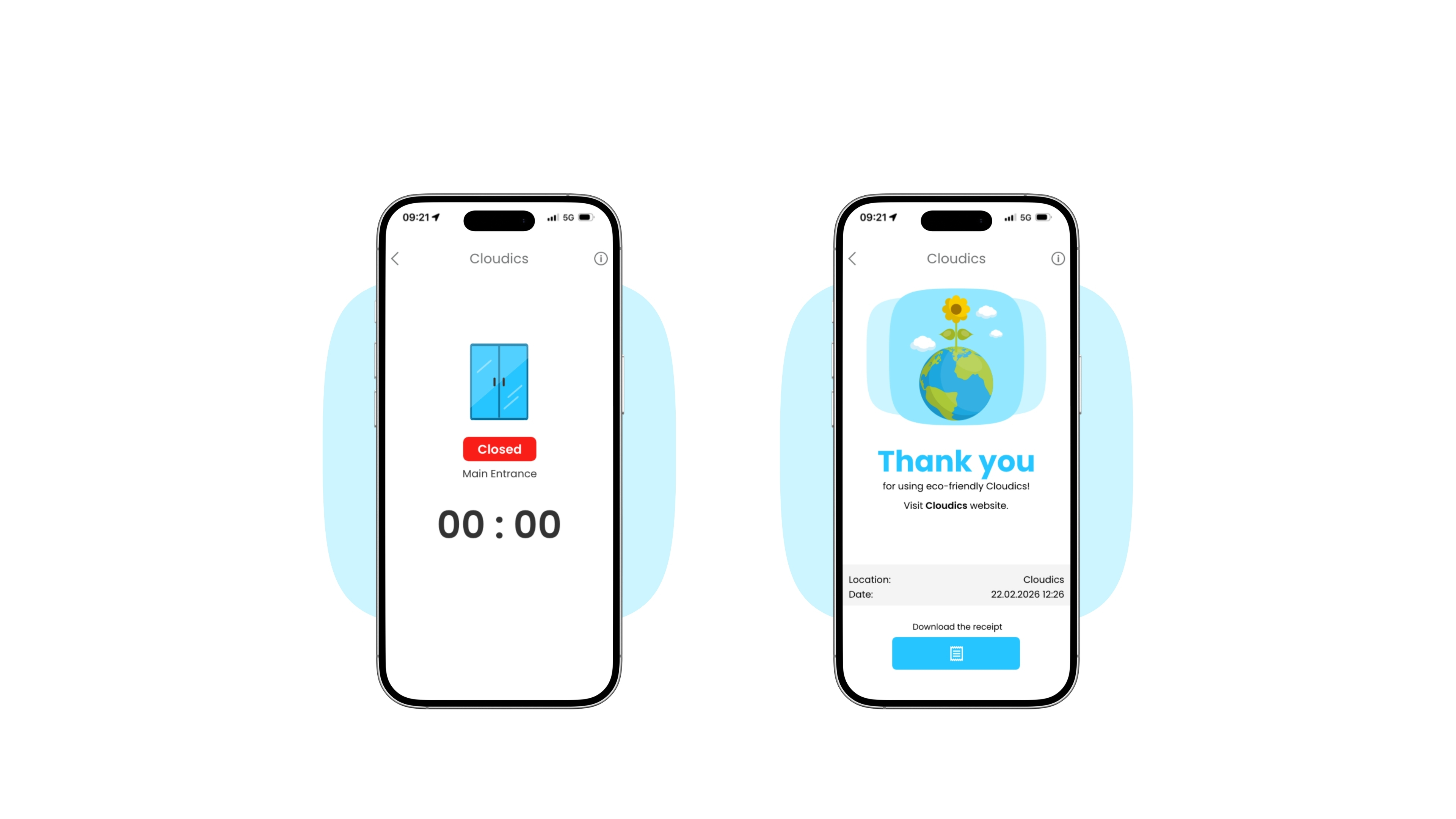
  • 5. Door Closed

    The door is now closed

    6. Receipts

    View, download or share your receipt