We take care of your systems so you can focus on growing your business. When ready, enhance your POS with extra features just as you need, at your own pace.
Pay annually
Pay monthly


SPECIAL OFFER
Perfect for new merchants looking to set up their POS
quickly and with minimal startup costs.
(Regular price 59 €/user)
Add users

 No location limitsB2B salesClear reportingProduct managementUser managementCustomer managementShift handlingData export and importDigital receiptsAutomatic updatesData backupsNo turnover limitsPromotions

SPECIAL OFFER
Perfect for new merchants looking to set up their POS
quickly and with minimal startup costs.
(Regular price 59 €/user)
Add users
 No location limitsB2B salesClear reportingProduct managementUser managementCustomer managementShift handlingData export and importDigital receiptsAutomatic updatesData backupsNo turnover limitsPromotions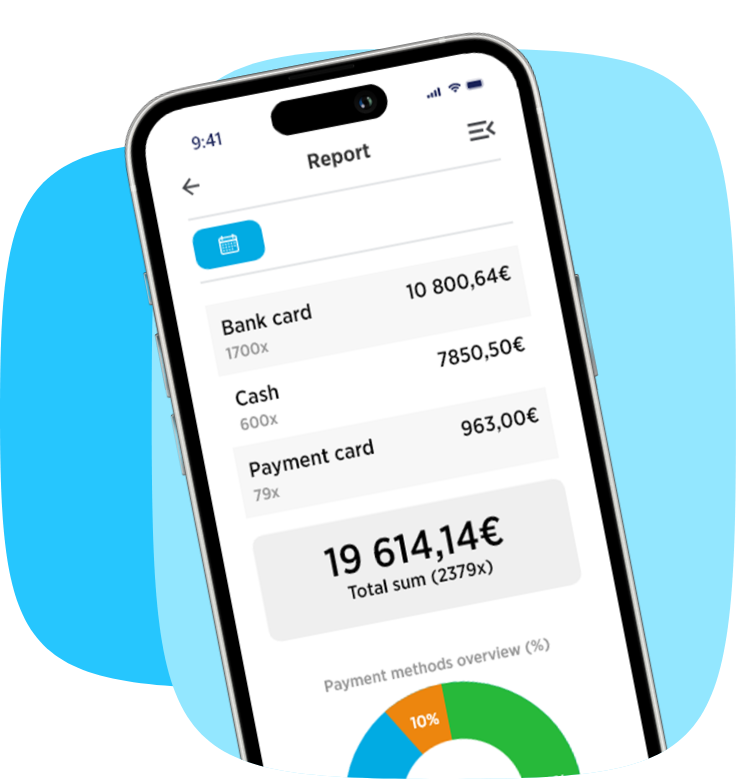
An intuitive POS system that streamlines your business. Create an account, add products, and start selling on any device you like.

Home, work, or office — manage everything from one place instantly and effortlessly.

Our POS system works on computers, tablets, payment terminals and phones — you choose how you sell.

One sales point, another, and
another — one solution for seamless use everywhere.

Our team is here for you. Contact us whenever you need support.

Offer a more convenient shopping experience with Cloudics app integration. Customers can scan & pay independently or transfer the transaction to the POS via a QR code.

Customise the point of sale with your logo and colours to create a seamless brand experience across every location.

Transform any physical or digital touchpoint into an instant conversion driver.
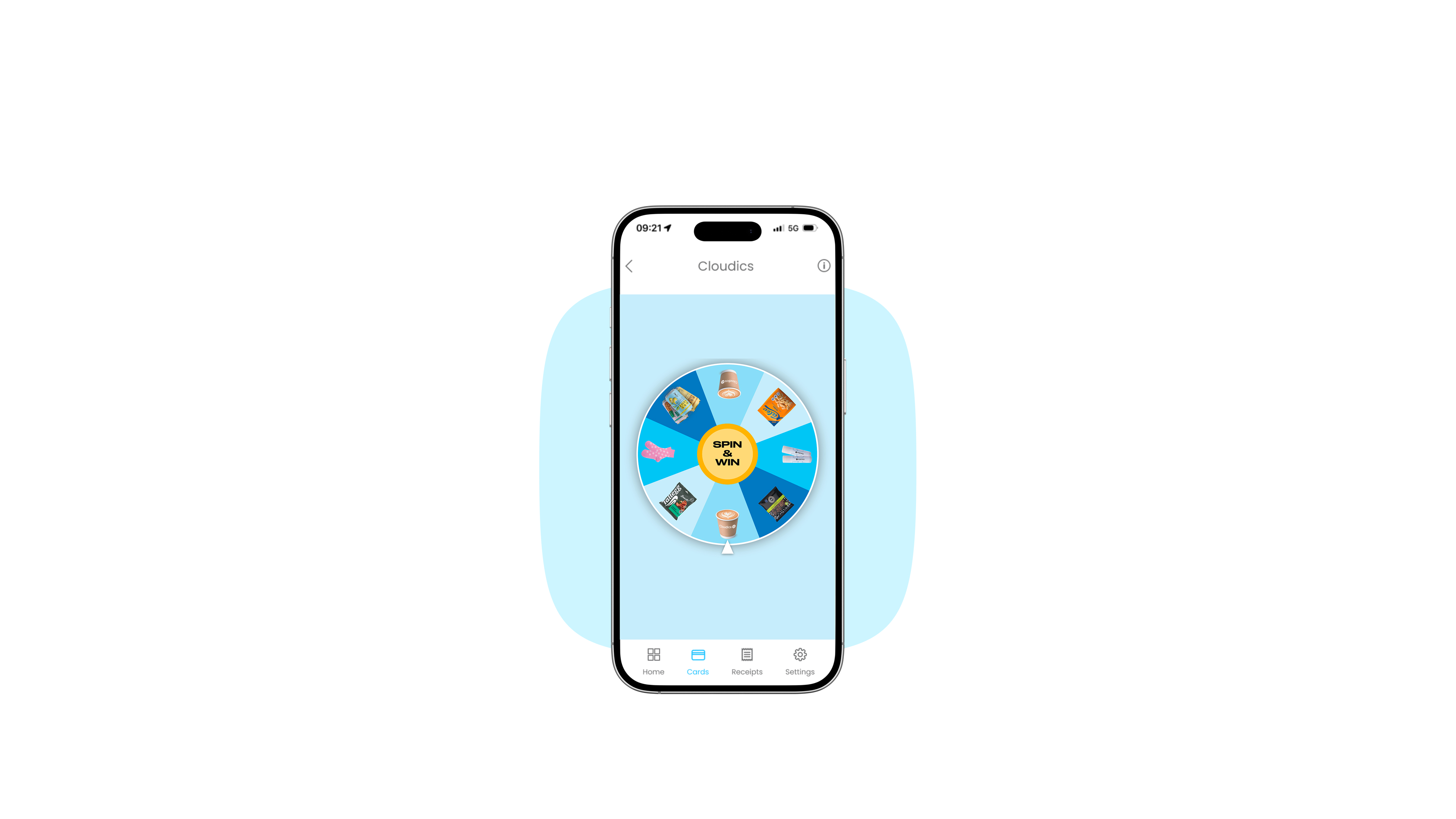
Gamification can be used in mobile app, in-store POS, SCO, and many more.

Fill in the fields and we’ll get in touch with you. We’ll introduce you to Cloudics and you can start selling quickly.
Number of selected users: 1
Selected billing method: Billed annually 348€ (save 17%)